The Basement Build — $7,000 Cost-Effective
Step up from the garage tier into a real basement install. The Square Golf Omni's four-camera photometric system delivers serious data for ~$1,599 with zero subscription fees — a hardware-to-price ratio nothing else in the niche matches. Pair it with the Carl's Place DIY 8x8 enclosure, a 4K laser BenQ TK710STi, and a pre-built RTX 5060 tower running GSPro, and you're at about $7,000 to $7,200 with the community-standard practice software — up to about $200 over the $7K label. The overage is the projector: BenQ discontinued the $1,499 TK700STi this build used to specify, and its laser successor costs $500 more. It earns that back in a room that does more than golf: 4K HDR for movies, and 16.7 ms of input lag at 4K by BenQ's figures for gaming.
Shop this build
Every required part, one button each.
Grouped by retailer at today’s prices. Subtotals use today’s prices, so they can differ a little from the build total, which uses our reference price for each part.
When you buy through links on Northcourse, we may earn a commission at no additional cost to you. Read the full affiliate disclosure
Build price watch
Not buying yet? We’ll email you when a part of this build drops below its 30-day typical price at a retailer we track, with what the whole build saves. Amazon isn’t one: Amazon’s rules don’t allow price alerts. No newsletter, unsubscribe in one click.
Room requirements
The honest minimums. If your room is smaller, jump to the configurator — it’ll suggest a different build that fits.
Minimum room
Room for a full driver swing up to about 5′9″ (average swing). Taller golfers: a higher ceiling.
Room planner
See this build in your sim room.
The planner opens with this room, the build's launch monitor and projector, and a 5′9″ right-hander with an average swing, all drawn to scale. Change any of them to match yours.
Who this is for
- — Cost-conscious buyers who still want serious practice tools
- — Mixed-use basements: casual rounds, serious-when-you-want-it practice, movies and game nights on the same 4K projector
- — Basement converters with a room about 10 × 18 ft and a 9.5 ft ceiling: room for golfers up to about 5'9" with an average swing (6-footers want 10 ft)
- — Households with right and left-handed players, with the mat moved between them (the Omni plays either way, and Square says it may need to be repositioned when players switch; two stances at one tee need about 12'10" on our room planner)
- — Anyone who'd rather pay GSPro's $250/yr than E6 Connect's $300/yr
Cost breakdown
Required items first, then optional add-ons. Subscriptions and consumables shown separately.
When you buy through links on Northcourse, we may earn a commission at no additional cost to you. Read the full affiliate disclosure
| Category | Product | Price |
|---|---|---|
| Launch monitor | $1,599 | |
| Hitting mat | $766 | |
| Enclosure | $1,000 | |
| Projector | $1,999 | |
| Computer | $1,500 | |
| Software | $250 | |
| Accessory | $80 | |
| Accessory | $80 | |
| Accessory | $120 | |
| Accessory · optional | +$250 | |
| Total (required items) | $7,394 | |
| Annual ongoing (subscriptions) | +$250/yr | |
When you buy through links on Northcourse, we may earn a commission at no additional cost to you. Read the full affiliate disclosure
Two minutes, five questions, one tailored build.
Build your simulatorField notes
This is the build for the buyer whose budget grew past the $6K garage build to $7K and wants to know where the extra $1,300 or so actually goes. The short answer: GSPro, true 4K projection, and a subscription-free launch monitor that plays left- or right-handed. Total lands at about $7,000 to $7,200, depending on the PC's price that week — a little over the $7K label, by up to about $200. The overage is the projector: BenQ discontinued the 4K lamp projector this build used to specify, and its laser replacement costs $500 more. The only recurring line is GSPro's $250/yr license. We're not padding the build to hit a number, or trimming it to duck under one; every dollar is doing a job.
You're probably here because you have a basement, the family is generally fine with you converting it, and you've spent enough time on the forums to know that GSPro is the community standard. You've also done the math on subscriptions and decided the right move is to own the hardware outright. The $7K cost-effective basement build is what that decision looks like in practice.
What this build trades, plainly
The trade at $7K is launch monitor brand recognition. The Square Golf Omni is not the unit your group chat is talking about — that's still SkyTrak+ or Bushnell Launch Pro. Forum sentiment on the Omni is climbing fast because the math is hard to argue with: a four-camera photometric system at $1,599 with no subscription, left- or right-handed play (Square says the unit may need to be repositioned to switch), and attack angle and club path measured with a shaft sticker. Face angle and dynamic loft are Square's estimates, so don't buy it for those. It's the highest dollar-per-feature pick in the launch monitor category right now. Two years from now everyone will know about it. Today, you can buy it for $1,599 — usually cheapest at PlayBetter or Indoor Golf Outlet — because it's still the underdog. See Where to Buy for our notes on each.
The other trade is mat tier. The Carl's Place HotShot 5×8 at $765.90 is the modular pick — the centered strip is the part that wears, so you replace the $79.95 insert, about a tenth of the mat's price, instead of buying a whole new mat — but it is not a full-stance premium surface. If you're hitting 200 swings a week, you'll want to move to a Fiberbuilt Studio Mat at $1,499 or similar in year two or three. Budget for it separately: at about $7,000 to $7,200 the build already uses the whole $7K label, so a $1,499 mat is a later purchase.
The room is the trade no part of this build can make for you. Plan on 10 by 18 feet under a 9.5-foot ceiling. At 10 feet wide the side walls sit inside the 7 feet around the golfer that Carl's Place and Shop Indoor Golf advise, so the planner reads them as under guidance, not as a fail. Eighteen feet is our room planner's depth: about a foot behind the screen, the ball 10 feet from it, and the 7 feet behind the tee that Shop Indoor Golf and Carl's Place advise. Square publishes no ball-to-screen distance for the Omni, so 10 feet is the planner's starting point, the middle of the figures other makers publish; in a shallower room the planner shows how close the ball can come. The 9.5-foot ceiling suits a golfer up to about 5'9" with an average swing; a 6-footer wants 10 feet (Shop Indoor Golf's ceiling table, the figures the planner uses). Nine feet is the lowest any published figure allows, and only for a golfer under 5'10" with a flat swing. Check your height and swing in the ceiling-height tool before you buy.
The GSPro math that makes this build land
GSPro is the cheapest serious software in the niche. $250/year for the community standard, with 2,500+ community-curated LiDAR courses, real practice tools, and the cleanest data export to coaches if you start working with one. Over five years that's $1,250 — meaningful, but the alternative is E6 Connect at roughly the same annual cost with a smaller course library, or SkyTrak Elite at $599.99/year, or staying on free native software and never accessing the practice tools that drove you to upgrade in the first place. GSPro is the right spend.
GSPro requires a real sim PC, though. A mini PC falls short — integrated graphics sit below GSPro's published minimum, a discrete RTX 3060 — and so does the Mac mini in the SkyTrak builds, since GSPro is Windows-only. A current RTX 5060 runs it well at 1080p to 1440p, comfortably above that minimum; GSPro recommends an RTX 3080 or better for 4K, so expect to run GSPro below the projector's native resolution. This build spends about $1,200 on a Skytech RTX 5060 tower (Ryzen 7 5700, 32GB) sold by Amazon.com to get one; its price moves day to day. If it is out of stock, the fallback is a step up rather than a sideways move: the Skytech King 95 (RTX 5070 Ti, 32GB, about $2,400), which also runs GSPro at 4K. The other RTX 5060-class towers we track on Amazon, the Skytech Shadow 5 and the CyberPowerPC Gamer Xtreme, have 16GB of memory, GSPro's own figure at 1080p with nothing to spare, so we don't suggest them for a GSPro build.
DIY tips that actually save money
The PC is the largest shopping win in this build, but it is a comparison win rather than a DIY one. Pre-builts with the same RTX 5060 span about $1,200 to about $2,250: the Skytech Ryzen 7 5700 tower we spec at the bottom, SurfThing's golf-sim SG3-5602 at the top with your software installed, and the CyberPowerPC Gamer Xtreme between them, anywhere from about $1,300 to $1,600 on Amazon since mid-October 2026, with half the Skytech's memory. Buying the Skytech instead of the CyberPowerPC saves about $100 to $400 depending on the day, for twice the memory; instead of the SurfThing, it funds about four years of GSPro. Assembling your own can still beat the Skytech, but the margin is thinner than it was and you inherit the warranty problem.
The Carl's Place DIY 8x8 enclosure is again the right call over a pre-bundled SIG10. The kit ships the screen, fittings and Carl's BlackStop side walls and top (side netting and ceiling safety baffles are add-ons); the frame is EMT conduit you buy at a hardware store and cut to length, which is where the savings and the flexibility come from — an 18-foot-deep basement has different dimensions than a two-car garage, and pre-bundles assume one. Budget a Saturday.
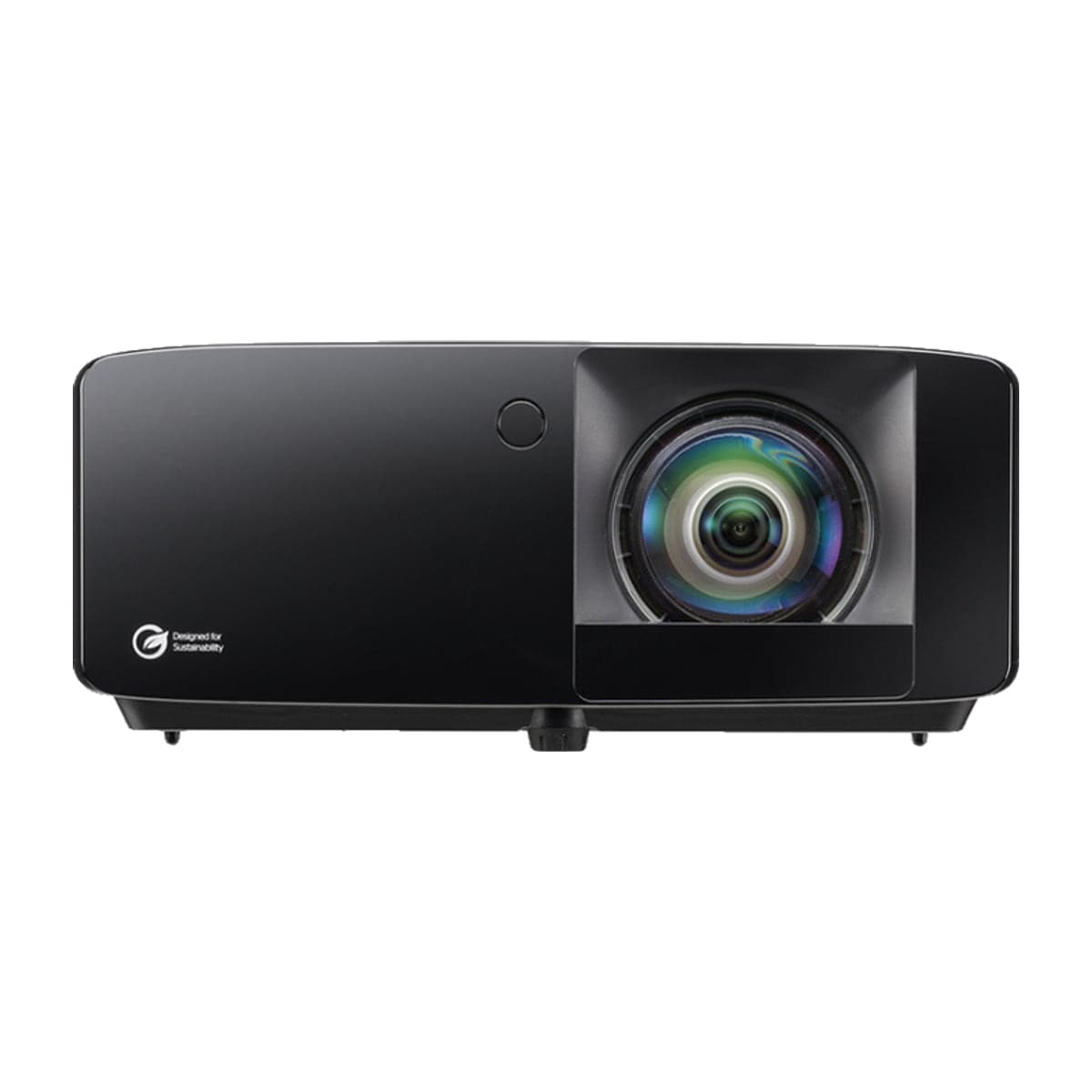
True 4K projection is the one place not to DIY-substitute, and it is where this build's overage goes. The BenQ TK710STi at $1,999 is BenQ's 4K laser short-throw, the successor to the $1,499 TK700STi this build used to specify, which BenQ has discontinued. Laser means no lamp to replace over the life of the room, and its 0.69–0.83 throw fills the 8x8's 86-inch-wide screen from about 5 to 6 feet away, a few feet ahead of the tee rather than over your swing. Dropping to a 1080p projector to save money in this build is still the wrong move — not because you'll see pixels, but because at this tier the rest of the build deserves the visual fidelity. Forums say the same thing: builders who put a 1080p projector on a $7K build regret it within six months. The gap is bigger than it used to be, though: $700 between the 1080p Optoma GT2400HDR and the TK710STi, and that $700 is what moves the total from about $6,400 to about $7,100. If the label matters more to you than the resolution, the GT2400HDR is the honest way back under it, and the Optoma UHZ35ST keeps 4K laser at $1,499 for as long as its clearance stock lasts.
If the room is also the family room
If you came here looking for our Mixed Use basement build, this is it: its parts list matched this one except for the mat, so the two are one build now. The household version of the room is usually two to four people — a partner who asked early on whether the room could also show movies, a kid or two getting serious about golf, friends on a Saturday — and this parts list serves it with a few adjustments worth knowing.
- The projector earns the overage. The TK710STi renders 4K HDR for a movie night and, by BenQ's figures, has 16.7 ms of input lag at 4K for gaming. An old HDMI 1.4 cable from the drawer tops out at 4K/30; the HDMI 2.1 cables in the cables line carry 4K at 60Hz. Run them before you mount.
- The mat is the one swap. The Country Club Elite 5×5 at $599 is about $167 less than the HotShot: one full-stance real-feel turf rather than a surround with a replaceable strip. That swap was the whole difference between the two builds. With several people hitting from the same spot, the HotShot's $79.95 insert is the cheaper thing to wear out.
- Both hands, one at a time. The Omni plays either way, though Square says the unit may need to be repositioned when players switch. A right- and a left-hander sharing one tee need about 12'10" of width on our room planner, more than this 10-foot room, so move the mat between them so each stands in the middle of the room. If both hands share the room every night, the Family Basement is planned for it: a 13-foot room, a 12-foot enclosure, and a mat with stance room on both sides.
- Side netting once guests swing. It is an optional line here because one practiced golfer can live without it. At 10 feet wide the side walls sit inside the 7 feet around the golfer that Carl's Place and Shop Indoor Golf advise, and a beginner's mishit finds them. With kids or guests in the rotation, add the side-netting.
- GSPro or E6 for a household. GSPro renews at $250 a year against E6 Connect Basic's $300, with a larger course library; the trade is that GSPro on Windows is more fiddly to set up, especially the first time. If nobody in the house is comfortable in a Windows settings menu, E6 is the better fit, and our family builds run it.
- Give the tower air. The RTX 5060 pushes real heat. In a closed basement room, leave about 6 inches behind and above the case, or temperatures climb across long sessions and GSPro starts to stutter.
What to upgrade first when budget grows
At $7K to $10K, the move is the mat. A Fiberbuilt Studio Mat at $1,499 is the lifetime surface — proper turf feel, no wrist fatigue, and a published 10+ year rating under heavy use. After the mat, the next leap is the launch monitor: Foresight GC3 at $3,999 (Foresight's sale price since October 13, 2026, against a $6,999 list; course play on a Foresight+ membership plus a Course Pass, roughly $500–$1,200/yr) for Foresight's validation record, or Uneekor EYE XO2 at $10,999 (overhead-mounted, so nobody moves it between left- and right-handed players, with measured face angle and dynamic loft; Uneekor asks for a 10-foot ceiling and a room at least 13 by 16 feet). That is performance-build territory — about $11,200 to $12,300 with the GC3, as our $12,500 performance build prices it, which also wants the RTX 5070 Ti tower our Foresight builds use for its Premier software, and past $20,000 once you're looking at overhead units. At $7K, hold the Omni and put the next dollar into the mat.
Where to go next
The room planner checks your basement against this build's 18-foot depth and 9.5-foot ceiling, and the configurator suggests a build for the room you have. If you're still weighing GSPro against E6 Connect or staying free, the subscription-cost article lays out the math. And if your budget is closer to $6K than $7K, the $6K garage build is the right step back.
Why these components
Each pick has a reason. Here’s ours.
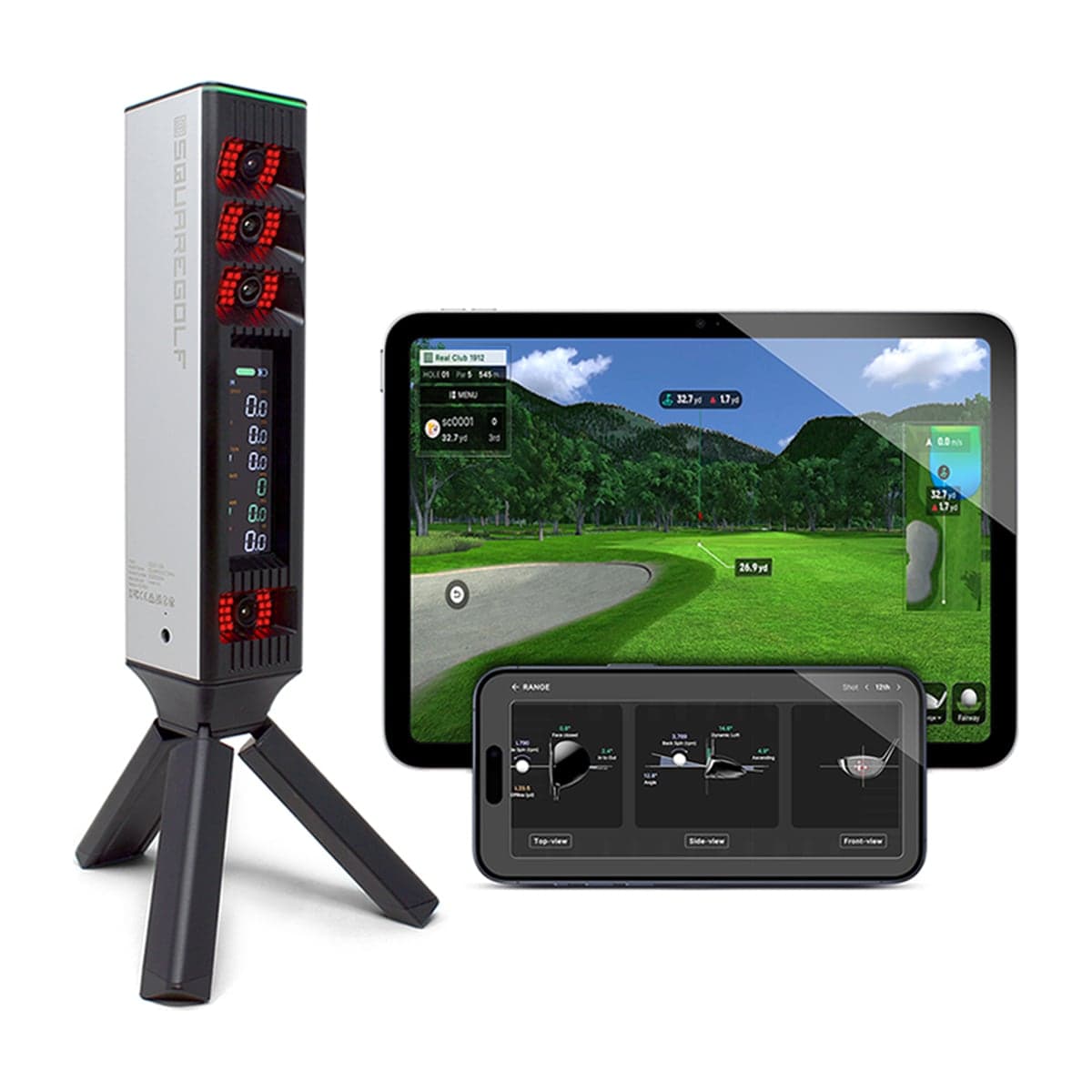
Four-camera photometric system at $1,599 with no subscription. It plays right- or left-handed, though switching means moving the unit to the other side of the ball. Best dollar-per-feature ratio in the launch monitor category right now. As of October 2026 it is sold out at Square Golf and on pre-order or backorder at the golf retailers (PlayBetter expects late fall), so check the lead time before ordering the rest of the room.
Buy from
- Buy at PlayBetter $1,600Free ship, Square Golf Omni
- Buy at Shop Indoor Golf $1,599Free ship, Square Golf Omni
- Buy at Rain or Shine Golf $1,599Free ship, Square Golf Omni
Prices confirmed Nov 12, 2026 · we check every retailer daily
Alternatives we considered
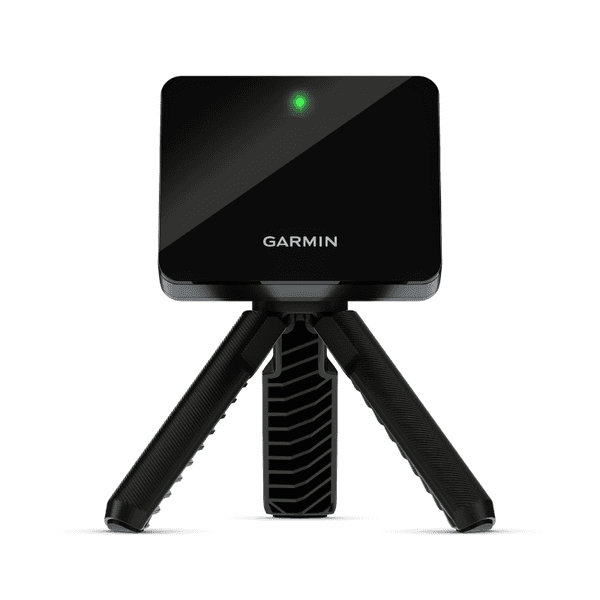 BudgetGarminApproach R10
The honest entry point. Outdoor and indoor capable, Garmin's polished software ecosystem.
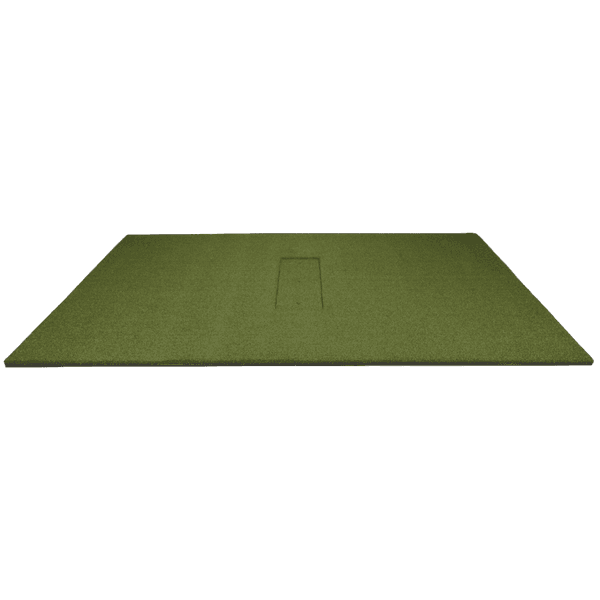
Modular: the centered strip is the part that wears, so you replace the insert rather than the whole mat. The Country Club Elite 5×5 in its place is about $167 less: one full-stance real-feel turf, easy on the wrists across moderate practice volume, with no strip to swap when it wears.
Buy from
- Buy at PlayBetter $766Free ship, HotShot Hitting Mat System
- Buy at Indoor Golf Outlet $766Free ship, HotShot Hitting Mat System
- Buy at Carl's Place $766Free ship, HotShot Hitting Mat System
Prices confirmed Nov 12, 2026 · we check every retailer daily
Alternatives we considered
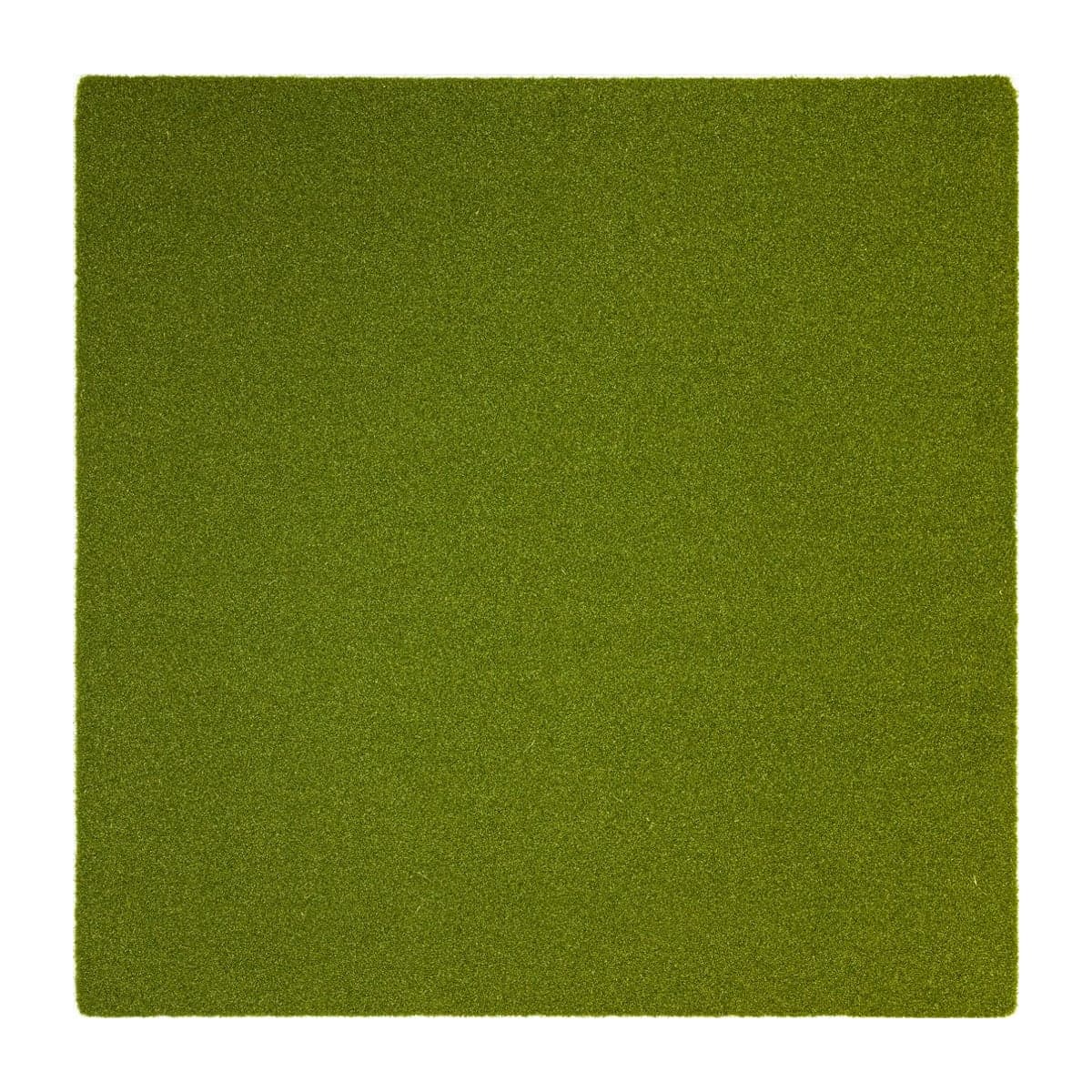 Mid-tierReal Feel Golf MatsCountry Club Elite Mat (5×5)
Full-stance 5×5 with real-feel turf. Used in commercial ranges; the practical mid-tier pick for serious-practice home builds.
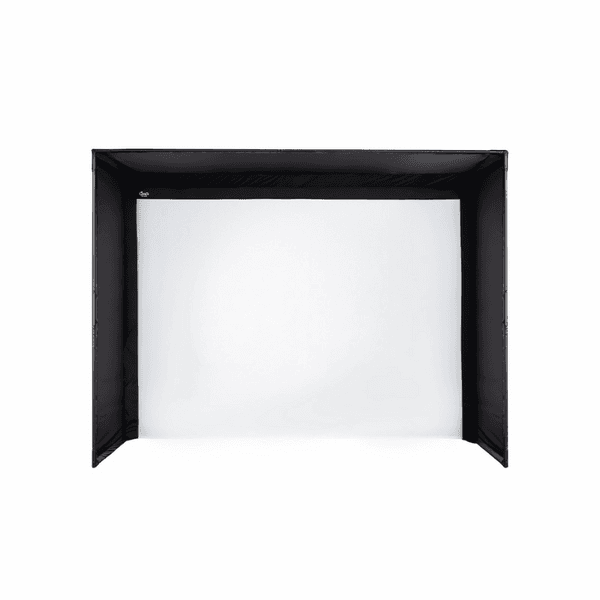
Custom-sized DIY kit. Pro-grade impact screen at the lowest price point for a permanent install — the right pick for cost-conscious basement builds.
Buy from
- Buy at Indoor Golf Outlet $1,000Free ship, C-Series DIY Enclosure (8x8)
- Buy at Carl's Place $1,000Free ship, C-Series DIY Enclosure (8x8)
Prices confirmed Nov 12, 2026 · we check every retailer daily
Alternatives we considered
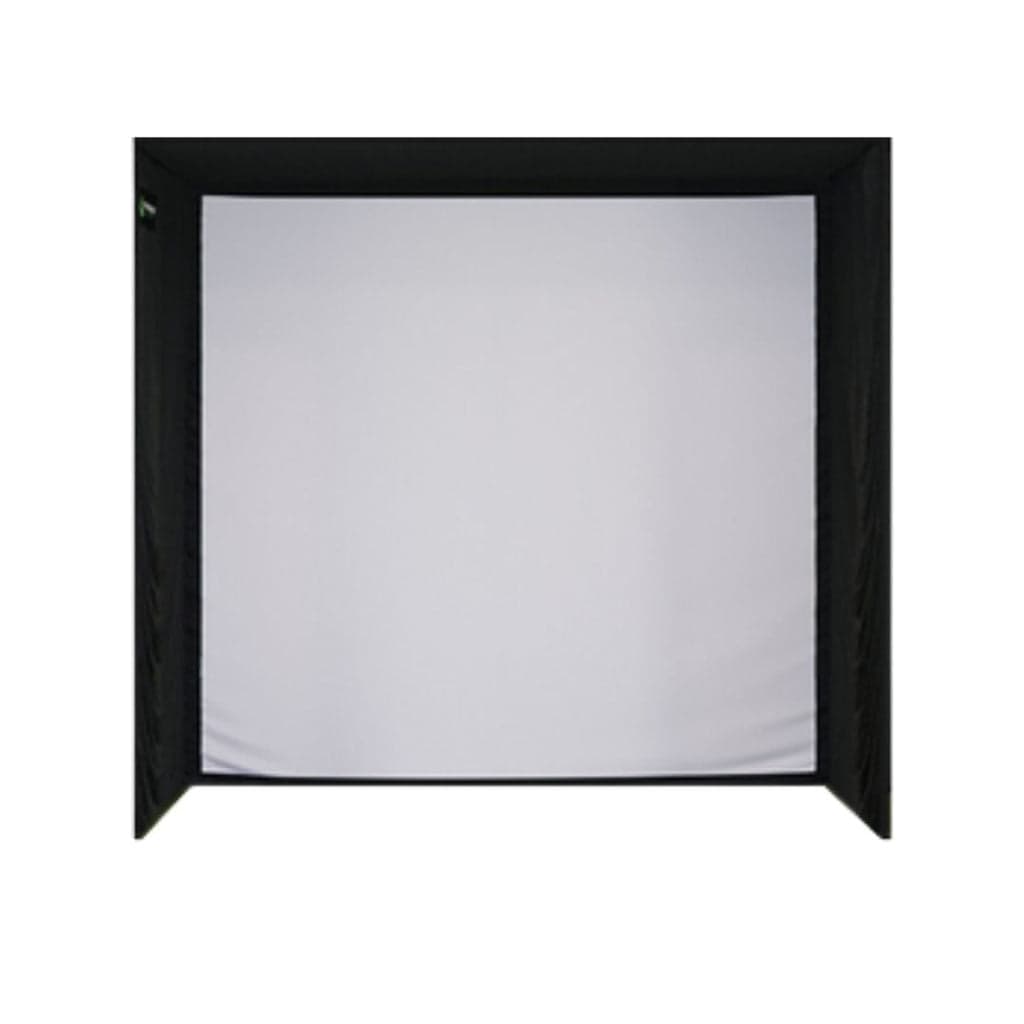 BudgetShop Indoor GolfSIG8 Enclosure
The narrowest SIG enclosure: an 8'4" square frame with the SIGPRO screen, for a room at least 10 ft wide with a 9 ft ceiling.
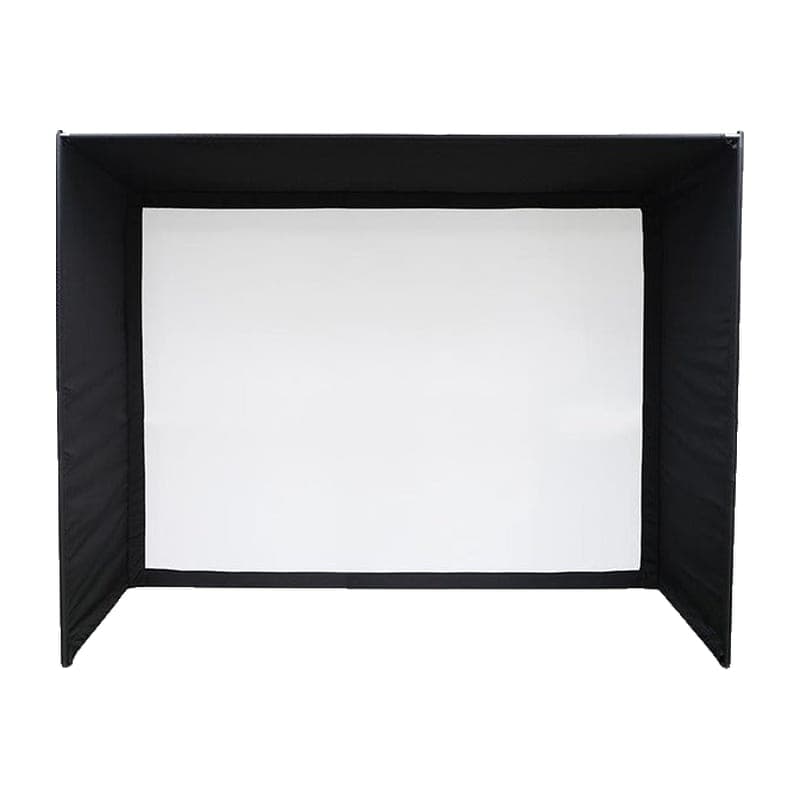 BudgetImpact SportsStandard Enclosure
Complete pole-frame bay with screen, roof, side walls and padding, in six sizes.
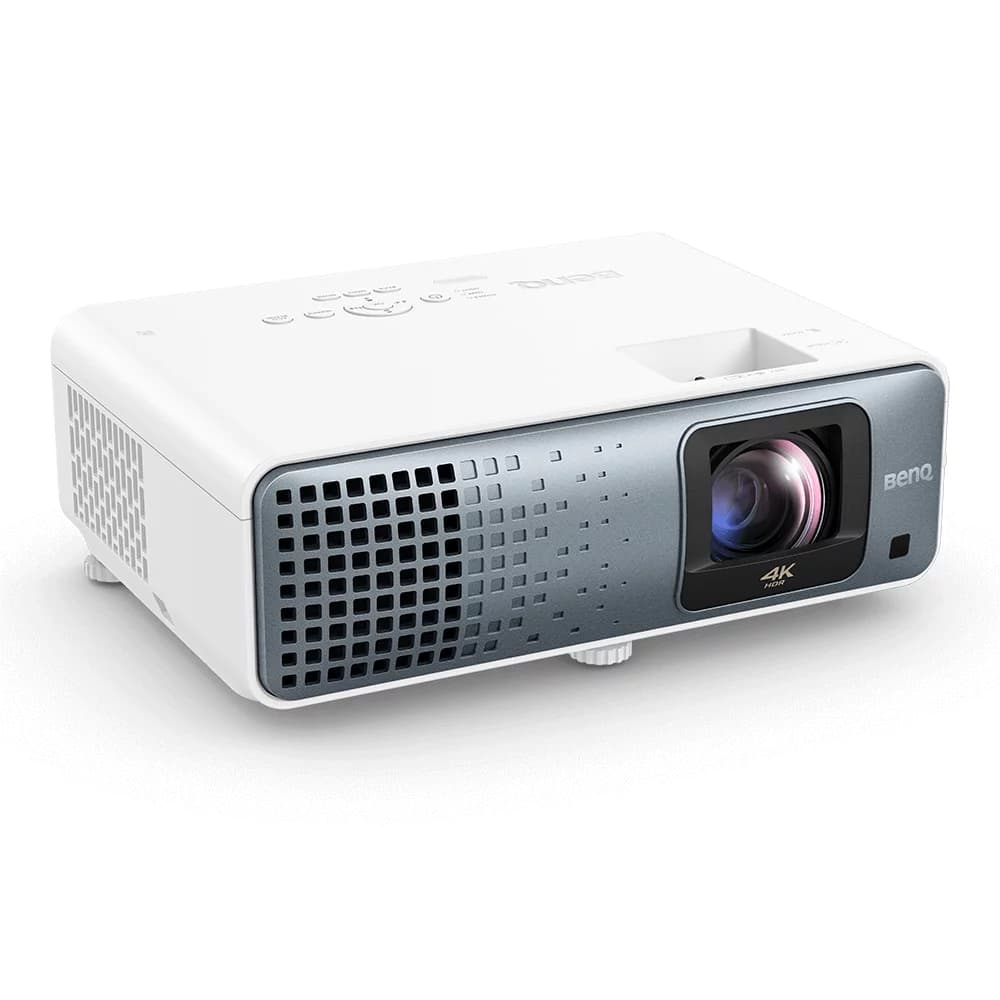
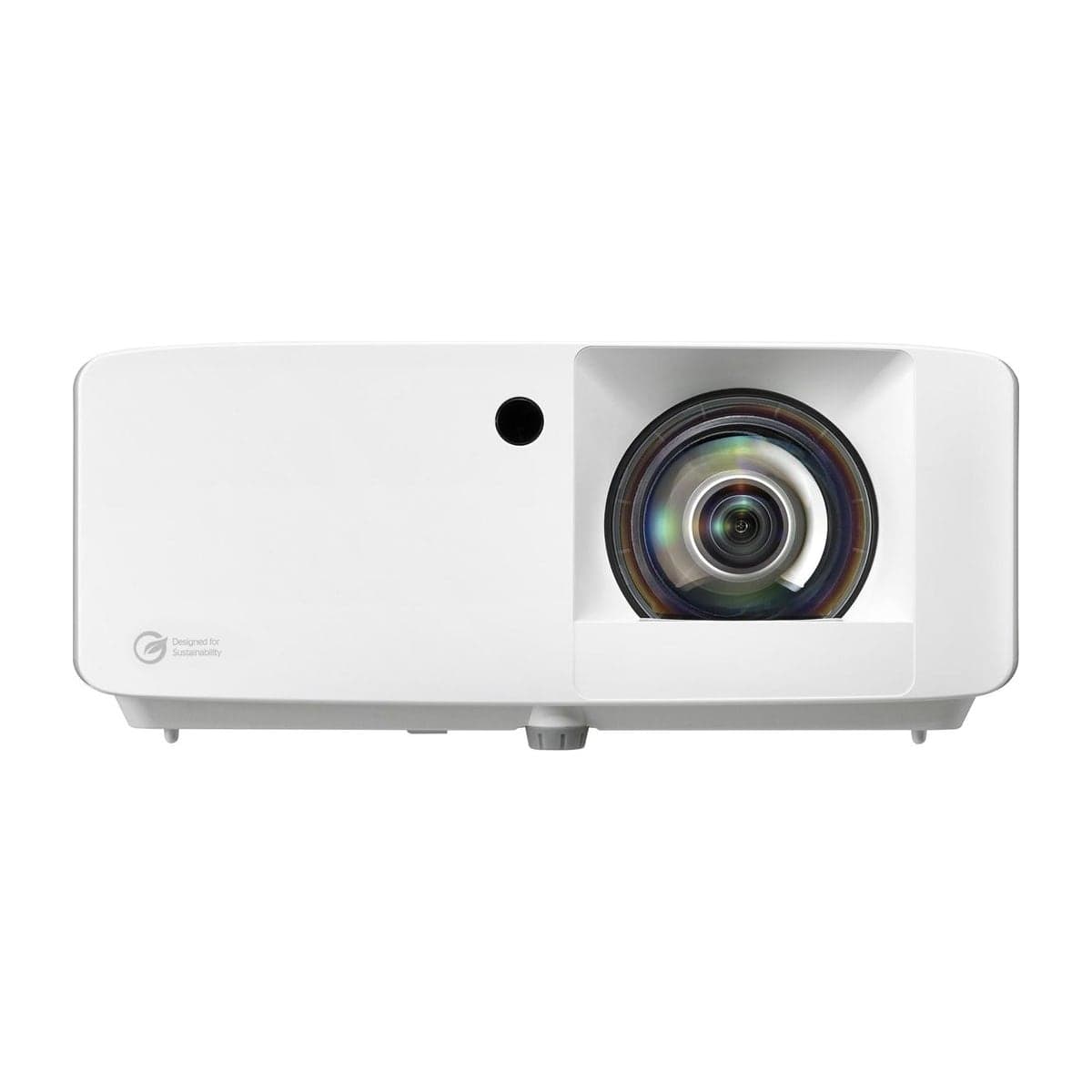
4K with HDR on a laser light source, so no lamp to budget for — and the line that takes this build past $7,000. Worth the step up from 1080p when the room is permanent, and it doubles as a movie and gaming display (16.7 ms input lag at 4K by BenQ's figures). Its 0.69–0.83 throw fills the 8x8's 86-inch-wide screen from about 5 to 6 feet, a few feet ahead of a tee set 10 feet back rather than over the swing.
Buy from
- Buy at Amazon $1,965Free ship, TK710STi
- Buy at PlayBetter $2,199Free ship, TK710STi
- Buy at Indoor Golf Outlet $2,199Free ship, TK710STi
- Buy at Carl's Place $2,199Free ship, TK710STi
- Buy at Shop Indoor Golf $2,199Free ship, TK710STi
- Buy at B&H $1,999Free ship, TK710STi
Prices confirmed Nov 12, 2026 · we check every retailer daily
Alternatives we considered
Skytech's Ryzen 7 5700 tower with an RTX 5060 and 32GB, about $1,200 sold by Amazon.com, and the cheapest RTX 5060 tower we track. GSPro runs well on it at 1080p to 1440p, comfortably above GSPro's RTX 3060 minimum (it recommends an RTX 3080 or better for 4K), and Square Golf's own app, which has no published PC minimum, has room to spare. If it is out of stock, the step up is the Skytech King 95 (RTX 5070 Ti, 32GB), about $2,400, which also covers GSPro at 4K. The 16GB towers we track only meet GSPro's 1080p memory figure, so we don't offer them here.
Buy from
Prices confirmed Nov 12, 2026 · we check every retailer daily
Alternatives we considered
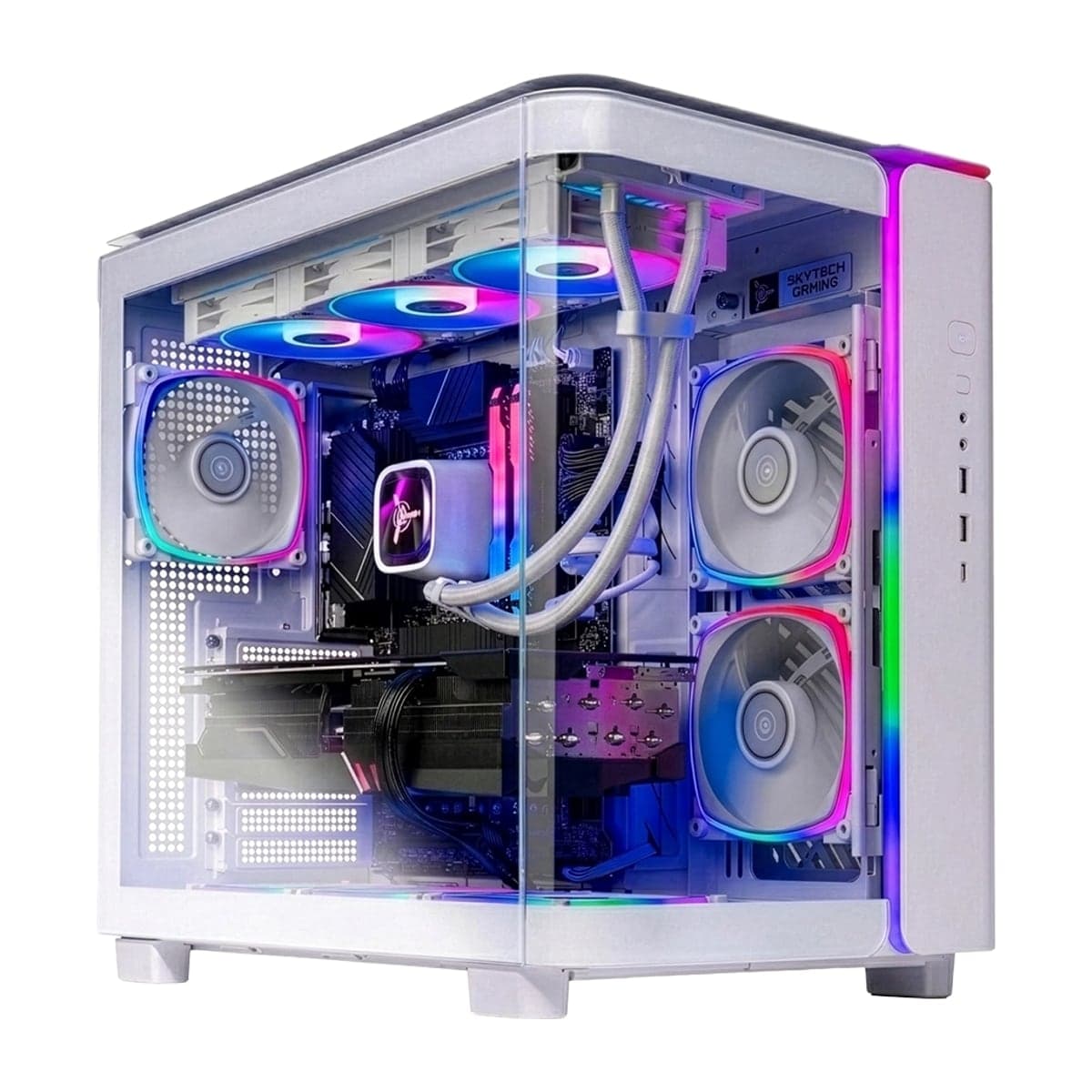 PremiumSkytechKing 95 Gaming PC (RTX 5070 Ti)
Core i7-14700F + RTX 5070 Ti 16GB + 32GB DDR5, sold by Amazon.com. Clears Uneekor, Foresight Premier and GSPro-at-4K requirements with room to spare.

$250/year for the community standard with 2,500+ courses and serious practice tools. The highest-value software spend in the niche over a 5-year horizon.
Buy from
- Buy at Indoor Golf Outlet $250Free ship, GSPro
- Buy at Carl's Place $250Free ship, GSPro
- Buy at Shop Indoor Golf $250Free ship, GSPro
- Buy at Foresight Sports $250Free ship, GSPro
Prices confirmed Nov 12, 2026 · we check every retailer daily
Alternatives we considered
 Mid-tierTruGolfE6 Connect
Polished graphics make virtual courses immediately impressive. Great for casual rounds.
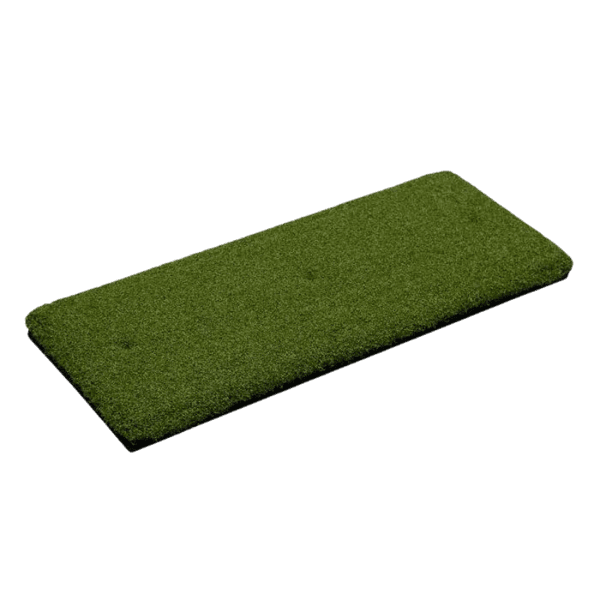
The cheapest insurance in the build. An $79.95 strip takes the strike wear so the mat under it does not — replace the insert, not the mat.
Buy from
- Buy at PlayBetter $80Free ship, Hitting Strip (Replaceable Insert)
- Buy at Indoor Golf Outlet $80Free ship, Hitting Strip (Replaceable Insert)
- Buy at Carl's Place $80Free ship, Hitting Strip (Replaceable Insert)
Prices confirmed Nov 12, 2026 · we check every retailer daily
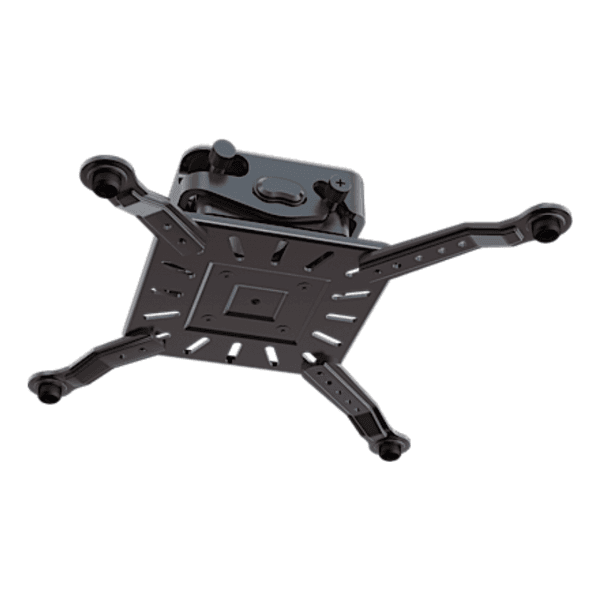
Adjustable ceiling mount with cable management.
Buy from
- Buy at Amazon $20Free ship, Projector Ceiling Mount
- Buy at Indoor Golf Outlet $260Free ship, Projector Ceiling Mount
- Buy at Shop Indoor Golf $120Free ship, Projector Ceiling Mount
- Buy at Rain or Shine Golf $80Free ship, Projector Ceiling Mount
Prices confirmed Nov 12, 2026 · we check every retailer daily
HDMI 2.1 for 4K signal, surge protection, cable management.
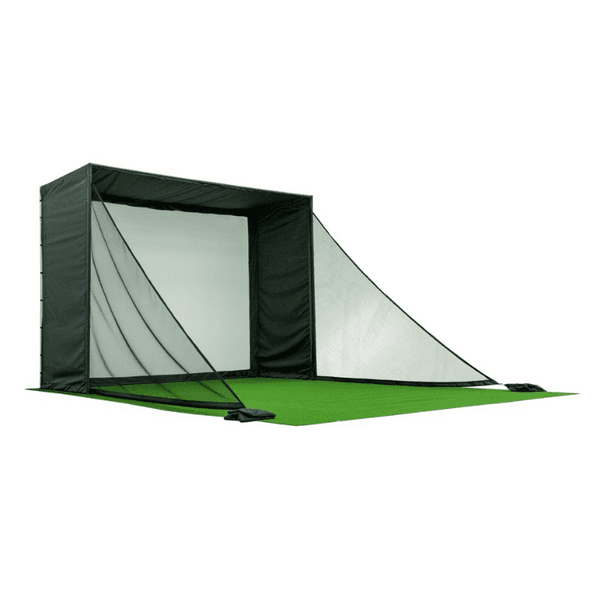
The first add-on once kids or guests swing here. At 10 feet wide the side walls sit inside the 7 feet around the golfer that Carl's Place and Shop Indoor Golf advise, and a beginner's mishit finds them.
Buy from
- Buy at PlayBetter $140Free ship, Side Netting
- Buy at Indoor Golf Outlet $120Free ship, Side Netting
- Buy at Carl's Place $140Free ship, Side Netting
Prices confirmed Nov 12, 2026 · we check every retailer daily
If you're cross-shopping
Side-by-side comparisons for the The Basement Build — $7,000 Cost-Effective components.
Stay in the loop
Keep an eye on this build.
We email when meaningful pricing changes hit any component in this build, or when a stronger alternative shows up. One short message, maybe twice a month.
Want this build tailored?
Adjust for your room and your budget.
The configurator takes the same logic that produced this build and applies it to your specific dimensions and persona. If your room is tight, expect different picks.