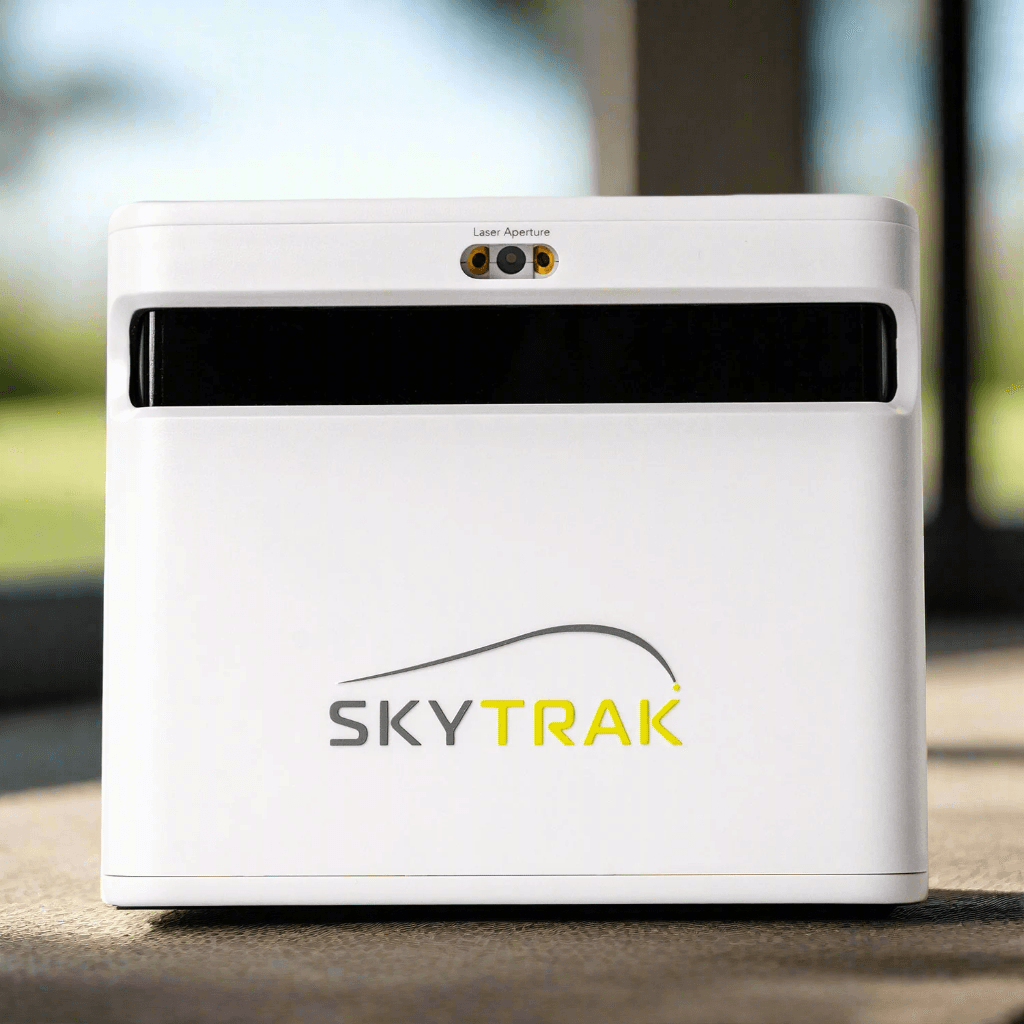
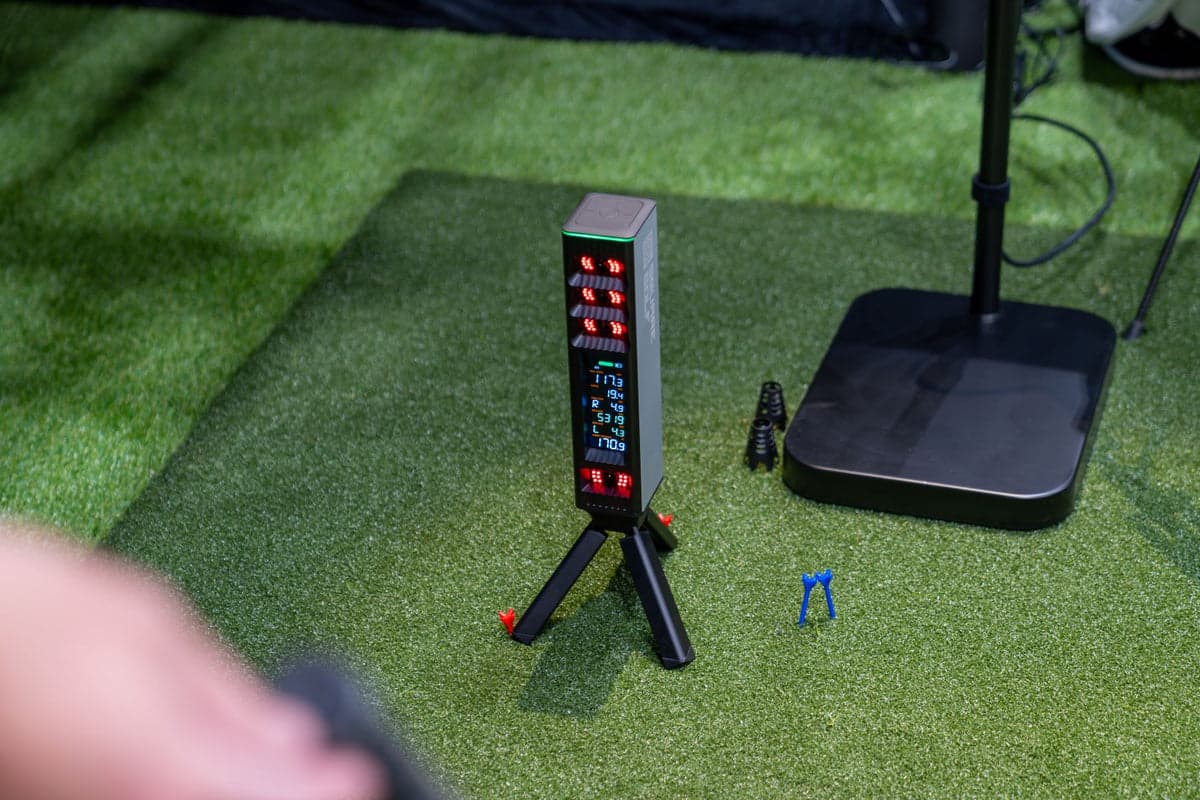
Works equally for right and left-handed players with no repositioning. Good for households where multiple people use it.
Buy from
Also worth considering
Three builds for shared-use households, every component named: the $7,921 Family Basement (Square Golf Omni ambidextrous), the $12,147 Dedicated Family Room (Garmin R50 with built-in touchscreen — no PC required), and the $21,246 Family Showroom (Uneekor EYE XO2 ceiling-mount for the cleanest multi-user setup). All three are ambidextrous and easy for non-golfers to use.
You're probably building a family or multi-use simulator if most of these apply.
Not sure which build fits?
Five questions, one tailored family setup build.
Recommended builds
Each build is a full simulator — launch monitor, mat, enclosure, projector, software, PC. Prices reflect current retailer pricing, refreshed nightly.
What matters most
The launch monitor should be approachable enough that a non-golfer or a 10-year-old can power it on and play without setup. Built-in displays and standalone operation matter here.
If anyone is left-handed, you want either an ambidextrous launch monitor (Square Golf Omni, Uneekor EYE XO2) or a wide enough enclosure (12 ft+) so right and left-handed players can both swing comfortably.
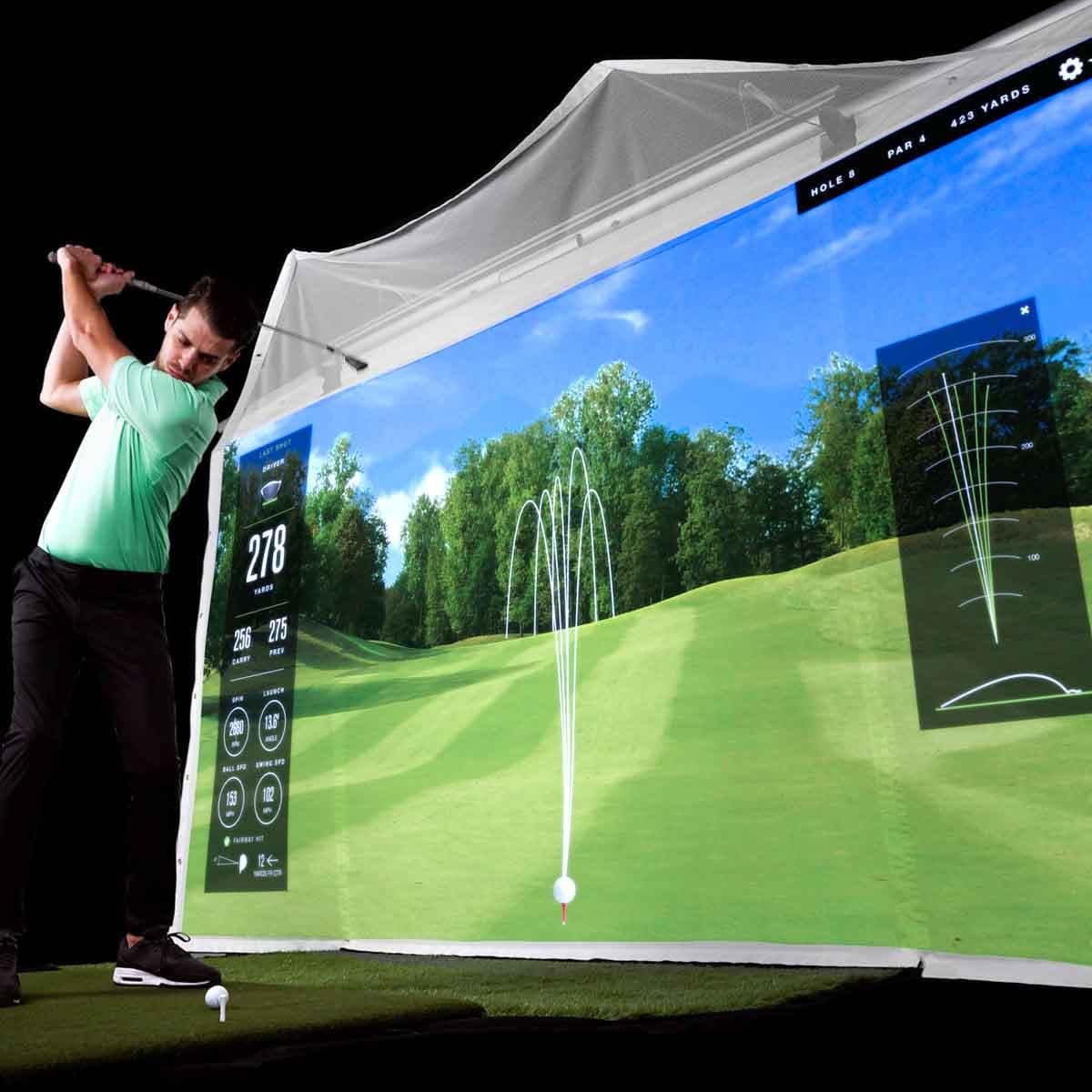
TGC 2019 has mini-golf, longest drive, target practice, and other modes that work for non-golfers. The room becomes more than a golf simulator.
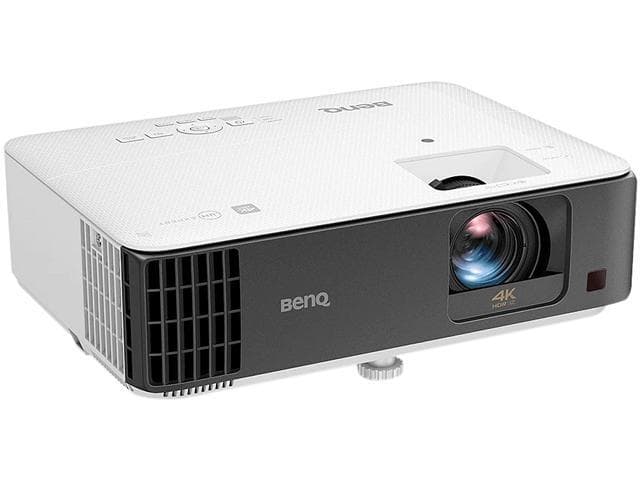
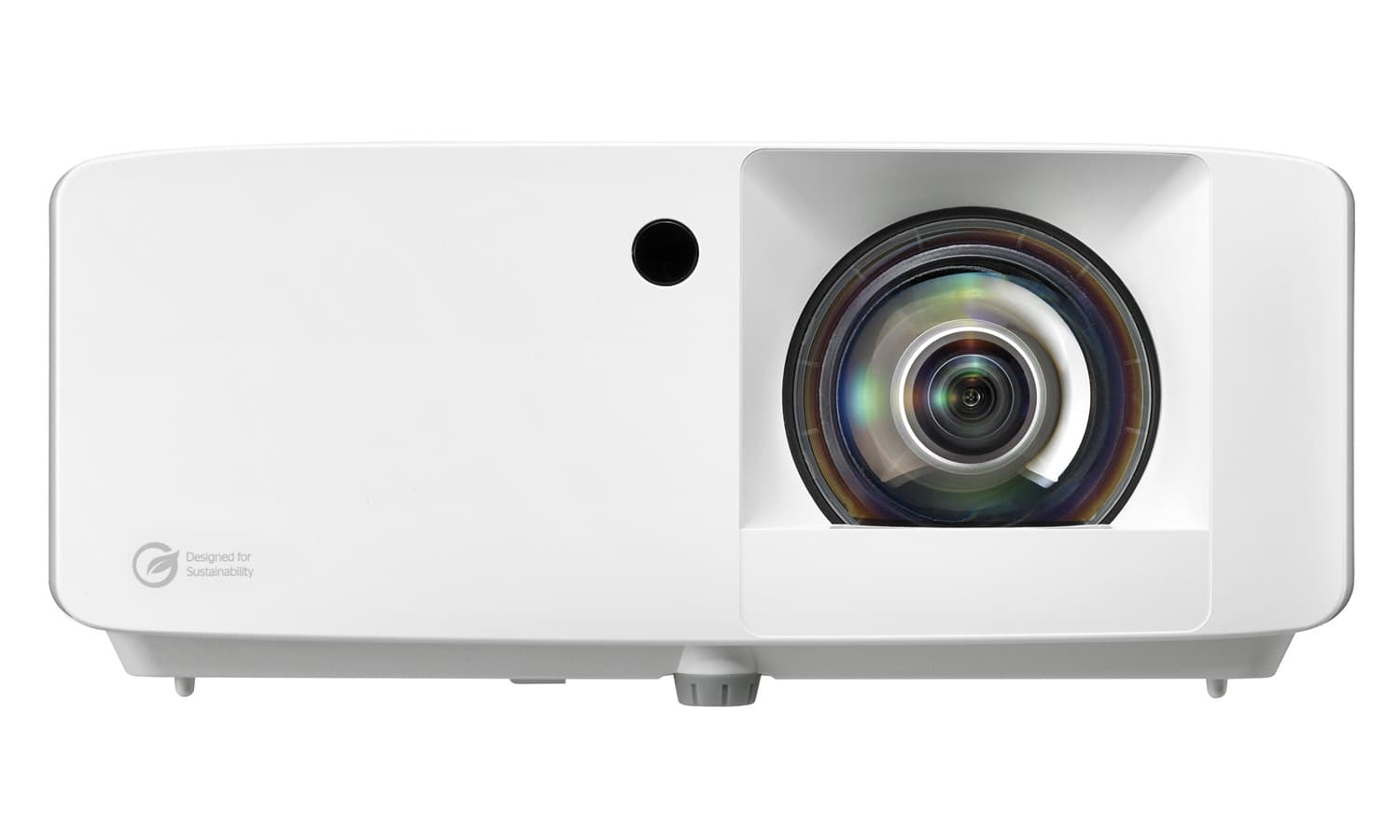
A 4K short-throw that also handles movies and gaming makes the room genuinely multi-purpose. The BenQ TK700STi excels at all three uses.
Mats and screens take more abuse with multiple users of varying skill. Cheap mats fail faster; cheap screens get damaged by mishit balls more often.
When kids or non-golfers use the room, ball containment and clear hitting-area boundaries matter more.
Top picks by category
When you buy through links on Northcourse, we may earn a commission at no additional cost to you. Read the full affiliate disclosure

Works equally for right and left-handed players with no repositioning. Good for households where multiple people use it.
Buy from
Also worth considering

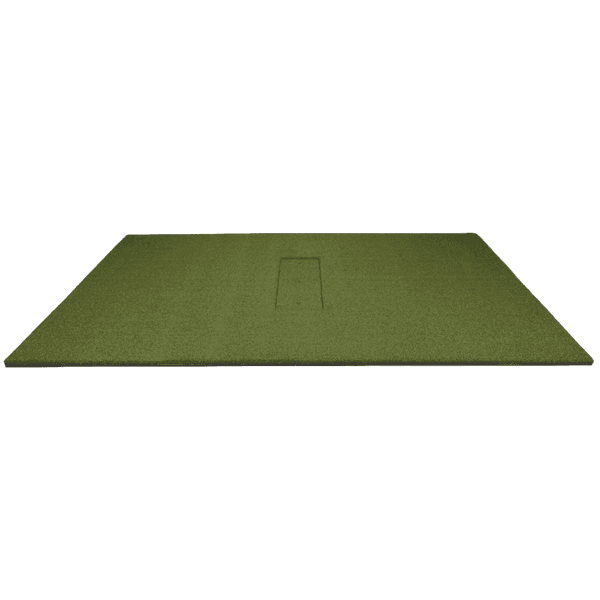
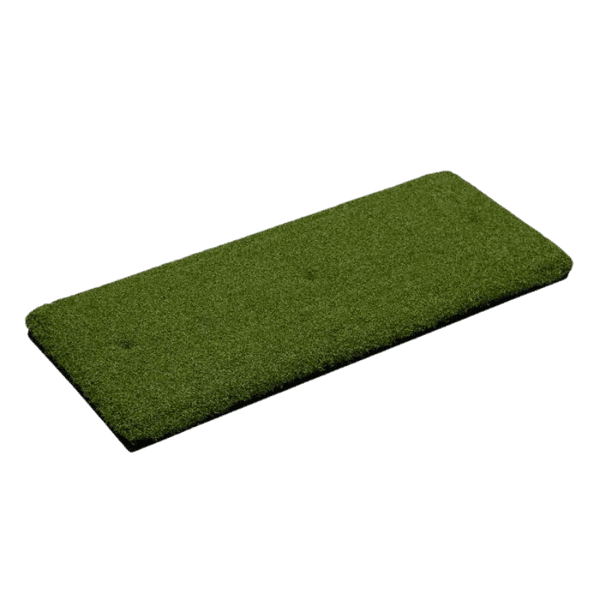
5×5 full-stance footprint suits multi-user households where both right- and left-handed players need stance room without repositioning the mat.
Also worth considering

12-foot width handles right- and left-handed players without repositioning the mat. The cost-effective family answer compared to SIG12 or SwingBay 9×12.
Also worth considering

4K projector that doubles as an excellent movie and gaming display — strong shared-use value.
Also worth considering

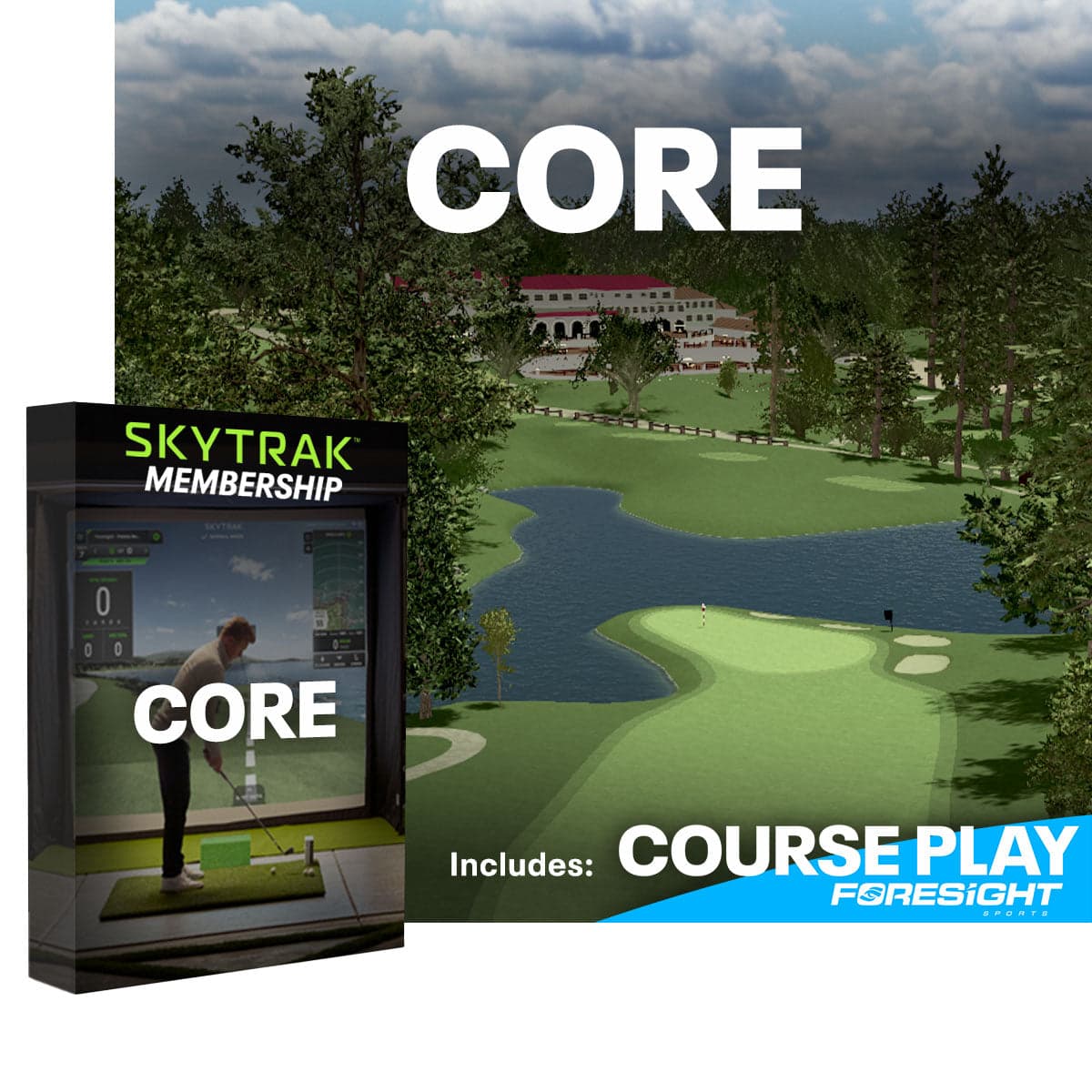
Approachable interface that non-golfers can navigate; up-to-8-player online multiplayer suits social rounds.
Also worth considering

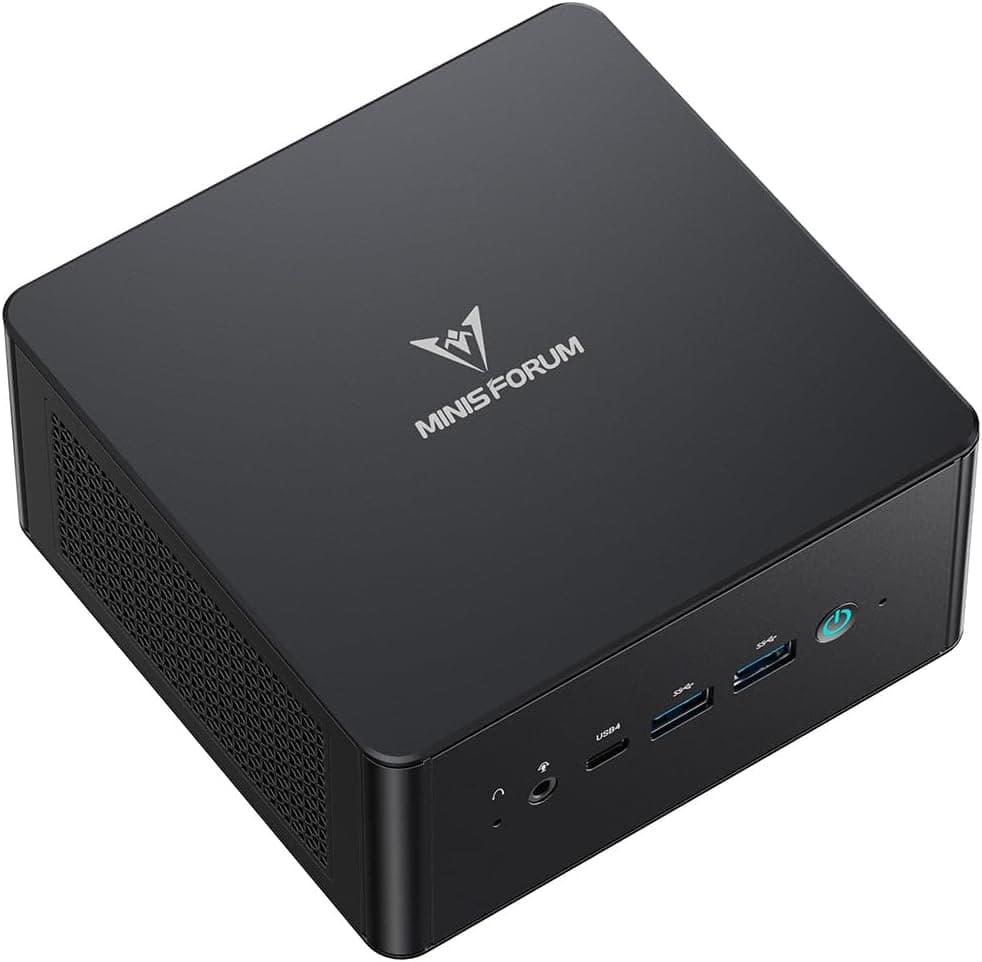
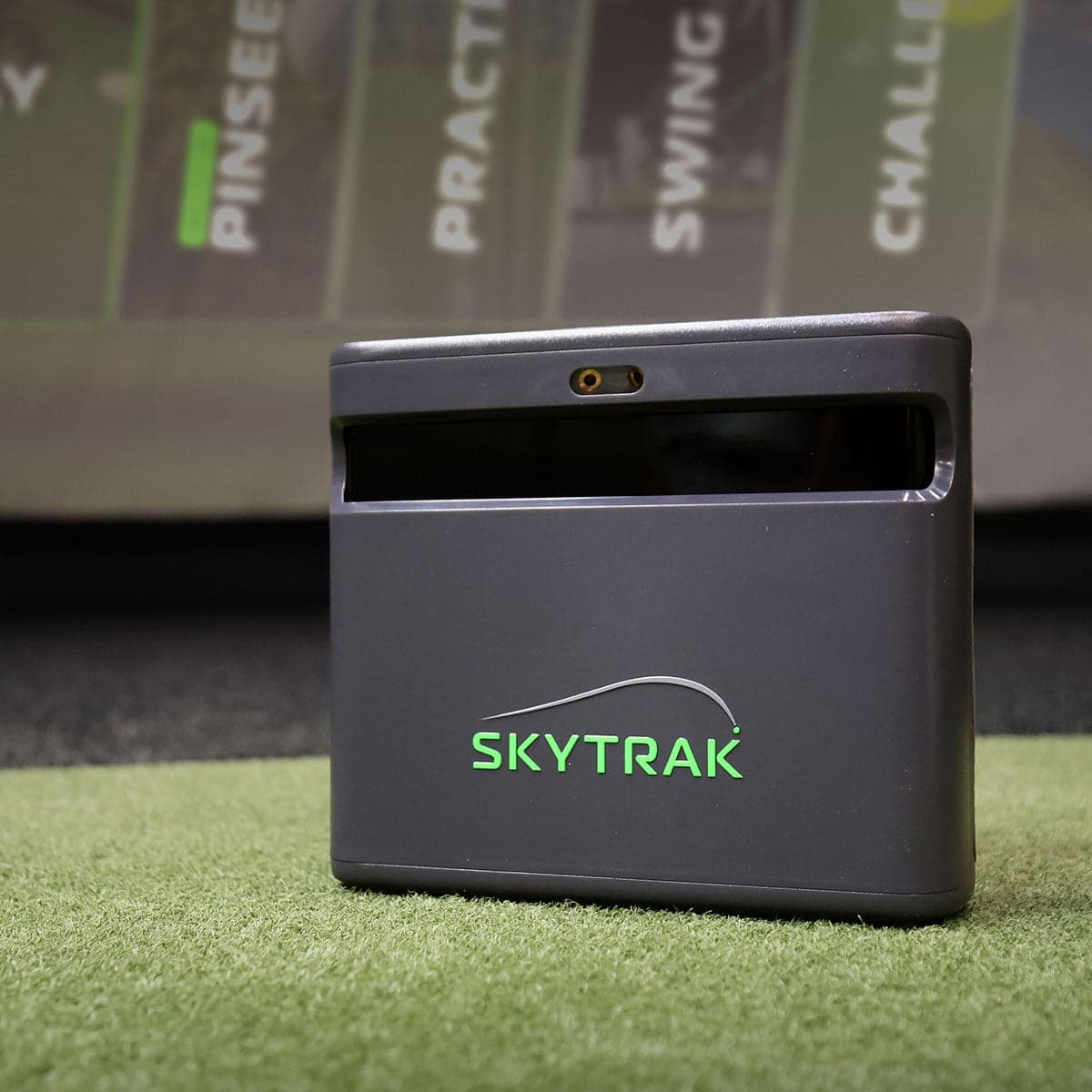
Quiet, low-power, capable enough for SkyTrak or Foresight FSX. Shared rooms appreciate the silent operation.
Buy from

Iron-tee + driver-tee pair handles every member of the household.
Also worth considering
Cross-shop the shortlist
What to avoid
If your kids might play golf eventually, plan for both-handed.
Excellent for serious players, but the Windows requirement and configuration complexity make it unfriendly for non-technical users. Pair with TGC 2019 or E6 Connect for casual sessions.
A "golf-only" projector that's terrible for movies and games defeats the multi-use case. Get equipment that performs across uses.
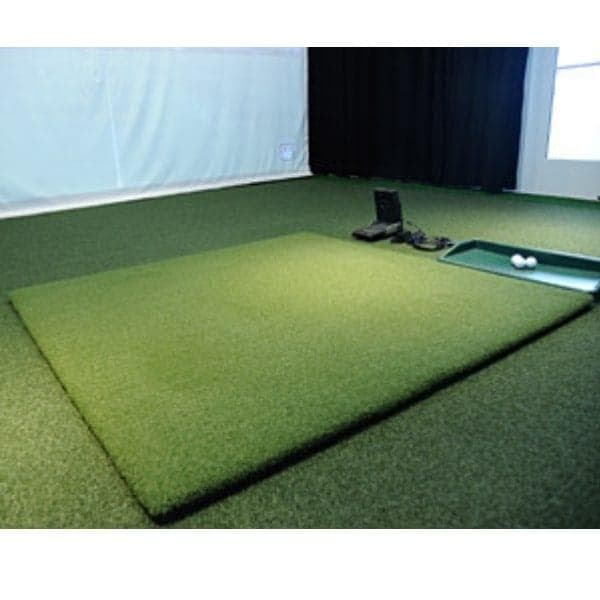
Multiple users means more wear. The Country Club Elite is the realistic minimum for shared-use scenarios.
Forces equipment moves between users. Frustrating. Spend on width if you have left-handed players.
Side netting and clear hitting-area boundaries matter more when non-golfers use the room. Don't skip them.
Get a tailored build
Two minutes. Five questions. Returns a complete build with reasoning, current pricing, and links to retailers.
Build my family setup setup