Comparison
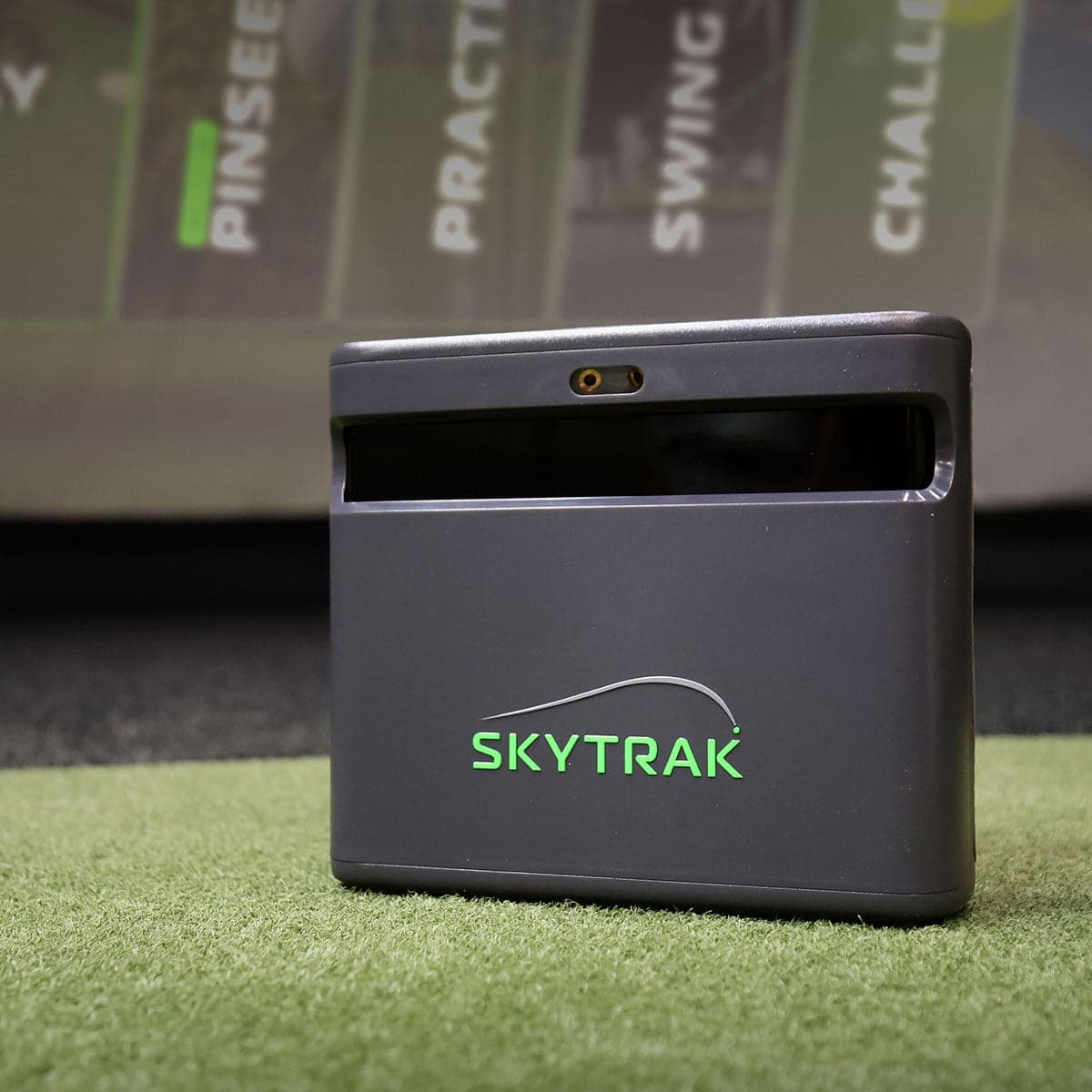
SkyTrak ST MAX vs Square Golf Omni
A side-by-side look at how the SkyTrak ST MAX and Square Golf Omni compare on specs, accuracy, room requirements, and price. No hype — just the parts of the decision a buyer actually weighs.
Bottom line
Square Golf Omni is $400 cheaper with arguably better hardware. SkyTrak ST MAX wins on software polish and ecosystem maturity.
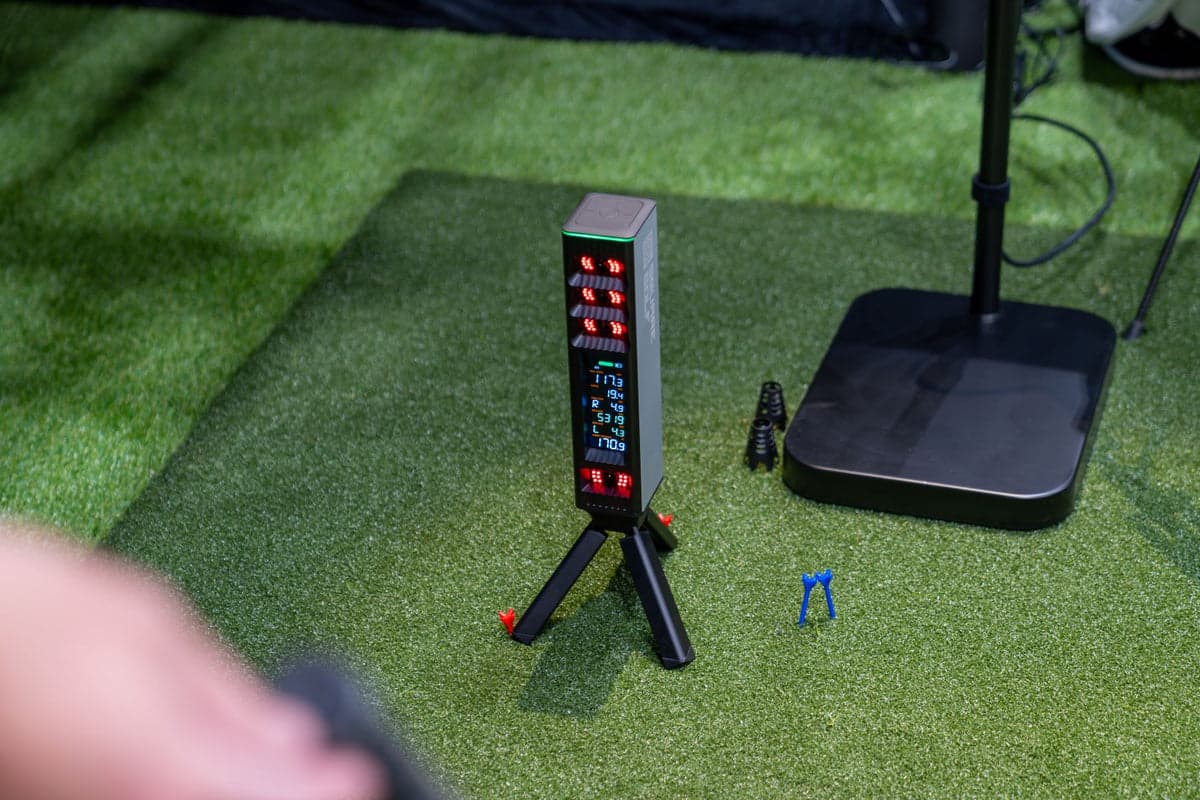
The Square Golf Omni at $1,599 is one of the most disruptive launch monitors in the $1.5K–$3K tier — four-camera photometric tracking, no subscription, ambidextrous setup (works for right and left-handed players without repositioning), and explicit outdoor capability (rare for photometric units). On paper it does more than the SkyTrak ST MAX ($1,695), measures more data points (club path, face angle, dynamic loft, AoA, impact location), and saves about $400.
The SkyTrak ST MAX's case isn't hardware — it's its own software. Native Mac support, which the Omni's app doesn't offer; both run on iOS, so the gap is macOS specifically. GOLFTEC speed training integration. Years of bug-fixed first-party apps that just work, and Course Play with Foresight- and Trackman-licensed course libraries at Core: Foresight $299.99/yr, Core: Trackman $349.99/yr, or Elite $599.99/yr for both.
What that case is NOT is third-party breadth, and this is the reverse of how SkyTrak is usually described. FSX Play does not run on SkyTrak hardware at all. E6 Connect is no longer sold for it. And no SkyTrak model appears on GSPro's official supported-hardware list — owners reach GSPro through a free community bridge that neither company sanctions. The Omni, by contrast, is on GSPro's official list with no Square-side fee. SkyTrak in 2026 is a deep first-party ecosystem, not an open one.
The honest decision is around your tolerance for early-stage software. The Omni's data is photometric-grade; the company is real and the hardware is solid. If you don't mind being a year or two behind on the latest course library, sim platform integrations, and OS support polish — and you'd rather have the $400 in your budget — Omni is genuinely the better value. If you want to plug it in and have polished course play running on your iPad an hour later, ST MAX is the path of least friction.
Which to pick, by buyer
- Building on a Mac
- SkyTrak ST MAX. The Omni's native app covers Windows, iOS, and Android, so an iPad is fine on either unit — macOS is the one the ST MAX has and the Omni doesn't.
- Right and left-handed players in the same household
- Square Golf Omni. Ambidextrous setup means no repositioning between players — a daily quality-of-life win the ST MAX doesn't offer.
- Want to use it outdoors too
- Square Golf Omni. Engineered for sunlight, which is rare for photometric units. ST MAX is officially indoor/outdoor but the photometric tracking benefits from controlled lighting.
- Want the polished, year-of-bug-fixes software ecosystem today
- SkyTrak ST MAX, but for its own software rather than its third-party list. SkyTrak's native app is mature, runs on Mac and iPad as well as Windows, and Course Play has been iterated on since 2024. Square Golf is getting there but its ecosystem is younger. Note the third-party picture is the reverse of what it looks like: FSX Play does not run on SkyTrak at all, and GSPro reaches it only through a free community bridge, while the Omni is on GSPro's official list.
Buy SkyTrak ST MAX
When you buy through links on Northcourse, we may earn a commission at no additional cost to you. Read the full affiliate disclosure
Specifications
The numbers, lined up.
Hardware
| Spec | SkyTrak ST MAX | Square Golf Omni |
|---|---|---|
| Tracking Method | Hybrid (Photometric + Radar) | Photometric (4 cameras) |
| Indoor/Outdoor | Both | Both — explicitly designed for grass and mat |
| Ambidextrous | — | Yes |
| Outdoor Operation | — | Engineered for sunlight (rare for photometric) |
- Tracking MethodSkyTrak ST MAXHybrid (Photometric + Radar)Square Golf OmniPhotometric (4 cameras)
- Indoor/OutdoorSkyTrak ST MAXBothSquare Golf OmniBoth — explicitly designed for grass and mat
- AmbidextrousSkyTrak ST MAX—Square Golf OmniYes
- Outdoor OperationSkyTrak ST MAX—Square Golf OmniEngineered for sunlight (rare for photometric)
Data
| Spec | SkyTrak ST MAX | Square Golf Omni |
|---|---|---|
| Ball Data | Speed, launch, spin direct, carry | Speed, direction, launch angle, spin rates, apex, carry, total |
| Club Data | Speed, smash factor | Path, face angle, dynamic loft, AoA, impact location |
- Ball DataSkyTrak ST MAXSpeed, launch, spin direct, carrySquare Golf OmniSpeed, direction, launch angle, spin rates, apex, carry, total
- Club DataSkyTrak ST MAXSpeed, smash factorSquare Golf OmniPath, face angle, dynamic loft, AoA, impact location
Software
| Spec | SkyTrak ST MAX | Square Golf Omni |
|---|---|---|
| Mac Support | Native | — |
| iOS Support | Native | — |
| GOLFTEC Integration | Yes | — |
| Subscription | None required; Essential $99.99/yr (no course play), Core: Foresight $299.99/yr, Core: Trackman $349.99/yr, Elite $599.99/yr | None required |
| Course Play | Native SkyTrak app, E6 Connect; GSPro only via a free community bridge (Windows), listed as supported but not yet fully tested on this model | — |
- Mac SupportSkyTrak ST MAXNativeSquare Golf Omni—
- iOS SupportSkyTrak ST MAXNativeSquare Golf Omni—
- GOLFTEC IntegrationSkyTrak ST MAXYesSquare Golf Omni—
- SubscriptionSkyTrak ST MAXNone required; Essential $99.99/yr (no course play), Core: Foresight $299.99/yr, Core: Trackman $349.99/yr, Elite $599.99/yrSquare Golf OmniNone required
- Course PlaySkyTrak ST MAXNative SkyTrak app, E6 Connect; GSPro only via a free community bridge (Windows), listed as supported but not yet fully tested on this modelSquare Golf Omni—
Who each one is better for
Honest persona fit, side by side.
Better for SkyTrak ST MAX
- Performance Seeker
GOLFTEC speed training module adds genuine practice value. Same accuracy as the SkyTrak+ in a current-gen package.
Better for Square Golf Omni
- Cost-Effective Buyer
Four-camera photometric system with no subscription fees, around $1,600. Unprecedented hardware-to-price ratio.
Both fit
- Recreational Player
- Family Setup
- Space-Constrained
Also worth a look
More comparisons with the SkyTrak ST MAX and Square Golf Omni.
Build your simulator in two minutes
Five questions. One tailored build with retailer links.
We ask about your budget, your room, and how you’ll use it. We return a complete build — launch monitor, mat, enclosure, projector, software, PC — with the reasoning behind every pick and the alternatives we considered.