The Basement Build — $10,000 Mixed Use
This is the build for golfers who'd rather have headroom than scrimp. The Square Golf Omni anchors a four-camera photometric system at $1,599 with no subscription fees. Pair it with the BenQ TK700STi (true 4K with HDR) and you have visuals that hold up at movie night, too. The Carl's Place 4x4 enclosure and TrueStrike Academy mat handle real practice volume without joint fatigue. The custom RTX 4060 PC runs GSPro at 4K medium settings — the recommended baseline for serious users. GSPro's $250/yr license is the highest-value software spend in the niche.
Currently $2,891 under its $10k target — component prices are tracked daily
Room requirements
The honest minimums. If your room is smaller, jump to the configurator — it’ll suggest a different build that fits.
Minimum room
Who this is for
- — Households where 2–4 people use the room
- — Mixed-use rooms (golf + movie + occasional gaming)
- — Right and left-handed players in the same household
- — Buyers who want the full GSPro experience without going premium
- — Basement converters with 9+ ft ceiling and 14+ ft depth
Cost breakdown
Required items first, then optional add-ons. Subscriptions and consumables shown separately.
| Category | Product | Price |
|---|---|---|
| Launch monitor | Square Golf OmniSquare Golf | $1,599 |
| Hitting mat | Country Club Elite Mat (5×5)Real Feel Golf Mats | $599 |
| Enclosure | C-Series DIY Enclosure (8x8)Carl's Place | $1,000 |
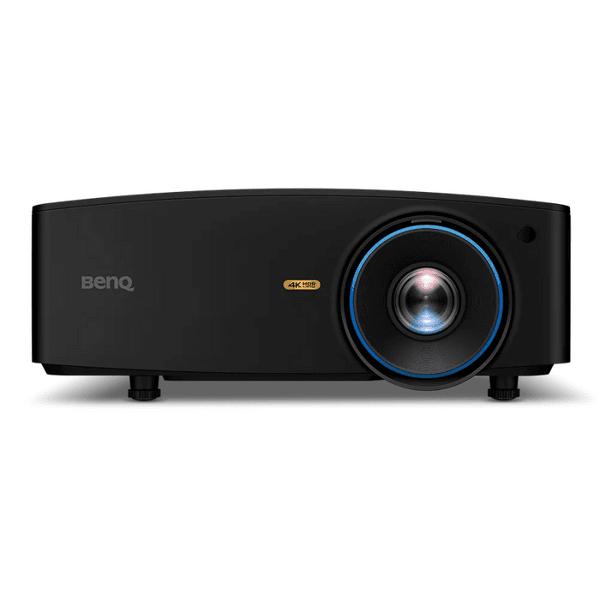
| Projector | TK700STiBenQ | $1,499 |
| Computer | $1,882 | |
| Software | GSProGSPro | $250 |
| Accessory | Hitting Strip (Replaceable Insert)Carl's Place | $80 |
| Accessory | Projector Ceiling MountVarious | $80 |
| Accessory | Cables & Power ManagementVarious | $120 |
| Accessory · optional | Side NettingVarious | +$250 |
| Total (required items) | $7,109 | |
| Annual ongoing (subscriptions) | +$250/yr | |
When you buy through links on Northcourse, we may earn a commission at no additional cost to you. Read the full affiliate disclosure
Two minutes, five questions, one tailored build.
Build your simulatorField notes
Who this build is for
The buyer here is usually a 38-year-old with a finished basement, a partner who asked early in the planning conversation whether they could also watch movies on it, and one or two kids who are starting to take golf seriously enough that left-handed compatibility matters. They play 20 to 40 rounds a year, follow the Masters and the Open, and want the room to do real work — practice when motivated, polished virtual rounds with friends on Saturdays, and a giant 4K screen for the Champions League at 3 p.m. on a Tuesday.
This build exists for that exact household. The Square Golf Omni anchors a four-camera photometric setup at $1,599 with no subscription, and it reads both right and left-handed swings without repositioning — the single biggest quality-of-life upgrade in a multi-user room. The BenQ TK700STi renders true 4K HDR for course play and doubles as a legitimate movie projector. The Carl's Place DIY enclosure, the Country Club Elite mat, and a Skytech Shadow 5 (RTX 5060) sim PC running GSPro round out a build that earns its $10K. The only recurring line is GSPro's $250/yr license — budget it like the annual fee it is.
What this build trades
We are not recommending the Foresight GC3 here. The GC3 is a better launch monitor on every measurable axis, but swapping it in for the Omni adds $5,400 at list — $6,999 against $1,599 — and the recreational-leaning user will not feel it across the kind of practice they will actually do. That money would carry you clear past the $15,000 dedicated room, which is only about $2,600 more than this build all in. Spend it on the room, not the launch monitor.
We chose GSPro over E6 Connect for a household reason that matters: GSPro's license renews at $250/yr against E6 Connect Basic's $300/yr, it has ~2,000 community-curated LiDAR courses, and the active modding community keeps it relevant for years. E6 looks slightly more polished out of the box, but the course library is smaller and the fee gap compounds — $250 across five years. The honest tradeoff: GSPro on Windows is more fiddly to configure, especially the first time. If nobody in the house is comfortable in a Windows settings menu, E6 is the better fit and we'd point you at the dedicated $15K. See our subscription costs article for the five-year math.
Common gotchas during install
- Ceiling clearance with a tall ceiling-mounted projector. The TK700STi sits a few inches lower than a flush mount because it has a real fan and exhaust. In a 9-foot basement, that brings the lens to roughly 8'8". Tall players with steep wedge takeaways occasionally clip the mount on full swings — measure with a club in hand.
- Side-netting and mishit containment. With kids and guests in rotation, mishits go places. The side-netting is non-negotiable in a multi-user room, even at 11 feet of width.
- Tower PC ventilation. The Skytech Shadow 5's RTX 5060 pushes real heat. In a closed basement room, leave 6 inches of clearance behind and above the case, or temperatures climb across long sessions and GSPro stutters at 4K. The Skytech and iBUYPOWER prebuilts we recommend usually sit cheapest at Newegg — watch for shipping markups on bundle SKUs.
- HDMI 2.1 for 4K. The cheap HDMI in the projector box is HDMI 1.4. You need 2.1 for 4K at the framerate the TK700STi renders. Swap it before you mount.
- Ambidextrous spacing. The Omni is ambidextrous, but the enclosure is 8x8. A left-handed adult and a right-handed adult both swinging full driver want closer to 11 feet of width — see room requirements for the realistic numbers.
What to upgrade first if budget grows
If you add $5,000 next year, the answer is not the launch monitor — it is the room. The next tier up is the SwingBay 9x12 enclosure (the build feels like a real club bay rather than a screen on a wall) plus the Fiberbuilt Studio Mat for tour-quality turf interaction. Together those two changes lift the build's ceiling more than a launch monitor swap would.
If you add $2,000, it does not reach a Foresight GC3 — that is a $5,400 step at list, and still around $4,400 inside one of Foresight's promo windows. Put it into a better-mounted projector cage and a better mat, and start a fund for the launch monitor. Reviewers consistently report that the GC3 is the build's natural ceiling — past that, you are buying showroom polish, not better golf.
Where to go from here
If anyone in the house is already practicing four times a week and chasing handicap improvement, the right build is dedicated-15k-performance — GSPro on tour-grade data is a different exercise than what this build offers. If you want the same launch monitor and the same GSPro setup with a different hitting surface, the basement $7K cost-effective build is this parts list with the Carl's Place HotShot swapped in for the Country Club Elite — worth knowing that it comes out $196 more, not less, and that the two builds are otherwise identical. Otherwise, this is the most-balanced build we ship — start the configurator if you are still weighing it against the alternatives.
Why these components
Each pick has a reason. Here’s ours.
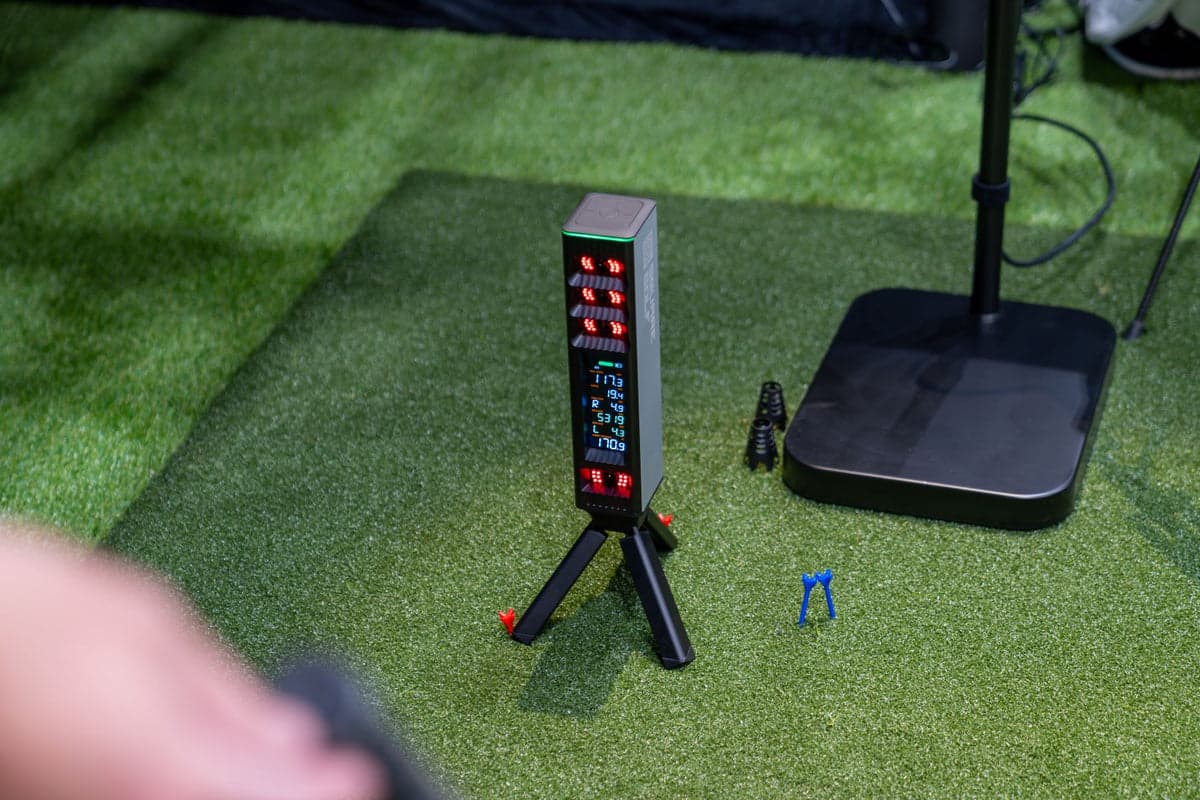
Four-camera photometric system at $1,599 with no subscription fees. Ambidextrous setup serves households with right and left-handed players without repositioning. Unprecedented hardware-to-price ratio.
Buy from
Alternatives we considered
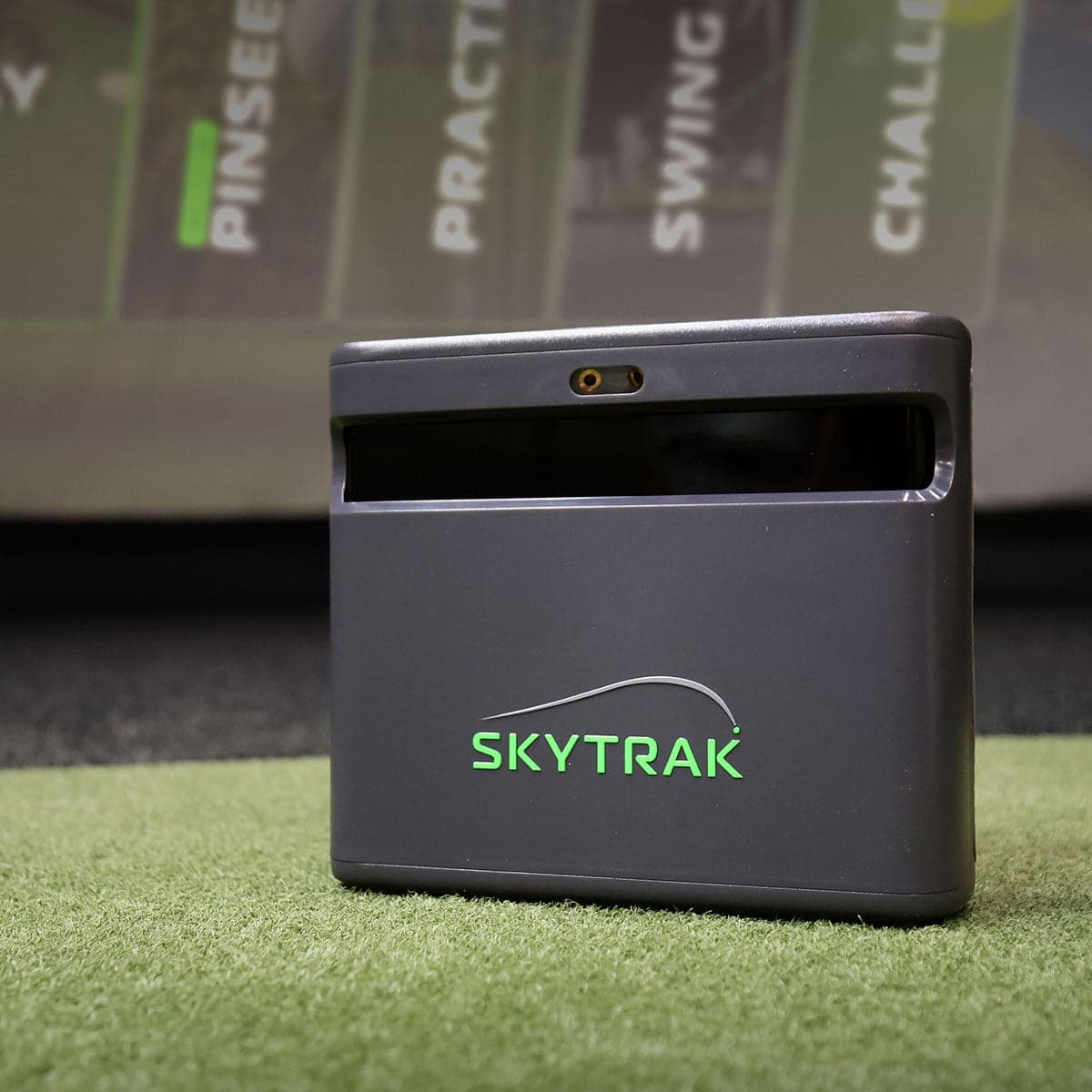 Mid-tierSkyTrakSkyTrak ST MAX
Current-gen SkyTrak with GOLFTEC speed training. Native Mac and iOS support is rare in this price range.
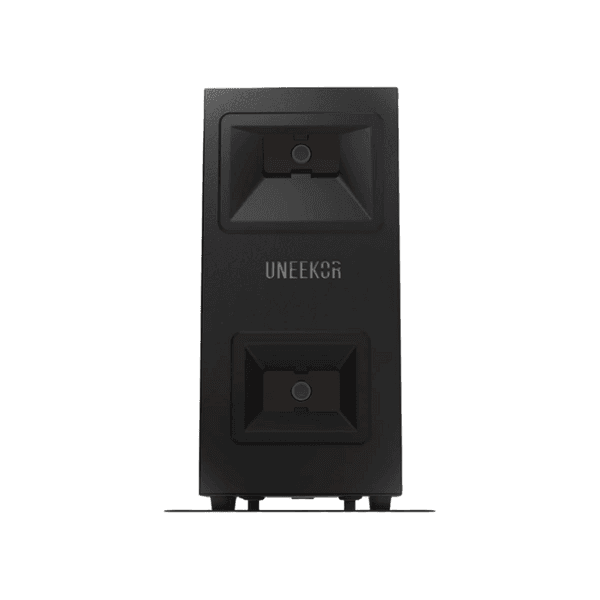 Mid-tierUneekorEYE MINI Lite
Photometric accuracy at sub-$2,800. Sometimes called the 'SkyTrak+ killer' for serious players on a budget.

Genuine turf interaction with gel-backed shock absorption. Protects joints across thousands of practice reps. Worth the upgrade from a $250 mat once you're playing weekly.
Alternatives we considered
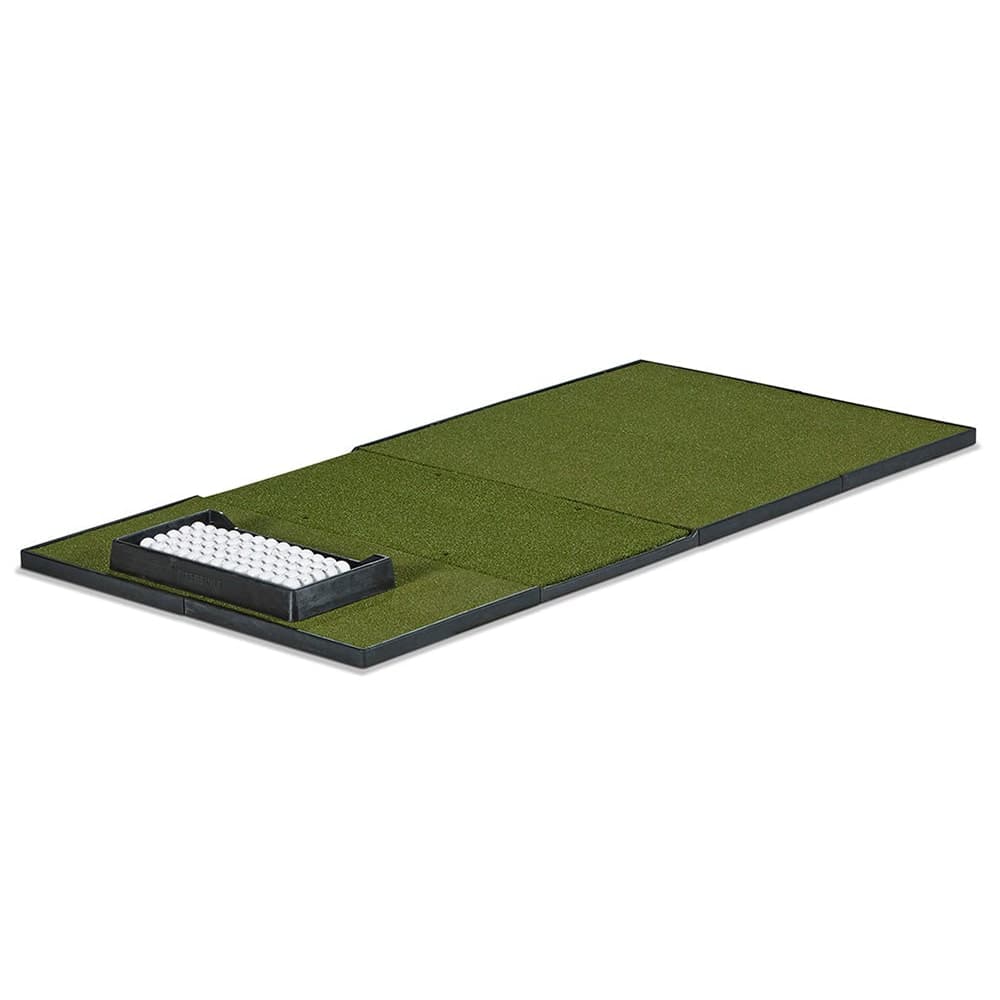 ShowroomFiberbuiltStudio Mat
Tour-quality feel with a 10+ year lifespan. Used in commercial facilities. The mat that doesn't compromise.
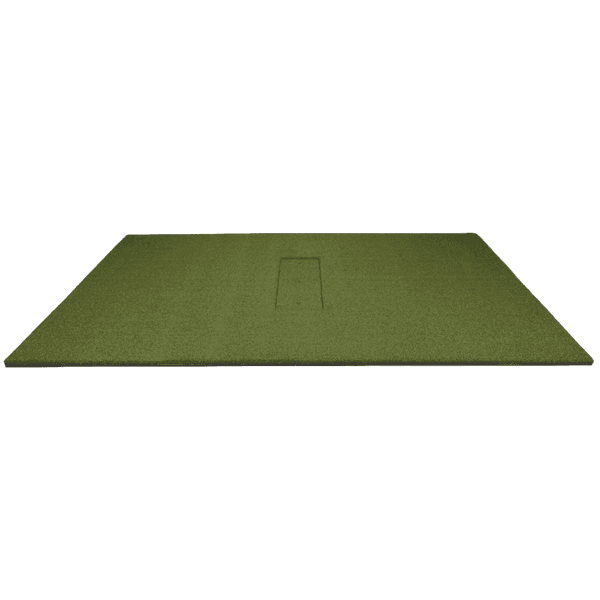 Mid-tierCarl's PlaceHotShot Hitting Mat System
Modular mat with replaceable HotShot strip inserts. Swap just the worn strip, not the whole mat. Three turf tiers.
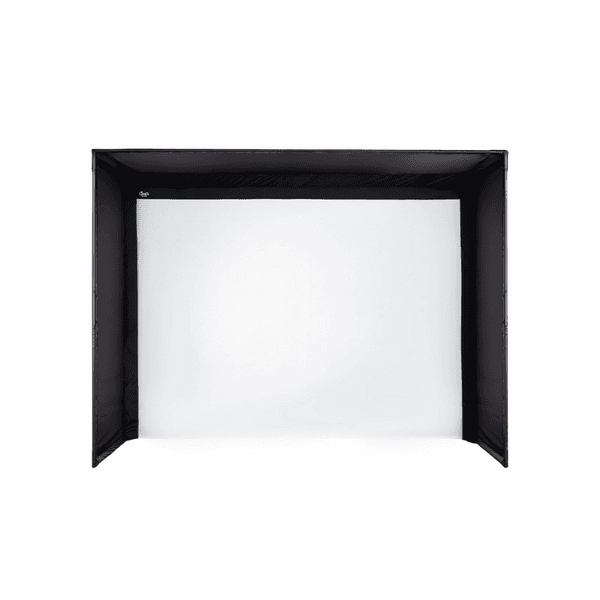
Pro-grade impact screen with proper side baffles. Quality enough to support serious projector and launch monitor pairings while keeping costs reasonable.
Alternatives we considered
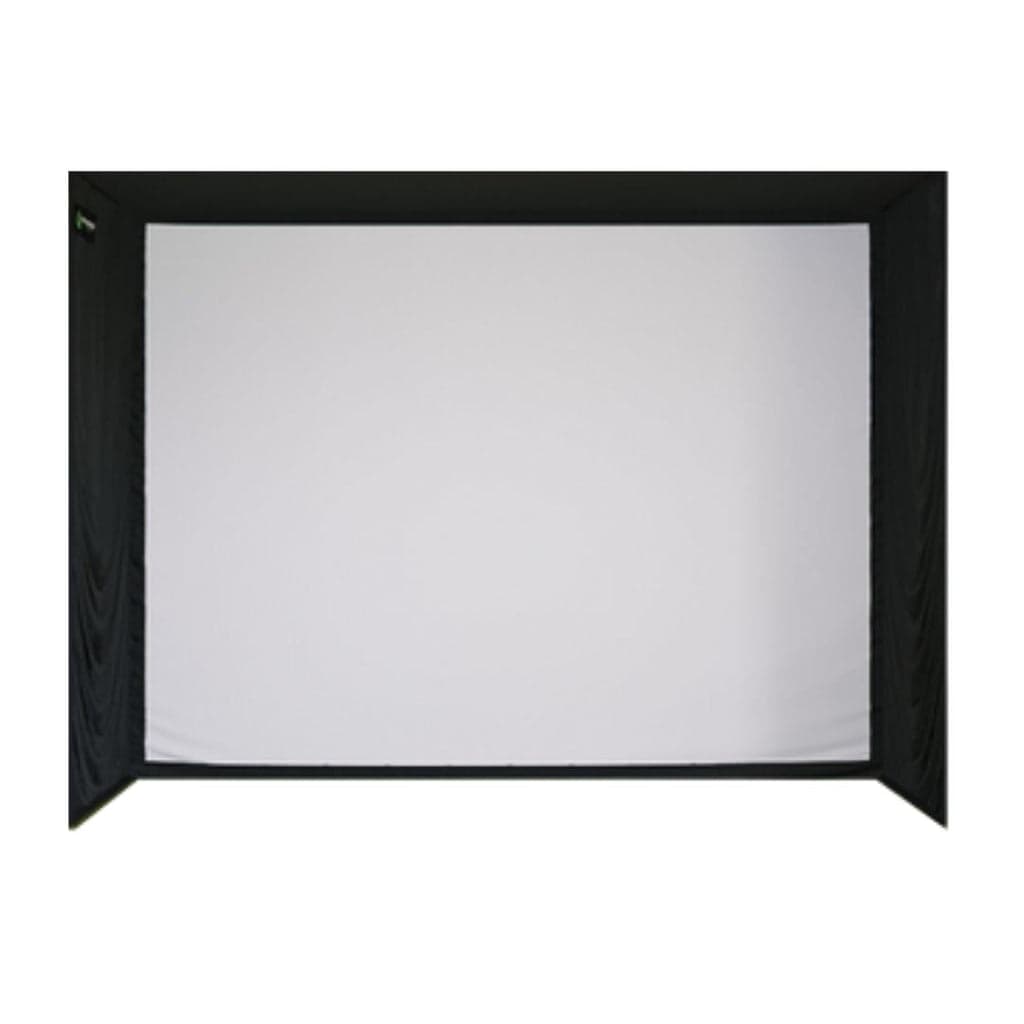 Mid-tierShop Indoor GolfSIG12 Enclosure
12-foot width accommodates serious permanent installs. Generous footprint for both-handed practice.
 Mid-tierCarl's PlaceC-Series DIY Enclosure (9x12, Premium screen)
Carl's Place's flagship C-Series build. 12 ft wide for both-handed practice; Premium 3-layer spacer mesh screen.
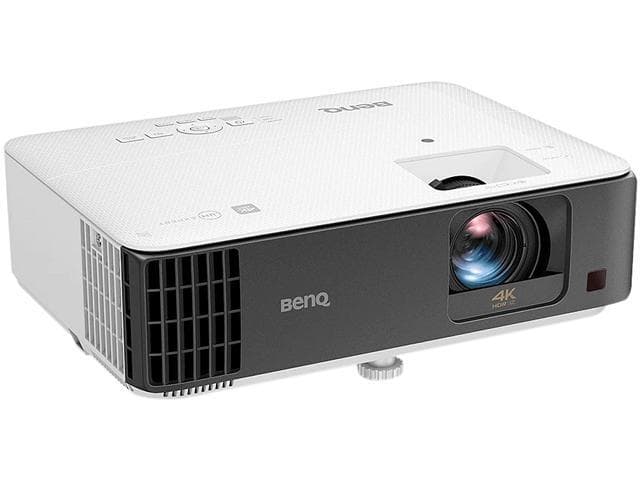
True 4K with HDR makes virtual courses look genuinely impressive. 16ms input lag and accurate color also make it an excellent movie and gaming display when not playing golf.
Alternatives we considered
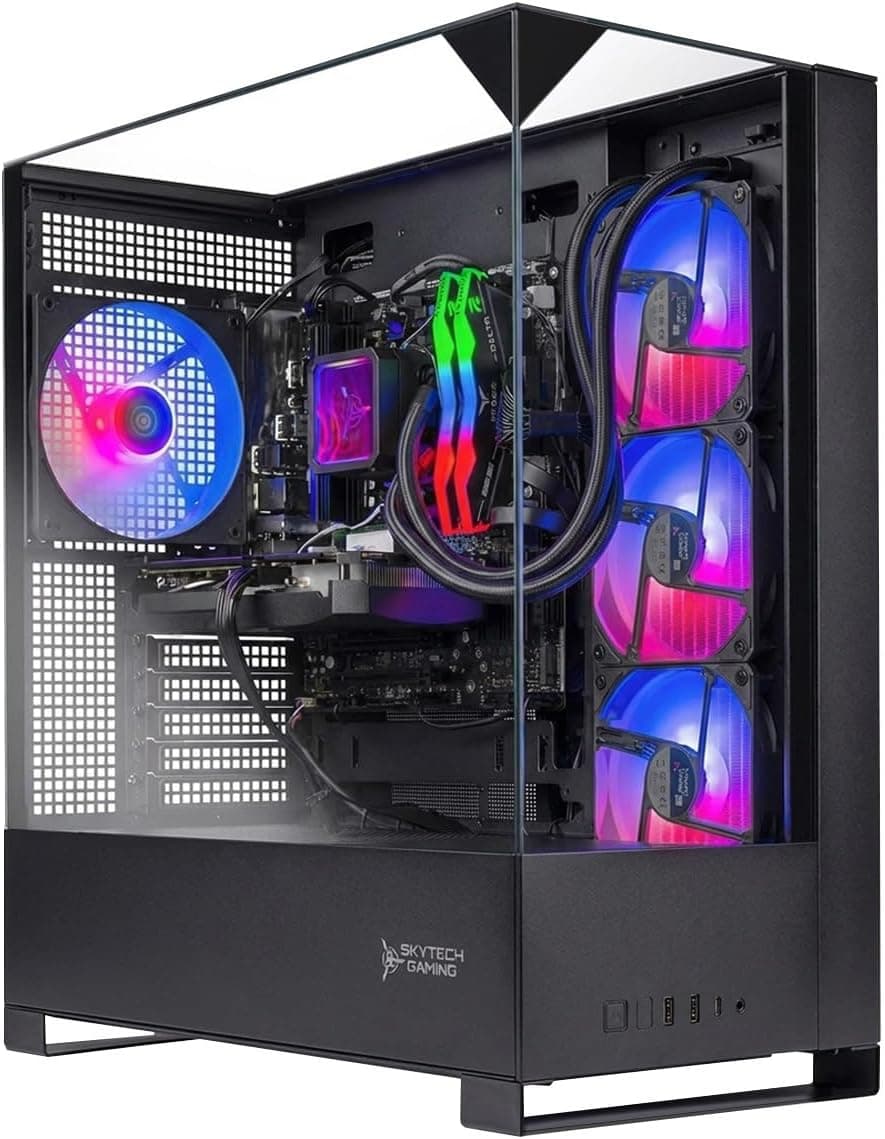
Runs GSPro at 4K medium settings. The recommended baseline for serious practice with quality visuals. Future-proofs the build for 3–5 years.
Buy from
Alternatives we considered
 Mid-tierBeelinkBeelink SER9 Pro (Mini PC)
Sub-$700 mini with Radeon 780M iGPU. The mid mini-PC pick when SER8 feels tight and UM890 Pro is overkill.
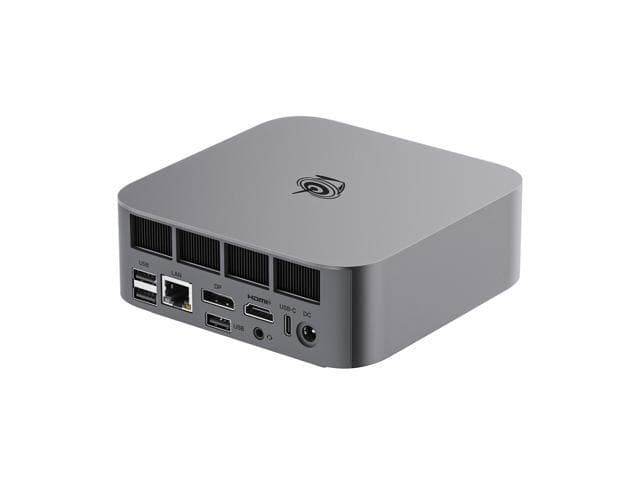 BudgetBeelinkBeelink SER8 (Mini PC)
1.5L mini PC for SkyTrak-family software. The right answer when GSPro is not on the table.
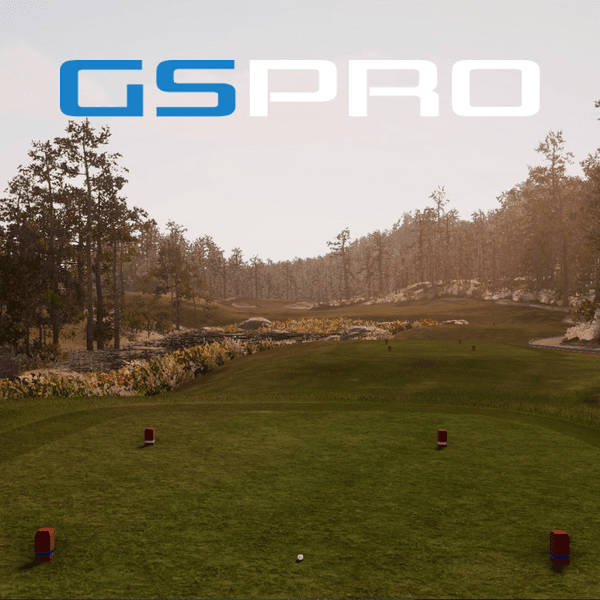
$250/yr license for the community standard. ~2,000 LiDAR courses, real practice tools, active development. Best value among the serious annual platforms.
Buy from
Alternatives we considered
 Mid-tierTruGolfE6 Connect
Polished graphics make virtual courses immediately impressive. Great for casual rounds.
$0+ $300/yr
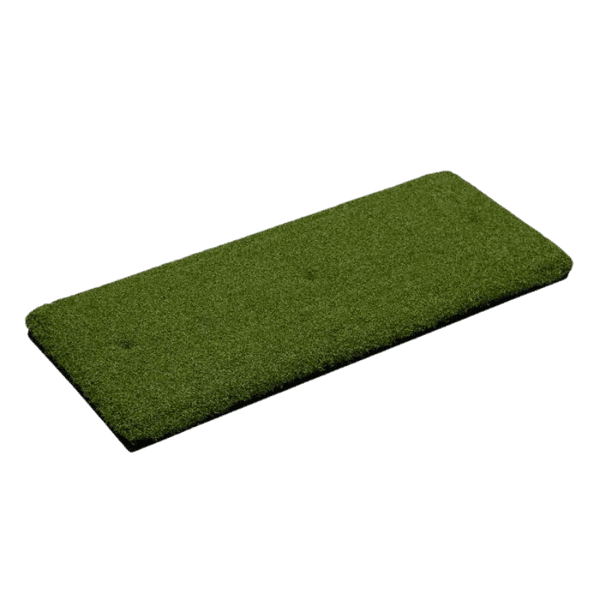
A replaceable strike-zone strip takes the wear instead of the mat. At $79.95 against a mat worth several hundred, it pays for itself the first time you swap it.
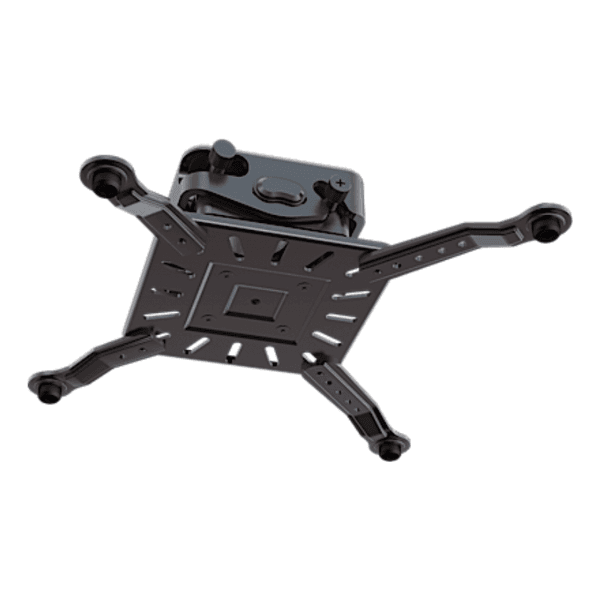
Standard adjustable ceiling mount with cable management. Necessary for a permanent install.
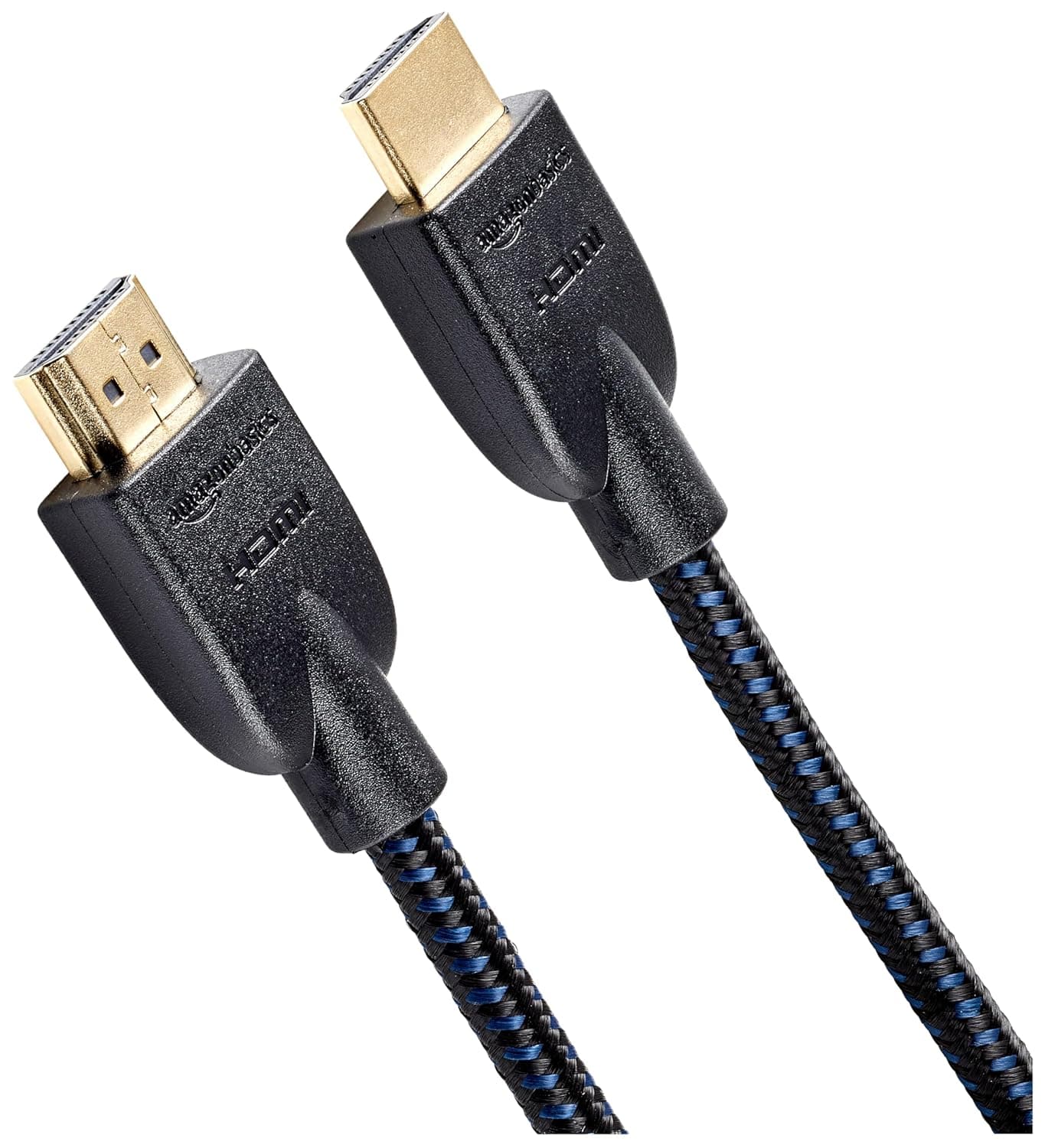
HDMI 2.1 cables for 4K signal, surge-protected power strip, cable raceways.
Buy from
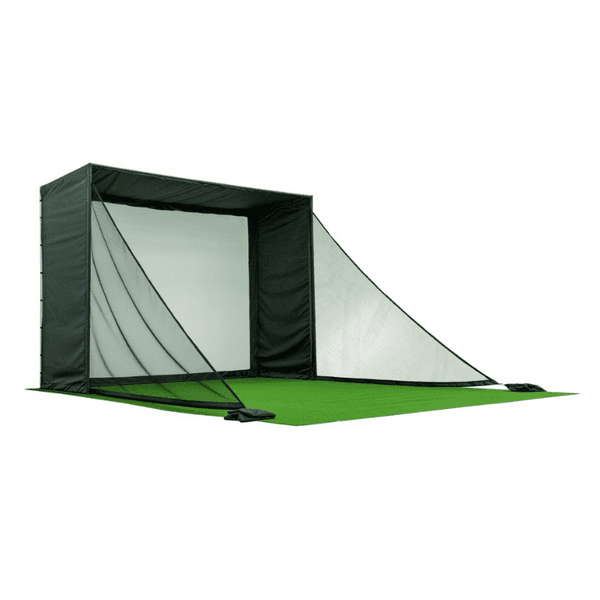
Recommended if your room is under 14 ft wide. Critical safety element when non-golfers or children are in the household.
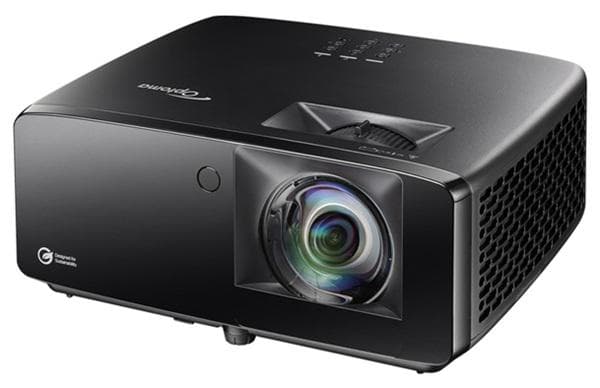
If you're cross-shopping
Side-by-side comparisons for the The Basement Build — $10,000 Mixed Use components.
Stay in the loop
Keep an eye on this build.
We email when meaningful pricing changes hit any component in this build, or when a stronger alternative shows up. One short message, maybe twice a month.
Want this build tailored?
Adjust for your room and your budget.
The configurator takes the same logic that produced this build and applies it to your specific dimensions and persona. If your room is tight, expect different picks.