Comparison
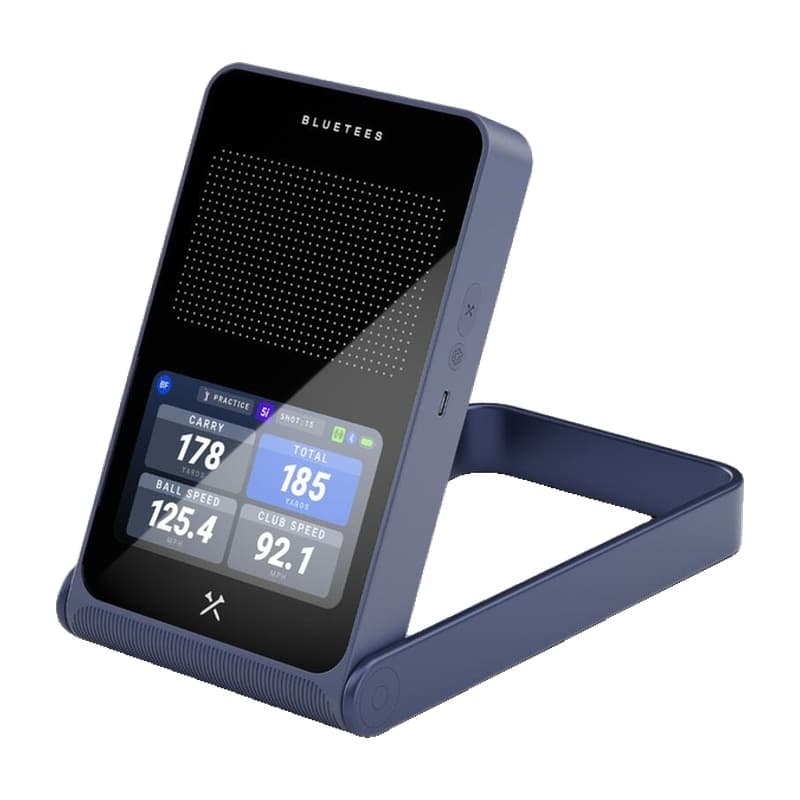
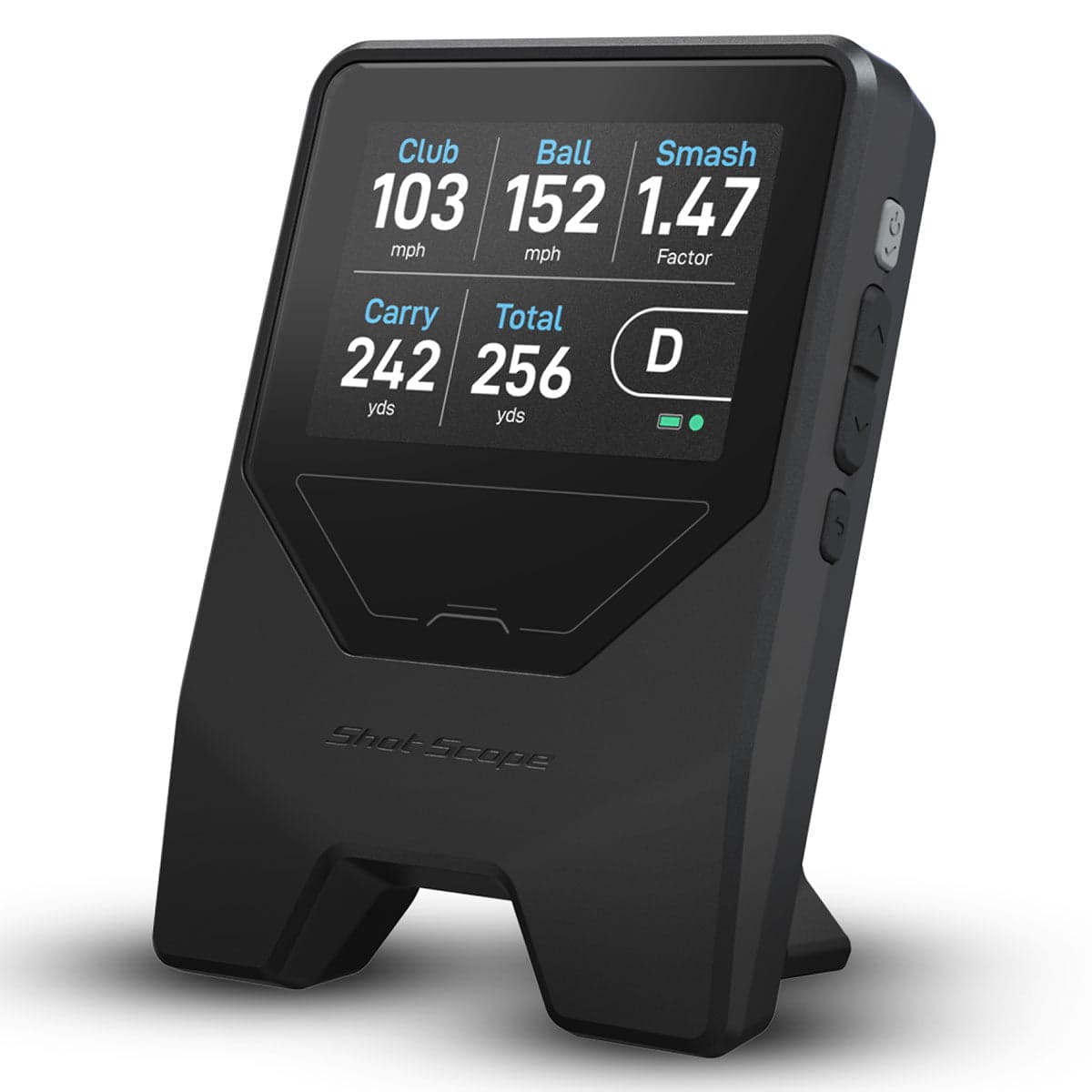
Rainmaker vs LM1
When you buy through links on Northcourse, we may earn a commission at no additional cost to you. Read the full affiliate disclosure
A side-by-side look at how the Blue Tees Rainmaker and Shot Scope LM1 compare on specs, accuracy, room requirements, and price. No hype — just the parts of the decision a buyer actually weighs.
Also worth a look
More comparisons with the Rainmaker and LM1

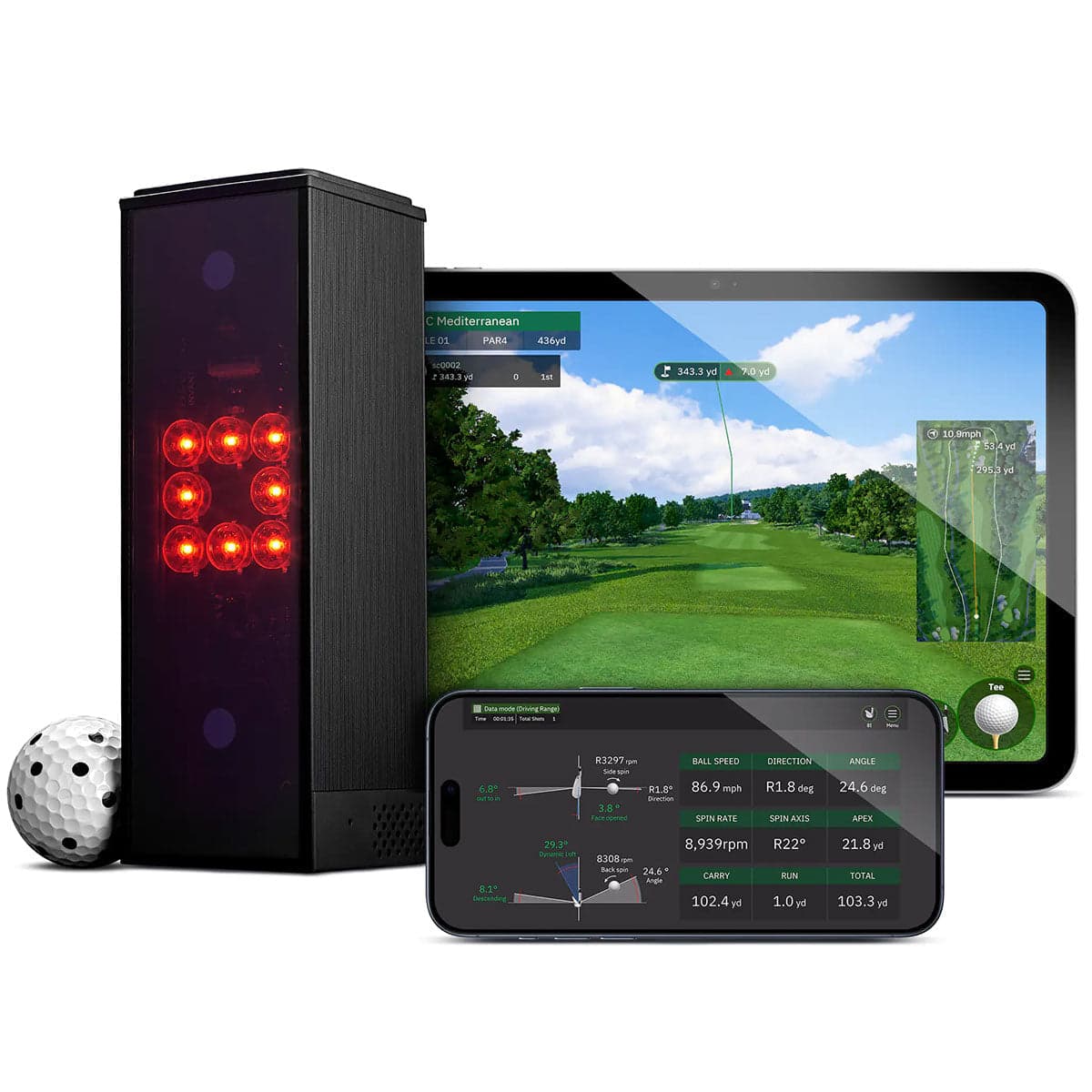
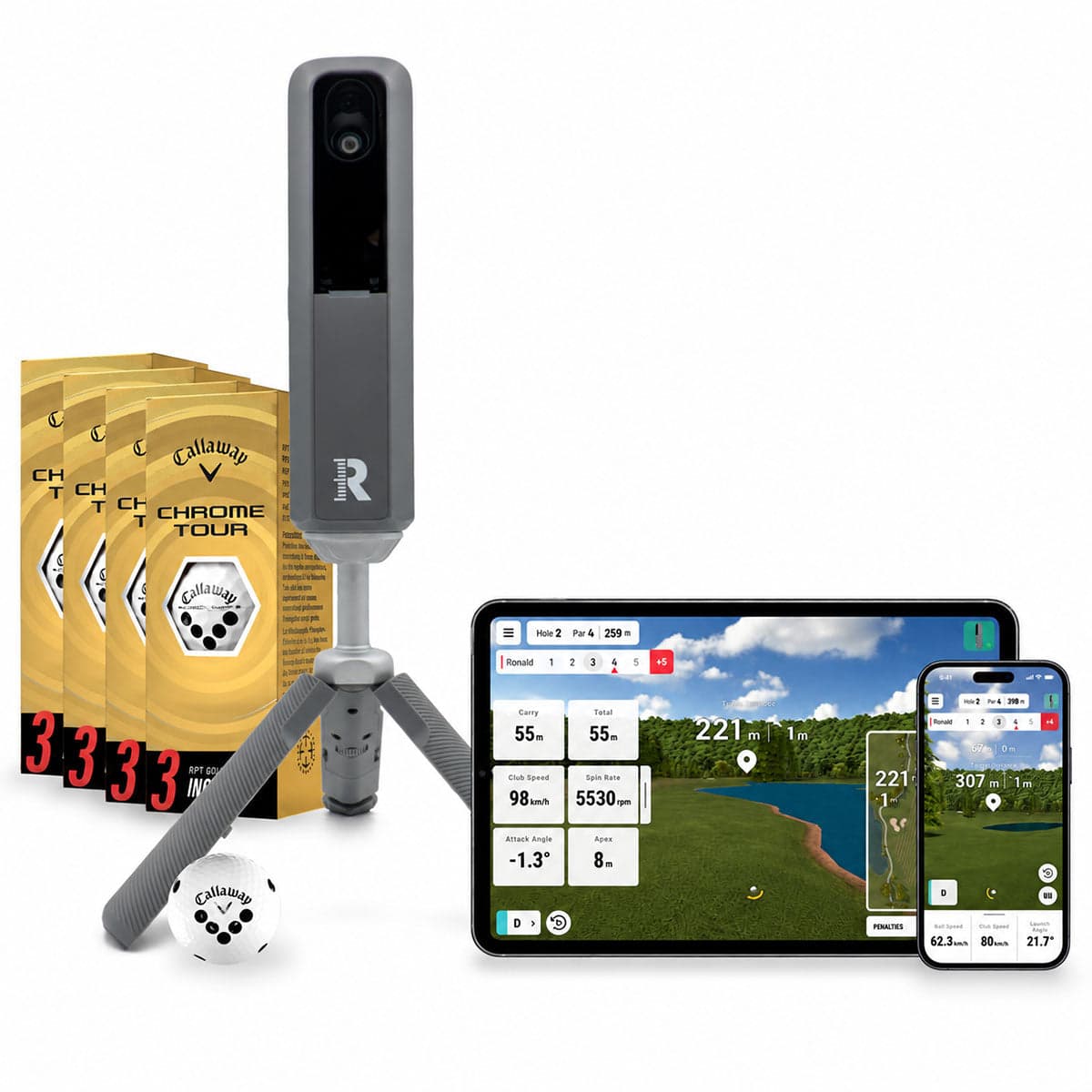
Buy Rainmaker
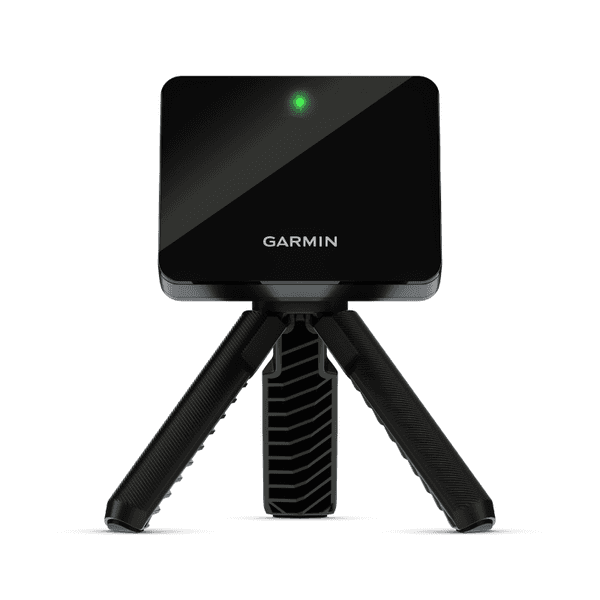
- Buy at Amazon $500Free ship, Rainmaker
- Buy at PlayBetter $500Free ship, Rainmaker
- Buy at Indoor Golf Outlet $600Free ship, Rainmaker
Prices confirmed Nov 10, 2026 · we check every retailer daily
Buy LM1
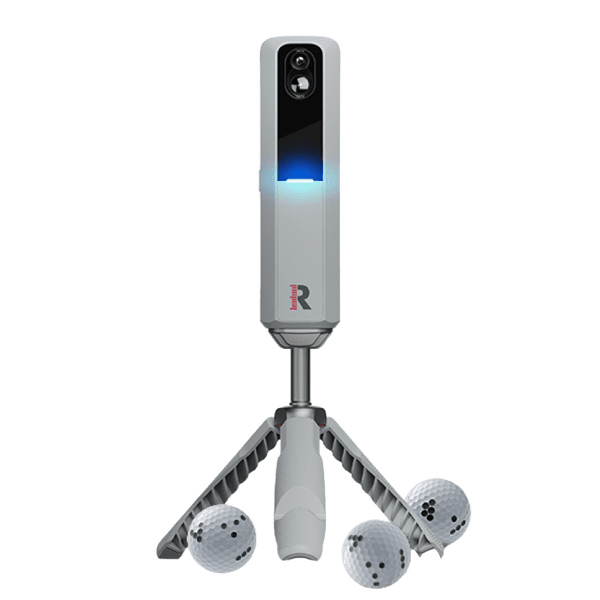
- Buy at Amazon $200Free ship, LM1
- Buy at PlayBetter $200Free ship, LM1
- Buy at Indoor Golf Outlet $200Free ship, LM1
Prices confirmed Nov 10, 2026 · we check every retailer daily
When you buy through links on Northcourse, we may earn a commission at no additional cost to you. Read the full affiliate disclosure
Full specificationsEvery spec for both, line by line
Specifications
The numbers, lined up.
Hardware
| Spec | Rainmaker | LM1 |
|---|---|---|
| Tracking Method | Doppler radar with a 4.3-inch on-device display | Single Doppler radar |
| Indoor/Outdoor | Both; IPX4 water resistant | Both (most useful at range / hitting net) |
| Handedness | Right or left from the same position; Blue Tees says it detects the hand automatically | — |
| Battery | Up to 7 hours, USB-C | — |
| Weight | 1.59 lb | — |
| Built-in Display | — | 3.5" screen, history of up to 1,920 shots |
| Battery Life | — | About 5 hours (USB-C charging) |
| Warranty | — | 2 years |
- Tracking MethodRainmakerDoppler radar with a 4.3-inch on-device displayLM1Single Doppler radar
- Indoor/OutdoorRainmakerBoth; IPX4 water resistantLM1Both (most useful at range / hitting net)
- HandednessRainmakerRight or left from the same position; Blue Tees says it detects the hand automaticallyLM1—
- BatteryRainmakerUp to 7 hours, USB-CLM1—
- WeightRainmaker1.59 lbLM1—
- Built-in DisplayRainmaker—LM13.5" screen, history of up to 1,920 shots
- Battery LifeRainmaker—LM1About 5 hours (USB-C charging)
- WarrantyRainmaker—LM12 years
Requirements
| Spec | Rainmaker | LM1 |
|---|---|---|
| Placement | Exactly 5 ft behind the ball, level with it; at least 10 ft from ball to screen indoors | 5 ft behind the ball (Shot Scope also gives 4–5 ft and 1.4–1.5 m; plan on the 5 ft) |
| Balls | Blue Tees recommends radar-enhanced balls indoors | — |
- PlacementRainmakerExactly 5 ft behind the ball, level with it; at least 10 ft from ball to screen indoorsLM15 ft behind the ball (Shot Scope also gives 4–5 ft and 1.4–1.5 m; plan on the 5 ft)
- BallsRainmakerBlue Tees recommends radar-enhanced balls indoorsLM1—
Data
| Spec | Rainmaker | LM1 |
|---|---|---|
| Measured | Ball speed, club speed, launch angle, launch direction | — |
| Calculated | Carry, total, apex, total spin, back spin, side spin, spin axis, attack angle, club path, smash factor | — |
| Ball Data | — | Speed, carry, total distance |
| Club Data | — | Clubhead speed, smash factor only |
- MeasuredRainmakerBall speed, club speed, launch angle, launch directionLM1—
- CalculatedRainmakerCarry, total, apex, total spin, back spin, side spin, spin axis, attack angle, club path, smash factorLM1—
- Ball DataRainmaker—LM1Speed, carry, total distance
- Club DataRainmaker—LM1Clubhead speed, smash factor only
Software
| Spec | Rainmaker | LM1 |
|---|---|---|
| Native Software | Blue Tees LAUNCH app (iOS, Android): practice and 3D range, no course play; one year of membership included | — |
| Third-Party | GSPro (on its official list) and E6, both Windows and paid separately | — |
| Subscription | — | None |
| Sim Compatibility | — | None — standalone unit |
- Native SoftwareRainmakerBlue Tees LAUNCH app (iOS, Android): practice and 3D range, no course play; one year of membership includedLM1—
- Third-PartyRainmakerGSPro (on its official list) and E6, both Windows and paid separatelyLM1—
- SubscriptionRainmaker—LM1None
- Sim CompatibilityRainmaker—LM1None — standalone unit
Room planner
See each one in your sim room.
The planner draws each unit to scale with your room and your swing: where it sits, and whether your swing clears the ceiling, walls and screen. Put in your room once, then switch units in the planner to compare.
Persona fitWho each one is better for
Who each one is better for
Honest persona fit, side by side.
Better for LM1
- Recreational Player
$200 buys you a real launch monitor with built-in display — perfect for casual range work. Carry distance is reportedly within ~1 yard of premium units on full irons.
- Cost-Effective Buyer
Cheapest credible launch monitor on the US market. Zero subscription, zero accessories, zero ongoing cost. The honest entry point.
Build your simulator in two minutes
Five questions. One tailored build with retailer links.
We ask about your budget, your room, and how you’ll use it. We return a complete build — launch monitor, mat, enclosure, projector, software, PC — with the reasoning behind every pick and the alternatives we considered.