Comparison
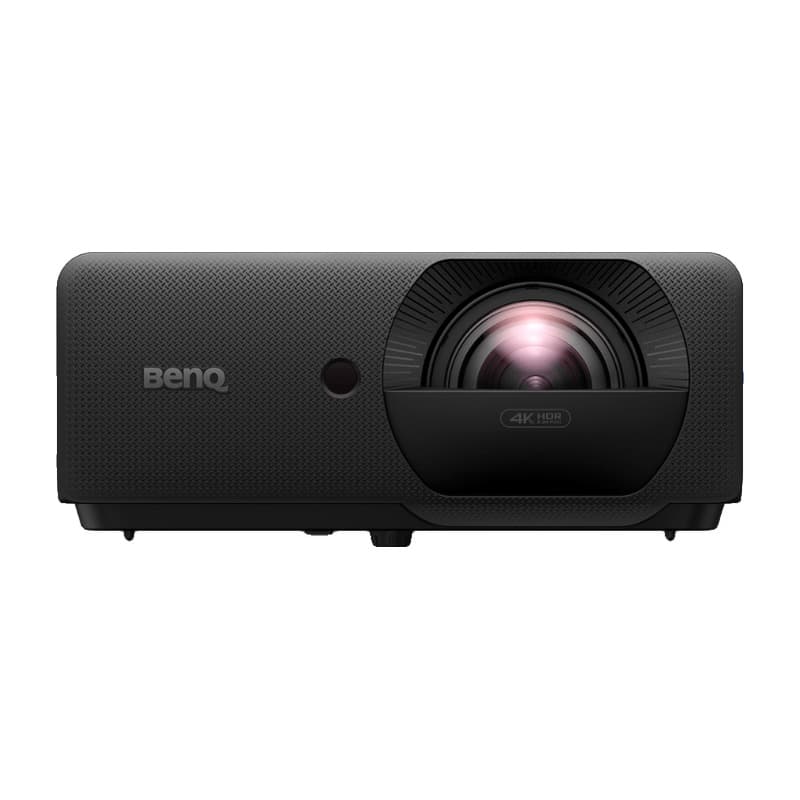
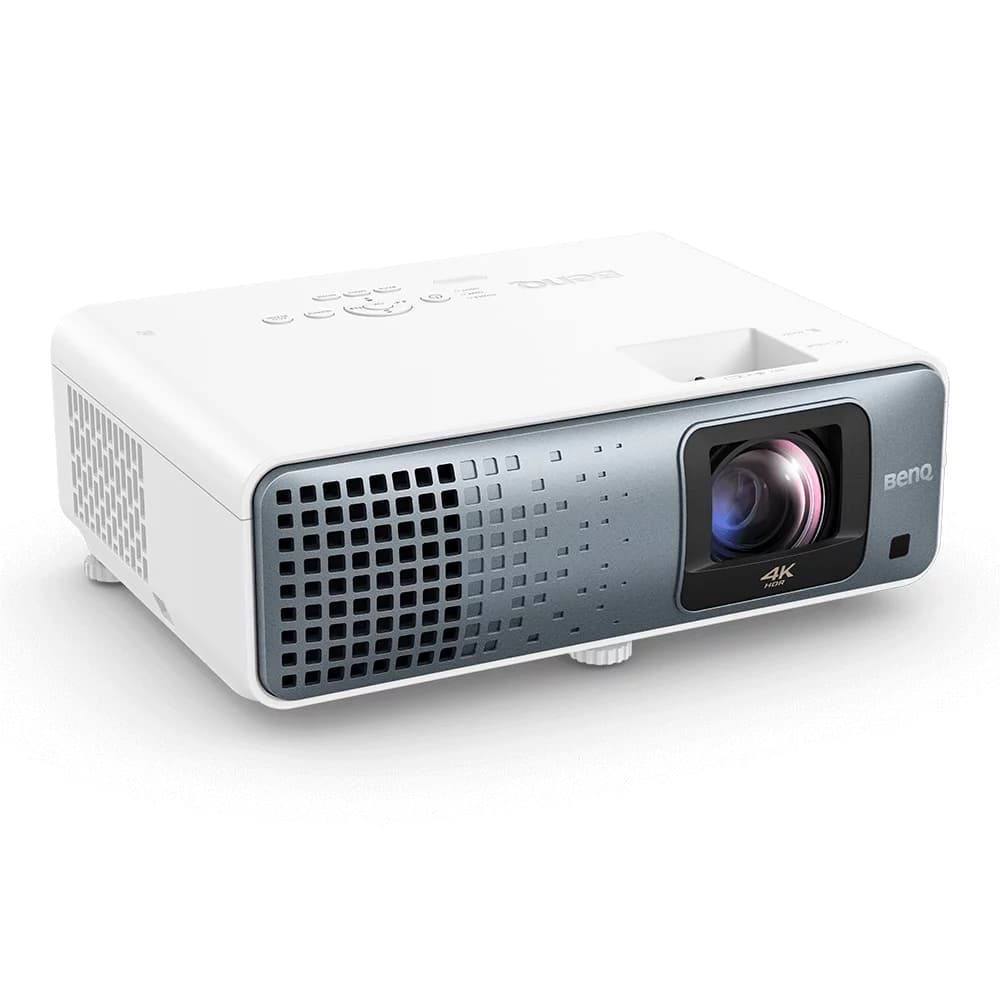
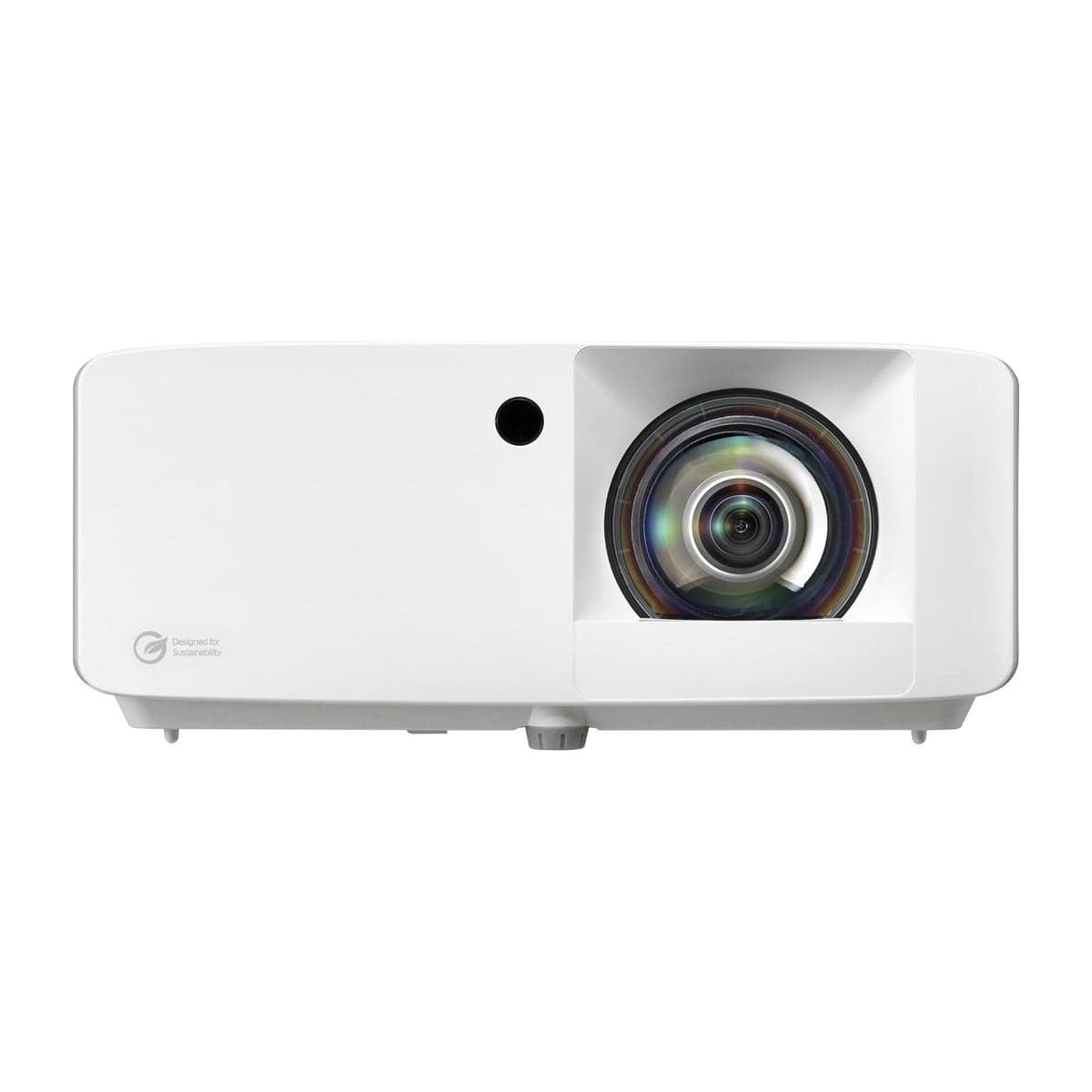
LK830ST vs ZK431ST-B

When you buy through links on Northcourse, we may earn a commission at no additional cost to you. Read the full affiliate disclosure
A side-by-side look at how the BenQ LK830ST and Optoma ZK431ST-B compare on specs, accuracy, room requirements, and price. No hype — just the parts of the decision a buyer actually weighs.
Also worth a look
More comparisons with the LK830ST and ZK431ST-B
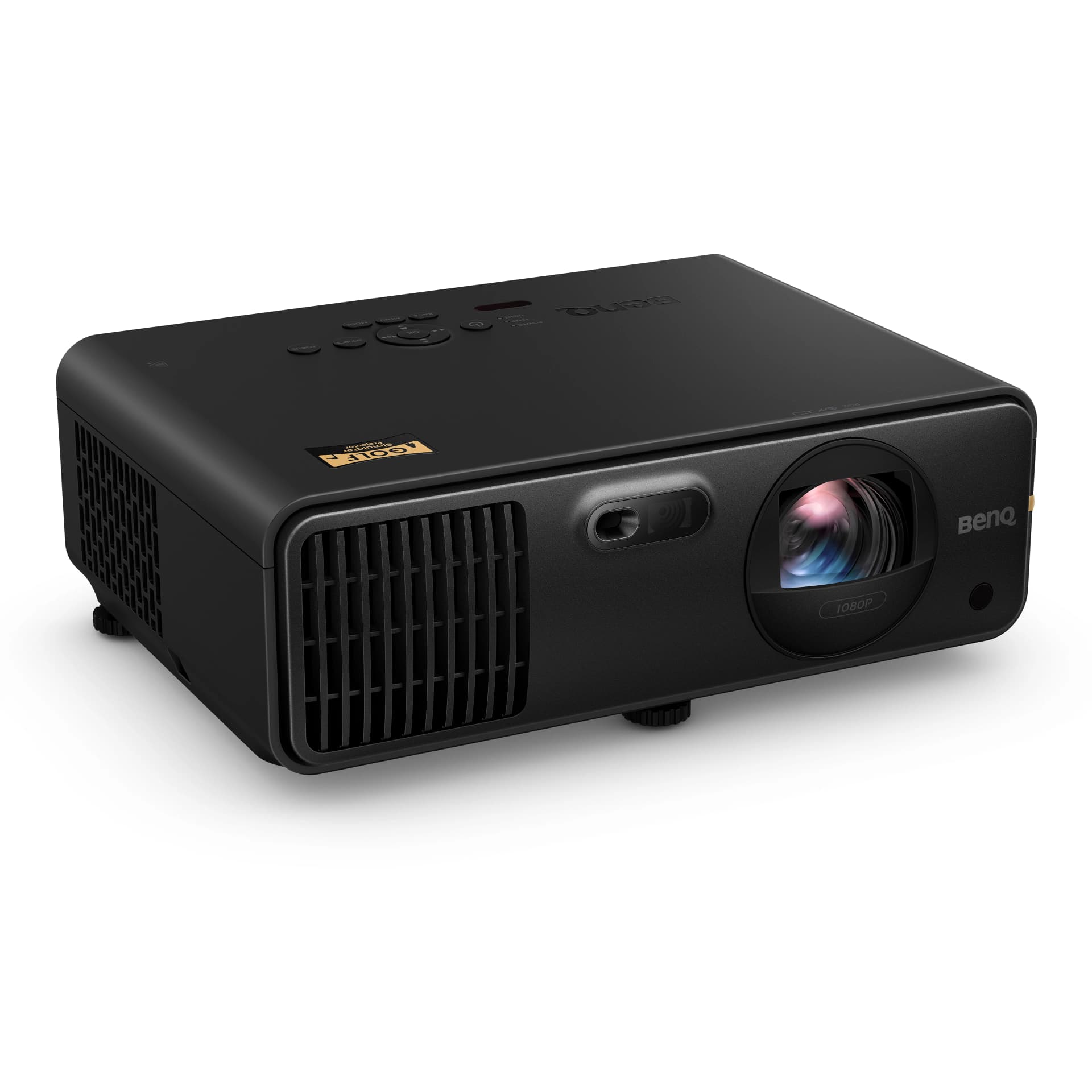
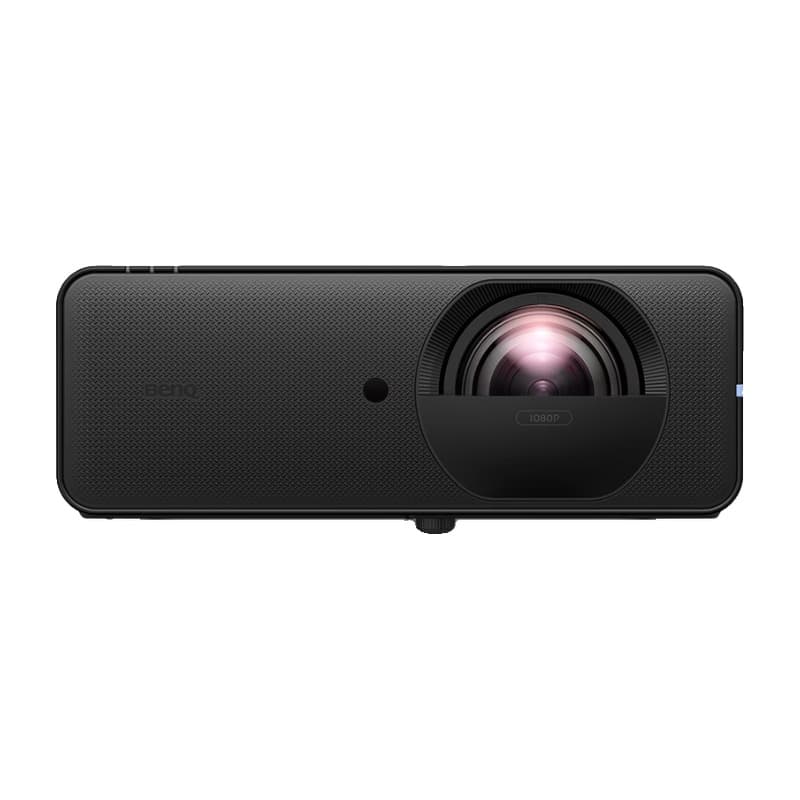
Buy LK830ST
Prices confirmed Nov 10, 2026 · we check every retailer daily
Buy ZK431ST-B
Show all 2 retailersShow fewer retailers
Prices confirmed Nov 10, 2026 · we check every retailer daily
When you buy through links on Northcourse, we may earn a commission at no additional cost to you. Read the full affiliate disclosure
Full specificationsEvery spec for both, line by line
Specifications
The numbers, lined up.
Image
| Spec | LK830ST | ZK431ST-B |
|---|---|---|
| Resolution | 4K UHD (3840×2160) | 4K UHD (3840×2160); Optoma calls it True 4K UHD and names no chip |
| Lumens | 4,000 ANSI | 4,100 (ISO 21118) |
| Picture Mode | Golf picture mode | Golf Sim colour mode (preset) |
| Screen Size | — | 36–300 in (Optoma's spec table says 30–300, its feature list 36–300; the narrower range is used) |
- ResolutionLK830ST4K UHD (3840×2160)ZK431ST-B4K UHD (3840×2160); Optoma calls it True 4K UHD and names no chip
- LumensLK830ST4,000 ANSIZK431ST-B4,100 (ISO 21118)
- Picture ModeLK830STGolf picture modeZK431ST-BGolf Sim colour mode (preset)
- Screen SizeLK830ST—ZK431ST-B36–300 in (Optoma's spec table says 30–300, its feature list 36–300; the narrower range is used)
Hardware
| Spec | LK830ST | ZK431ST-B |
|---|---|---|
| Light Source | Laser (20,000 hours normal, 30,000 eco) | DuraCore laser (30,000 hours, eco) |
| Throw Ratio | 0.496:1 (fixed) | 0.496:1 (short throw, fixed) |
| Offset | 114%; no lens shift | — |
| Dimensions | 10.99 × 9.03 × 4.74 in (W × D × H) | — |
| Lens | — | Fixed 0.496:1 short-throw lens (no zoom, no lens shift) |
| Keystone | — | ±15° with Smart Fit auto-alignment |
- Light SourceLK830STLaser (20,000 hours normal, 30,000 eco)ZK431ST-BDuraCore laser (30,000 hours, eco)
- Throw RatioLK830ST0.496:1 (fixed)ZK431ST-B0.496:1 (short throw, fixed)
- OffsetLK830ST114%; no lens shiftZK431ST-B—
- DimensionsLK830ST10.99 × 9.03 × 4.74 in (W × D × H)ZK431ST-B—
- LensLK830ST—ZK431ST-BFixed 0.496:1 short-throw lens (no zoom, no lens shift)
- KeystoneLK830ST—ZK431ST-B±15° with Smart Fit auto-alignment
Requirements
| Spec | LK830ST | ZK431ST-B |
|---|---|---|
| Throw Distance | 100 in at about 3.6 ft (BenQ's manual) | — |
- Throw DistanceLK830ST100 in at about 3.6 ft (BenQ's manual)ZK431ST-B—
Performance
| Spec | LK830ST | ZK431ST-B |
|---|---|---|
| Input Lag | 16.7 ms at 4K/60Hz; 8.3 ms at 1080p/120Hz; 4.2 ms at 1080p/240Hz (BenQ) | 16.8 ms at 4K/60Hz and 8.6 ms at 1080p/120Hz with Enhanced Gaming on (Optoma's page says 16.7 ms at 4K/60; the manual's 16.8 is used); 33.5 ms at 4K/60 with it off. Keystone and four-corner correction are disabled in low-latency mode |
- Input LagLK830ST16.7 ms at 4K/60Hz; 8.3 ms at 1080p/120Hz; 4.2 ms at 1080p/240Hz (BenQ)ZK431ST-B16.8 ms at 4K/60Hz and 8.6 ms at 1080p/120Hz with Enhanced Gaming on (Optoma's page says 16.7 ms at 4K/60; the manual's 16.8 is used); 33.5 ms at 4K/60 with it off. Keystone and four-corner correction are disabled in low-latency mode
Room planner
See each one in your sim room.
The planner draws each unit to scale with your room and your swing: where it mounts, the throw it needs, and whether your shadow crosses the light. Put in your room once, then switch units in the planner to compare.
Persona fitWho each one is better for
Who each one is better for
Honest persona fit, side by side.
Better for ZK431ST-B
- Performance Seeker
4K with published low lag and a dedicated Golf Sim colour preset, so there is a sensible starting point without a calibration session. 4,100 lumens holds up in a room that is not fully blacked out.
- Space-Constrained
0.496:1 puts a 100-inch image up from about 3.6 feet, so it mounts close and stays out of the swing path. That is the tightest throw in the catalog, shared in 4K with the GT3900UHD, UHZ35ST and BenQ LK830ST.
- Family Setup
Bright enough for a room with ambient light and fast enough to game on, which is what a shared room actually gets used for between rounds.
Build your simulator in two minutes
Five questions. One tailored build with retailer links.
We ask about your budget, your room, and how you’ll use it. We return a complete build — launch monitor, mat, enclosure, projector, software, PC — with the reasoning behind every pick and the alternatives we considered.