Comparison
UHZ35ST vs ZK431ST-B
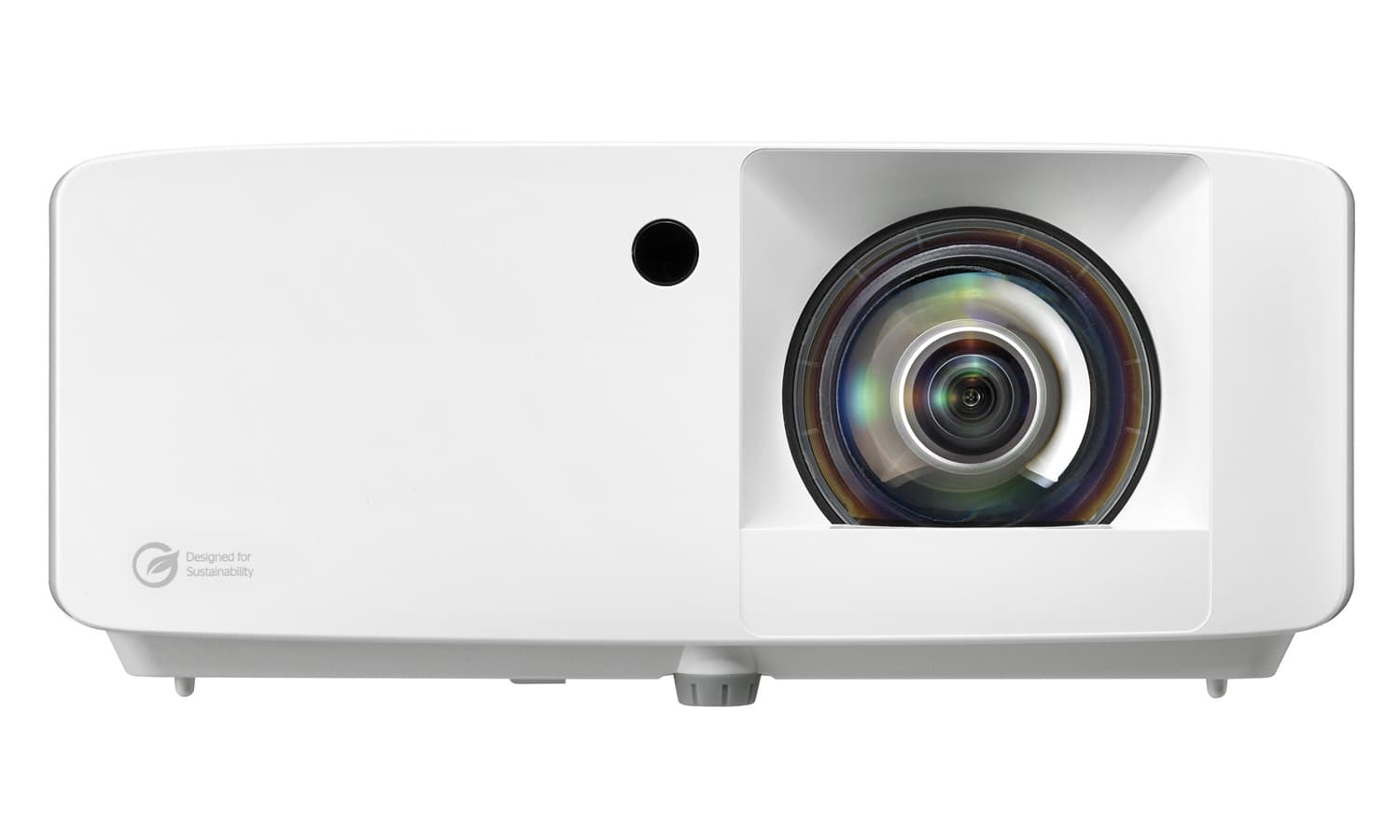
A side-by-side look at how the Optoma UHZ35ST and Optoma ZK431ST-B compare on specs, accuracy, room requirements, and price. No hype — just the parts of the decision a buyer actually weighs.
Buy UHZ35ST
Buy ZK431ST-B
When you buy through links on Northcourse, we may earn a commission at no additional cost to you. Read the full affiliate disclosure
Specifications
The numbers, lined up.
Image
| Spec | UHZ35ST | ZK431ST-B |
|---|---|---|
| Resolution | True 4K (3840×2160) | 4K UHD (3840×2160) native |
| Lumens | 3,500 ANSI | 4,100 ANSI |
| HDR | HDR10 | — |
| Picture Mode | Golf Sim preset | Golf Sim colour mode, factory-calibrated |
| Screen Size | — | 30–300 in |
- ResolutionUHZ35STTrue 4K (3840×2160)ZK431ST-B4K UHD (3840×2160) native
- LumensUHZ35ST3,500 ANSIZK431ST-B4,100 ANSI
- HDRUHZ35STHDR10ZK431ST-B—
- Picture ModeUHZ35STGolf Sim presetZK431ST-BGolf Sim colour mode, factory-calibrated
- Screen SizeUHZ35ST—ZK431ST-B30–300 in
Hardware
| Spec | UHZ35ST | ZK431ST-B |
|---|---|---|
| Light Source | Laser (30,000 hours) | DuraCore laser (30,000 hours, eco) |
| Throw Ratio | 0.50 (fixed) | 0.496:1 (ultra-short throw) |
| Fan Noise | ~30 dB | — |
| Lens | — | Golf Sim short-throw lens included |
| Keystone | — | ±15° with Smart Fit auto-alignment |
- Light SourceUHZ35STLaser (30,000 hours)ZK431ST-BDuraCore laser (30,000 hours, eco)
- Throw RatioUHZ35ST0.50 (fixed)ZK431ST-B0.496:1 (ultra-short throw)
- Fan NoiseUHZ35ST~30 dBZK431ST-B—
- LensUHZ35ST—ZK431ST-BGolf Sim short-throw lens included
- KeystoneUHZ35ST—ZK431ST-B±15° with Smart Fit auto-alignment
Performance
| Spec | UHZ35ST | ZK431ST-B |
|---|---|---|
| Input Lag | 4.4ms (fastest 4K in class) | 16.7 ms at 4K/60Hz; 8.6 ms at 1080p/120Hz |
- Input LagUHZ35ST4.4ms (fastest 4K in class)ZK431ST-B16.7 ms at 4K/60Hz; 8.6 ms at 1080p/120Hz
Who each one is better for
Both fit the same buyers.
Neither one wins a persona the other doesn’t. The choice comes down to specs, price, and room fit rather than buyer profile.
Both fit
- Performance Seeker
- Family Setup
- Space-Constrained
Also worth a look
More comparisons with the UHZ35ST and ZK431ST-B.
Build your simulator in two minutes
Five questions. One tailored build with retailer links.
We ask about your budget, your room, and how you’ll use it. We return a complete build — launch monitor, mat, enclosure, projector, software, PC — with the reasoning behind every pick and the alternatives we considered.