← Articles·9 min read
Square Golf Omni vs Voice Caddie SC4 PRO: Camera $1,599, Radar $549.99
Square Golf Omni at $1,599 vs Voice Caddie SC4 PRO at $549.99. Premium indoor photometric accuracy vs no-subscription standalone radar. Different categories cross-shopped by no-subscription buyers.
When you buy through links on Northcourse, we may earn a commission at no additional cost to you. Read the full affiliate disclosure
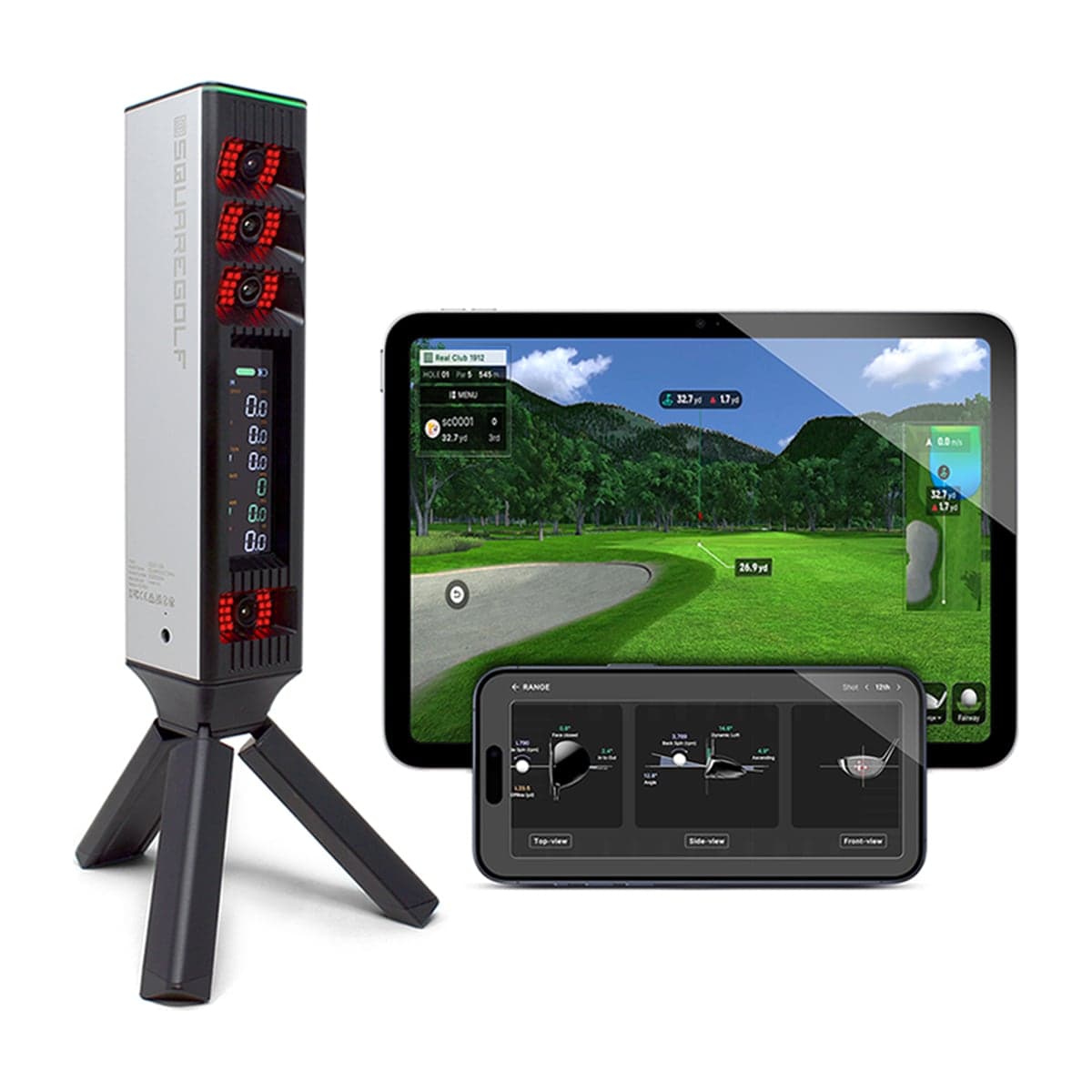
Two launch monitors most often cross-shopped by no-subscription-pressure buyers despite being in different categories. Square Golf Omni at $1,599 — a mid-tier four-camera photometric simulator unit. Voice Caddie SC4 PRO at $549.99 — a budget Doppler radar with built-in screen and voice distance announcement.
Same ownership model out of the box (no required recurring fee). Very different products. This guide tells you which one fits which buyer and why the $1,050 price gap is justified by the use case difference, not feature parity.
The Two Designs in One Sentence Each
Square Golf Omni is a four-camera photometric launch monitor — Square Golf's 2026 release with direct ball-axis measurement from four high-speed cameras, native software included, full indoor simulator capability. As of October 2026 it is sold out at Square Golf and on pre-order or backorder at PlayBetter, Shop Indoor Golf and Rain or Shine.
Voice Caddie SC4 PRO is a standalone Doppler radar with built-in screen — Voice Caddie's mid-line range tool with voice distance announcement, color display, and E6 Connect with five courses and a driving range included.
The Specs Side-by-Side
| Spec | Square Golf Omni | Voice Caddie SC4 PRO |
|---|---|---|
| Price | $1,599 | $549.99 ($549.99–$599.99 at the retailers we track) |
| Tracking | Photometric, 4 cameras | Doppler radar |
| Built-in display | No | Yes (color screen) |
| Voice distance | No | Yes |
| Subscription required | None | None |
| Indoor / outdoor | Both (indoor primary) | Both (outdoor primary) |
| Minimum ceiling | None for the unit; the swing sets it (10 ft for a 5'10"–6'2" golfer, Shop Indoor Golf) | None for the unit; the swing sets it (same) |
| Minimum room depth (indoor) | None published (retailers say ~10 ft); about 14 ft at the least on our room planner | About 15 ft (Voice Caddie: 5 ft behind the ball + 10 ft to the net); 18 ft on our room planner |
| Spin measurement | Direct | Calculated |
| Course play | Square Golf app on pay-per-hole credits (1,000 included), plus GSPro, E6 Connect, Awesome Golf | E6 Connect only: 5 courses + a range included, the rest on a $300–$600/yr subscription |
| GSPro compatible | Yes | No |
| Phone required | Yes — a phone, tablet or PC to see data (no screen) | Optional (works standalone) |
| 5-year total | $1,599 | $549.99 |
Where Square Golf Omni Wins
Accuracy class. Four-camera photometric measurement is in a different precision class than Doppler radar. For indoor sim use, this is the structural advantage and it's not close.
Indoor sim capability. Fits a shorter room — about 14 ft at the least on our room planner, with the ball as close to the screen as your swing allows — and has no ceiling figure of its own; as with the SC4, the swing sets that. The SC4 PRO needs about 15 ft of depth indoors (5 ft behind the ball, 10 ft to the net, per Voice Caddie; 18 ft on the planner), and its course play past five included E6 Connect courses is a subscription. For indoor course play, the Omni is the stronger choice between these two by a wide margin.
GSPro compatibility. On GSPro's official list, connected through Square's free SQG GSPro Connect app (Windows). Access to GSPro's 2,500+ LiDAR community courses. The SC4 has no GSPro support at all.
Software ecosystem. Works with GSPro, E6 Connect, Awesome Golf, Creative Golf and Square Golf's own app. The SC4's only course-play software is E6 Connect — five courses and a range included, the full library by subscription.
Direct spin measurement. Four cameras measure spin from the ball's actual rotation. SC4 calculates spin from ball-flight algorithms — less precise, especially on partial shots.
Newer hardware. 2026-era cameras and processor. Better positioned for long-term firmware updates than the SC4's older platform.
Where Voice Caddie SC4 PRO Wins
$1,050 cheaper. $549.99 vs $1,599. Roughly a third of the price. For buyers who don't need photometric accuracy or indoor sim play, the SC4 delivers a credible range tool for far less.
Built-in screen. Standalone display means no phone or PC required. At the range, glancing at the SC4 to see distance is instant. The Omni requires a connected device for any data display.
Voice distance announcement. Hands-free distance feedback after each shot. Genuinely useful at the range when you're not looking at the unit.
Outdoor performance. Doppler radar excels in open space. The SC4 was designed for outdoor range use first, sim play second. The Omni is rated for outdoor use and engineered to work in sunlight, but it reads the ball at impact rather than tracking the whole flight — not the same instrument at a range.
Zero phone dependency. Turn it on, hit balls, read the screen. The Omni requires a phone, tablet, or PC for software UI. For users who'd rather keep their phone out of golf, the SC4 is the only one of the two that delivers.
Lower entry barrier for testing. $550 is testing money for whether you'll commit to home practice. $1,599 is a more serious decision.
Where Neither Wins
Serious data work. Neither is in the GC3 or Trackman iO accuracy class. Both deliver good data for the price; neither is a tour-prep or club-fitting tool.
Premium ecosystem. Both are budget/mid-tier brand and build quality. For showroom or performance-tier builds, you'd want a Foresight, Uneekor, or Trackman unit.
Ambidextrous out of the box (truly). Both work for left-handed players but with caveats — the Omni, for one, may need to be repositioned when the handedness changes, by Square's own account. For true zero-reposition multi-user setups, you need a ceiling-mount LM (Uneekor EYE XO2, Trackman iO, Foresight Falcon).
5-Year Total Cost: In the Box vs a Full Course Library
| Path | Hardware | Subscription 5y | 5-year total |
|---|---|---|---|
| Voice Caddie SC4 PRO (range tool; E6 Connect's 5 included courses) | $549.99 | $0 | $549.99 |
| Square Golf Omni standalone (own app; courses on pay-per-hole credits, 1,000 included) | $1,599 | $0 | $1,599 |
| Voice Caddie SC4 PRO + E6 Connect Basic (rotating E6 course library) | $549.99 | $1,500 ($300/yr × 5) | $2,049.99 |
| Square Golf Omni + GSPro (indoor sim with LiDAR courses) | $1,599 | $1,250 ($250/yr × 5) | $2,849 |
All four rows assume you already own whatever screen or computer you'd use — the SC4 needs none for the range, its E6 Connect path runs on an iPhone, iPad or PC, the Omni needs a phone, tablet, or PC for its software UI, and the GSPro path specifically needs a Windows PC with a discrete GPU (about $1,200 for the RTX 5060 tower we recommend, comfortably above GSPro's RTX 3060 minimum, if you don't have one). That cost sits outside the table because it applies to any launch monitor you'd run GSPro on, not to the Omni in particular.
The Omni standalone row holds until its 1,000 included holes run out; after that, credits cost about 2 to 3 cents a hole per player, so one player at a round a week spends roughly $20–$30 a year.
The SC4 is the cheapest path if the range and five courses are enough. The Omni standalone is the cheapest credible no-subscription photometric simulator, and the only one of the two that keeps playing courses past what's in the box without a subscription (Square Golf's own app, 27 courses as of mid-2026, on credits). With a subscription library on both sides, the gap narrows to about $800 ($2,049.99 against $2,849, the two subscription rows above), and the Omni's extra $800 buys photometric tracking, measured spin and a unit that works in a 10 ft room rather than 15 ft.
Which One Fits Which Buyer
Pick the Square Golf Omni ($1,599) if:
- Indoor sim play is your primary use case
- You want photometric accuracy (the structural data quality advantage)
- You'll use GSPro or another full simulator software platform
- Your room is under 18 ft deep (the Omni fits down to about 14 ft on our room planner; the SC4 PRO needs 18). With either unit, your swing sets the ceiling
- You want course play without a subscription
- You don't mind connecting a phone or PC for software UI
Pick the Voice Caddie SC4 PRO ($549.99) if:
- Outdoor range work is your primary use case
- Built-in screen + voice distance are real conveniences for your usage
- You'd rather not have a phone or PC involved in practice
- Zero subscription pressure matters and budget is tight
- Indoor sim play is a "nice to have" rather than a primary need
- You're testing whether you'll commit to a home setup at all
Pick something else if:
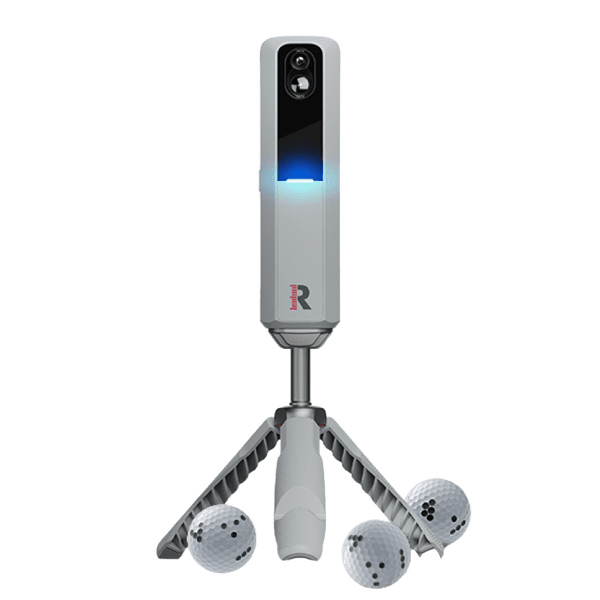
- Want indoor + outdoor with serious data → Rapsodo MLM2PRO at about $550 — hybrid camera-radar bridges both contexts, though spin, club data, course play and third-party software need Rapsodo's Core membership at $199.99/yr
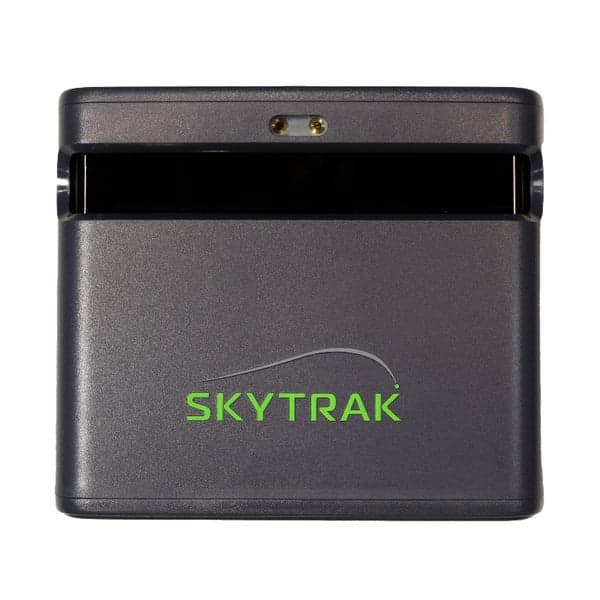
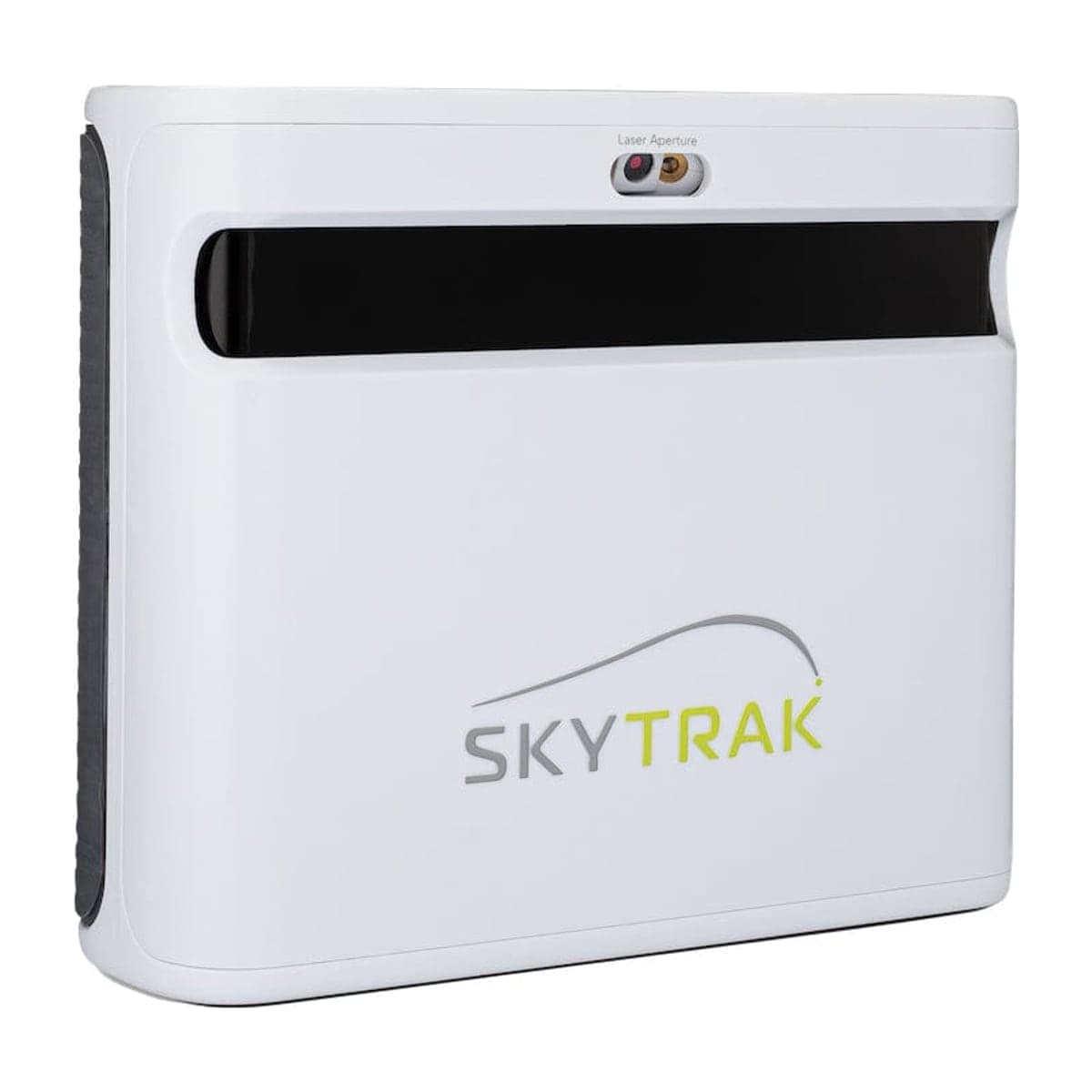
- Want the SkyTrak ecosystem → SkyTrak ST MAX at $1,695 — mature first-party software that runs on M-series Macs and iPads (M1 or newer) as well as Windows, and a large owner community; the discontinued SkyTrak+ is $1,095 new on closeout (Amazon), about $600 under the ST MAX for a smaller hitting zone while the stock lasts. The ST MAX's $1,695 is SkyTrak's sale price off a $2,995 list, at every retailer since late August 2026. Course play in SkyTrak's own app needs a membership from $299.99/yr. Note this is not an upgrade path for GSPro: no SkyTrak model is on GSPro's official list, and a new SkyTrak can't reach GSPro, while the Omni is officially supported
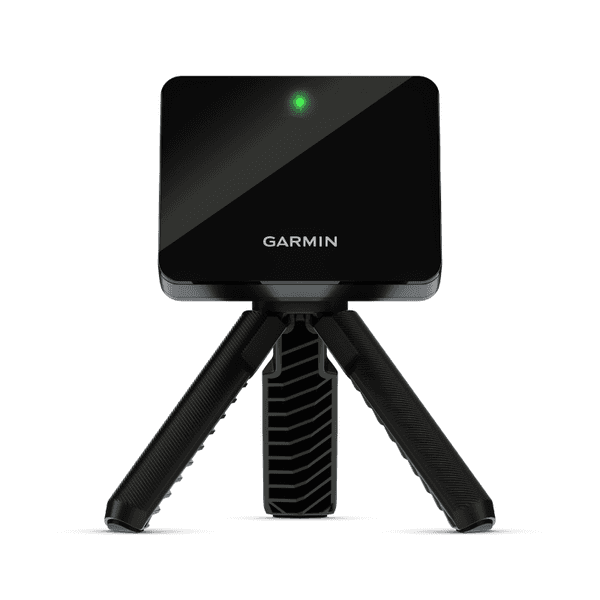
- Lowest possible cost for outdoor + simple indoor → Garmin R10 at $499.99 — phone-paired, optional Home Tee Hero ($99.99/yr as part of a Garmin Golf membership) for 43,000 courses
- Want tour-grade indoor accuracy → step up to Foresight GC3 at $3,999 (Foresight's sale price since October 13, 2026, against a $6,999 list; no announced end date); course play needs a Foresight+ membership on top, roughly $500–$1,200/yr
The Honest Tiebreaker
For most buyers torn between these two, the decision is about use case, not budget.
If your primary goal is hitting balls on the driving range with quick distance feedback — SC4. Built-in screen + voice + no phone dependency is the right tool for the range, and the $549.99 price is hard to argue against for outdoor-first use.
If your primary goal is playing virtual golf courses indoors in any room you have — Omni. Four-camera photometric measurement, GSPro compatibility, and indoor sim capability are worth the $1,050 premium when you'll actually use them.
Different problems, different answers. The $1,050 price gap maps cleanly to "range tool" vs "indoor simulator" and the right pick is whichever matches what you'll actually do with it.
See Also
- Best Launch Monitor Under $1,000 — where the SC4 sits among entry-tier picks
- Best Photometric Launch Monitor — where the Omni sits across camera-based LMs
- SkyTrak+ vs Square Golf Omni — the Omni's nearest mid-tier competitor
- Voice Caddie SC4 PRO vs Garmin R10 — the SC4's nearest budget competitor
- Photometric vs Doppler Radar — the technology comparison that explains the accuracy gap
Or run the configurator — five questions, one tailored build that picks the right LM for your room and primary use case.
Where to buy
The gear in this article, at current prices.
 Square GolfSquare Golf Omni
 Voice CaddieSC4 PRO
 RapsodoMLM2PRO
 SkyTrakSkyTrak ST MAX
 SkyTrakSkyTrak+
 GarminApproach R10
Prices confirmed Nov 10, 2026 · we check every retailer daily
When you buy through links on Northcourse, we may earn a commission at no additional cost to you. Read the full affiliate disclosure
Where to next
See it in your room, in a full build, or side by side.
- Room plannerSee the Square Golf Omni in your sim roomDraws your room and your swing to scale with the gear, then checks the ceiling, walls and screen against the published figures.
- A full buildThe Basement Build — $7,000 Cost-Effective$7,294 in total, with the Square Golf Omni.
- CompareSkyTrak ST MAX vs Square Golf Omni$1,695 and $1,599, side by side.
Common questions
Answers to the things readers ask most.
- Square Golf Omni vs Voice Caddie SC4 PRO — which is more accurate?
- Square Golf Omni by a wide margin indoors. Four high-speed cameras directly measure ball axis from multiple angles; the SC4 uses Doppler radar with calculated spin. For indoor sim play, the Omni is in a different accuracy class. Outdoors, the SC4 closes some of the gap (radar excels in open space), but it still doesn't match the Omni's measured-spin precision.
- Why is the Omni almost three times the price?
- Sensor count and category. The SC4 is a budget Doppler radar designed as a range tool with built-in screen and voice convenience. The Omni is a mid-tier four-camera photometric simulator unit designed for indoor course play. They're solving different problems at different precision levels. The price gap reflects category, not overpricing.
- Are these two even cross-shopped?
- Yes, by no-subscription buyers. Both ship subscription-free out of the box — rare in the launch monitor category. Buyers who hate annual fees often shortlist them together despite the price gap, weighing 'best $550 LM no-sub' against 'cheapest credible photometric simulator no-sub.' The choice depends on whether indoor course play is a real priority — and on how each handles course play past what's in the box: pay-per-hole credits on the Omni, an E6 Connect subscription on the SC4.
- Voice Caddie SC4 PRO — what's the built-in screen actually for?
- Reading distance, ball speed, launch angle, and apex without pulling out your phone. At the range, it's genuinely useful — glance at the SC4 screen between shots. The Omni has no screen; you'd connect a phone, tablet, or PC to see data. For pure range work, the SC4's standalone display is the structural advantage.
- Does either work with GSPro?
- The Omni is on GSPro's own official supported-hardware list, with no Square-side fee — you pay only GSPro's $250/yr. The Voice Caddie SC4 PRO has no GSPro path at all; its only third-party software is E6 Connect, which comes with five courses and a driving range, with the rest of the library on a $300–$600/yr E6 subscription. So for a GSPro buyer the SC4 is the wrong choice and the Omni is a genuinely good one. Two things worth knowing before you conclude you need to spend more: stepping up to a SkyTrak ST MAX at $1,695 does not get you GSPro at all: no SkyTrak model is on GSPro's official list, and a new SkyTrak has no path to it. And if your budget is the constraint, the Garmin R10 at $499.99 is also officially supported, though it cannot putt in GSPro and its radar tracking is weaker indoors than the Omni's four cameras.
- Which one for outdoor range work?
- Voice Caddie SC4 PRO. Built-in screen + voice distance announcement + Doppler radar designed for outdoor use = the right tool for the driving range. The Omni works outdoors but doesn't have the same outdoor pedigree or convenience features. For pure outdoor range tool: SC4.
- Which one for indoor course play?
- Square Golf Omni, decisively. The four-camera photometric measurement reads at impact from beside the ball, and Square publishes no ball-to-screen distance, so the ball can come as close to the screen as your swing allows: about 14 ft of room at the least on our room planner. On ceiling, neither unit adds a figure of its own, so the swing sets it. The SC4 PRO (Doppler radar) needs about 15 ft of room depth indoors to track ball flight — Voice Caddie puts the unit 5 ft behind the ball with 10 ft to the net, about 18 ft on the planner with the 7 ft behind the tee that Shop Indoor Golf and Carl's Place advise — and its course play runs through E6 Connect: five included courses, then a $300/yr Basic or $600/yr Expanded subscription for the rest of the library. For indoor sim use, the Omni is in a different league.
- 5-year cost comparison?
- Voice Caddie SC4 PRO: $549.99 hardware + $0 subscription = $549.99, covering the range and E6 Connect's five included courses. Square Golf Omni: $1,599 hardware + $0 subscription = $1,599, with course play in its own app on pay-per-hole credits (1,000 holes included, then about 2–3 cents a hole). On that basis the Omni is about $1,050 more over 5 years. With a full course library on both sides the gap narrows to about $800: SC4 + E6 Connect Basic ($300/yr) is $2,049.99, Omni + GSPro ($250/yr) is $2,849. For the Omni premium you get four-camera photometric measurement, GSPro compatibility, and a unit that works in a 10 ft room.
- If subscription is the deal-breaker, which one wins?
- Both are subscription-free out of the box. The difference is course play: the Omni's own app plays courses with no subscription, on pay-per-hole credits (1,000 holes included, then about 2–3 cents a hole), while the SC4 gets five E6 Connect courses and needs a $300/yr or $600/yr E6 subscription for more. If no-subscription course play is the point, that favors the Omni. Beyond that the question is use case: outdoor range vs indoor course play. SC4 for outdoor, Omni for indoor. If you'd use both equally, the Omni handles both adequately while the SC4 is range-tool first.
- Honest tiebreaker — Omni or SC4?
- If you'll use it for indoor course play and want the cheapest no-subscription path: Omni at $1,599. If you'll use it for outdoor range work with occasional indoor casual use: SC4 at $549.99. The decision is about use case, not budget — they solve different problems.
Stay in the loop
More like this, in your inbox.
When a new explainer or build write-up goes live we send one short email. Maybe twice a month. No noise.
Northcourse is supported by our readers. When you click through links on our site and make a purchase from one of our retail partners, we may earn a commission at no additional cost to you. Commission rates do not influence which products we recommend; we are not paid by manufacturers. As an Amazon Associate I earn from qualifying purchases. Read the full affiliate disclosure
Build your simulator in two minutes
Five questions. One tailored build with retailer links.
We ask about your budget, your room, and how you’ll use it. We return a complete build — launch monitor, mat, enclosure, projector, software, PC — with the reasoning behind every pick and the alternatives we considered.