Comparison
SkyTrak+ vs LaunchBox
A side-by-side look at how the SkyTrak+ and TruGolf LaunchBox compare on specs, accuracy, room requirements, and price. No hype — just the parts of the decision a buyer actually weighs.
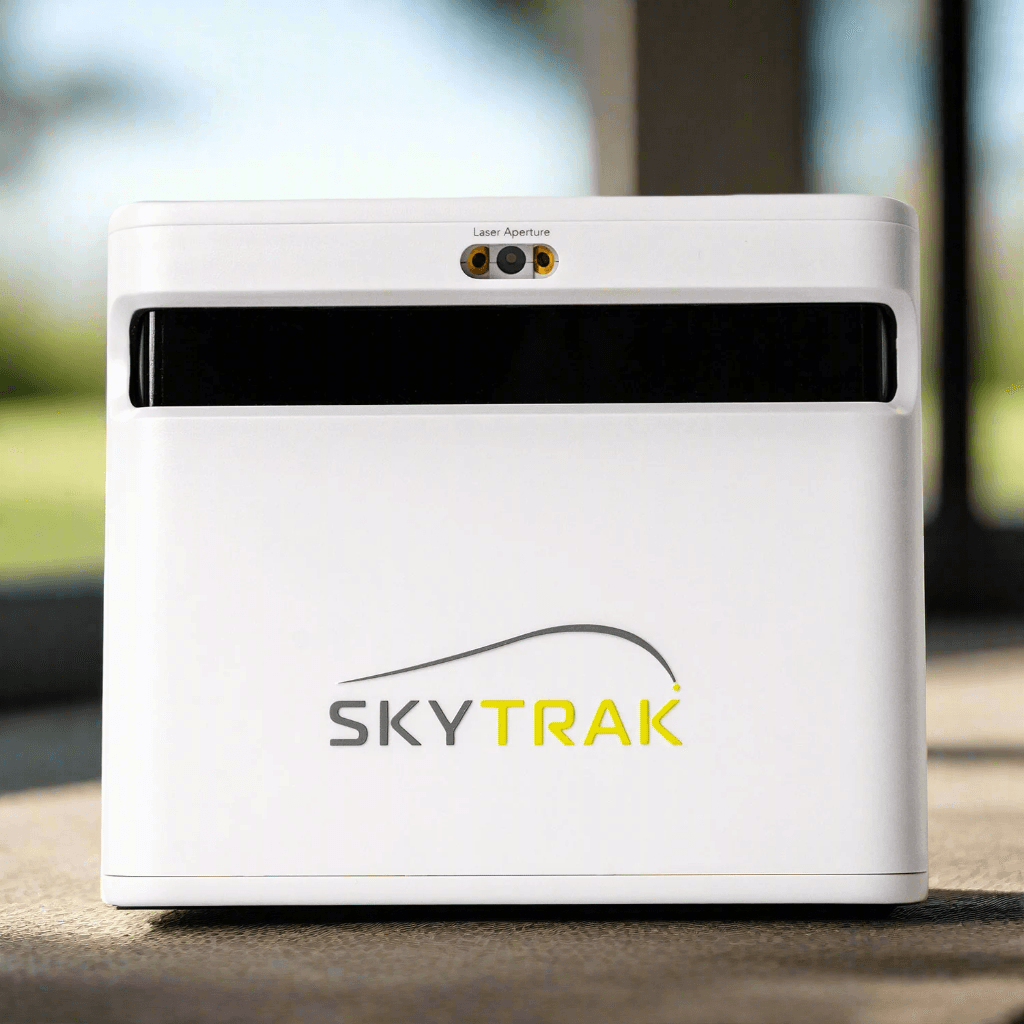
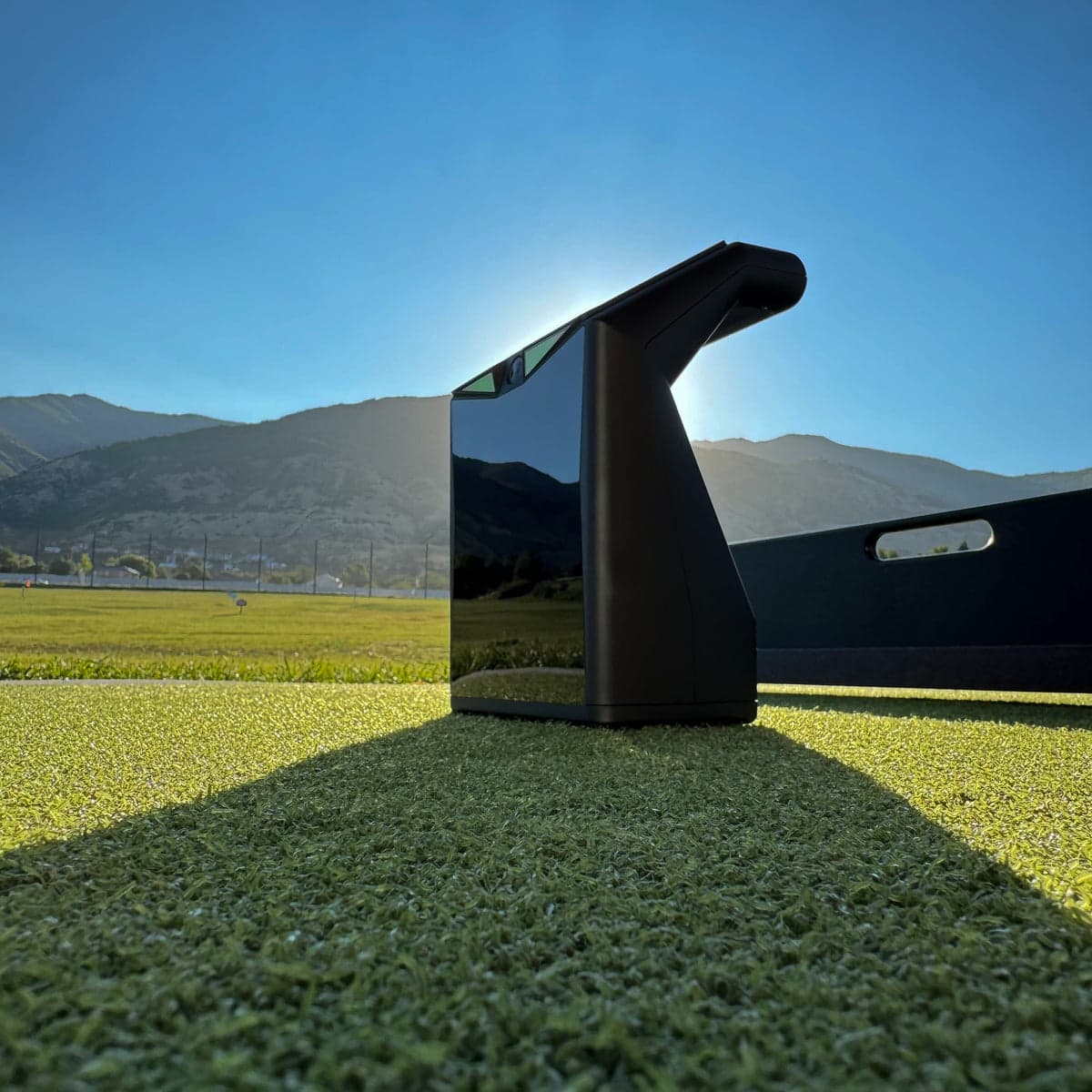
Buy SkyTrak+
Buy LaunchBox
When you buy through links on Northcourse, we may earn a commission at no additional cost to you. Read the full affiliate disclosure
Specifications
The numbers, lined up.
Hardware
| Spec | SkyTrak+ | LaunchBox |
|---|---|---|
| Tracking Method | Hybrid (Photometric + Radar) | Photometric (dual high-speed cameras) |
| Indoor/Outdoor | Both | — |
| Portability | — | 2.7 lb — moves between rooms |
| Hitting Zone | — | 4 × 8 in |
| Marked Balls/Stickers | — | None required |
- Tracking MethodSkyTrak+Hybrid (Photometric + Radar)LaunchBoxPhotometric (dual high-speed cameras)
- Indoor/OutdoorSkyTrak+BothLaunchBox—
- PortabilitySkyTrak+—LaunchBox2.7 lb — moves between rooms
- Hitting ZoneSkyTrak+—LaunchBox4 × 8 in
- Marked Balls/StickersSkyTrak+—LaunchBoxNone required
Data
| Spec | SkyTrak+ | LaunchBox |
|---|---|---|
| Ball Data | Speed, launch, spin direct, carry | Speed, spin axis, launch angle, direction, carry, total |
| Club Data | Speed, smash factor | Head speed, smash factor (no path/face/AoA) |
- Ball DataSkyTrak+Speed, launch, spin direct, carryLaunchBoxSpeed, spin axis, launch angle, direction, carry, total
- Club DataSkyTrak+Speed, smash factorLaunchBoxHead speed, smash factor (no path/face/AoA)
Software
| Spec | SkyTrak+ | LaunchBox |
|---|---|---|
| Mac Support | Native | — |
| iOS Support | Native | — |
| Subscription | None required; Essential $99.99/yr (no course play), Core: Foresight $299.99/yr, Core: Trackman $349.99/yr, Elite $599.99/yr | — |
| Course Play | Native SkyTrak app, E6 Connect, WGT; GSPro only via a free community bridge (Windows) — no SkyTrak model is on GSPro's official list | — |
| Software | — | E6 Connect Home + 27 courses included; PC and iOS |
- Mac SupportSkyTrak+NativeLaunchBox—
- iOS SupportSkyTrak+NativeLaunchBox—
- SubscriptionSkyTrak+None required; Essential $99.99/yr (no course play), Core: Foresight $299.99/yr, Core: Trackman $349.99/yr, Elite $599.99/yrLaunchBox—
- Course PlaySkyTrak+Native SkyTrak app, E6 Connect, WGT; GSPro only via a free community bridge (Windows) — no SkyTrak model is on GSPro's official listLaunchBox—
- SoftwareSkyTrak+—LaunchBoxE6 Connect Home + 27 courses included; PC and iOS
Accuracy
| Spec | SkyTrak+ | LaunchBox |
|---|---|---|
| Independent Testing | MyGolfSpy 2024 — within 1% of GCQuad on ball speed indoors | — |
- Independent TestingSkyTrak+MyGolfSpy 2024 — within 1% of GCQuad on ball speed indoorsLaunchBox—
Who each one is better for
Honest persona fit, side by side.
Better for SkyTrak+
- Cost-Effective Buyer
Most retailers now list the current-gen ST MAX at $1,695 against this closeout's $1,995, so the newer unit is both cheaper and the better buy. The closeout's advantage is retailer-specific rather than gone: PlayBetter has held it at $1,495 since early July, which is $500 off the same sensor platform while residual stock lasts.
- Family Setup
Polished SkyTrak software is approachable for non-technical users; ambidextrous play needs only a unit move, not recalibration. Native Mac and iOS apps work for a household using either platform.
Both fit
- Recreational Player
- Space-Constrained
Also worth a look
More comparisons with the SkyTrak+ and LaunchBox.
Build your simulator in two minutes
Five questions. One tailored build with retailer links.
We ask about your budget, your room, and how you’ll use it. We return a complete build — launch monitor, mat, enclosure, projector, software, PC — with the reasoning behind every pick and the alternatives we considered.