Comparison
ZU820TST vs PT-VMZ6ST

When you buy through links on Northcourse, we may earn a commission at no additional cost to you. Read the full affiliate disclosure
A side-by-side look at how the Optoma ZU820TST and Panasonic PT-VMZ6ST compare on specs, accuracy, room requirements, and price. No hype — just the parts of the decision a buyer actually weighs.
Also worth a look
More comparisons with the ZU820TST and PT-VMZ6ST
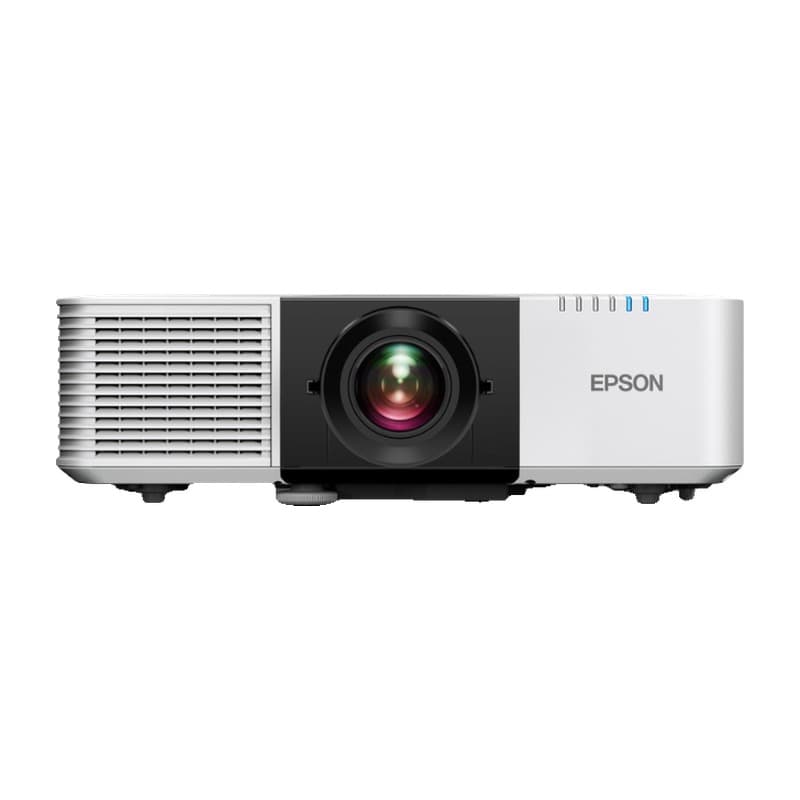
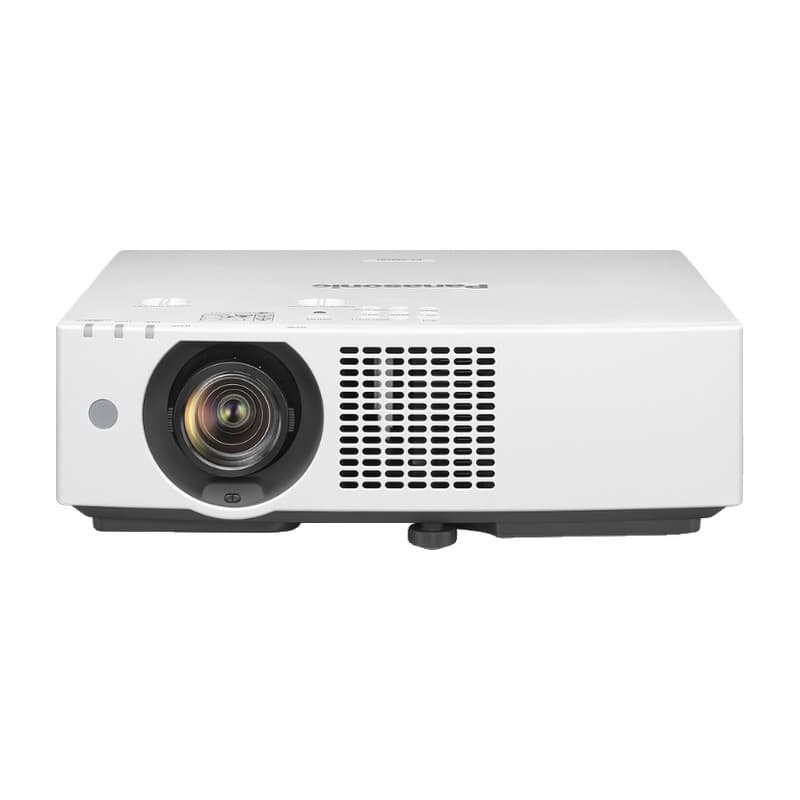
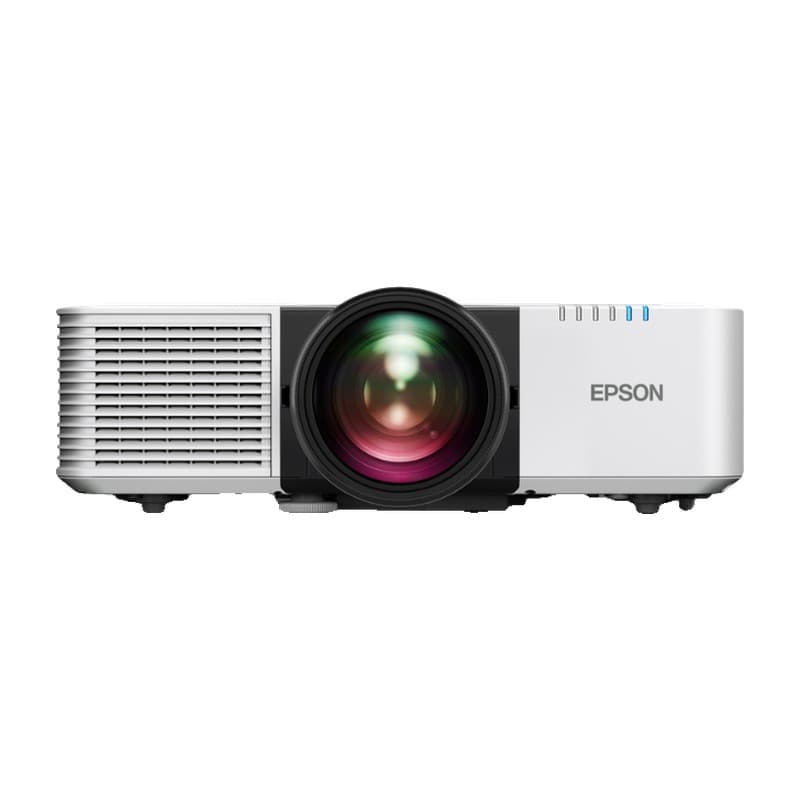
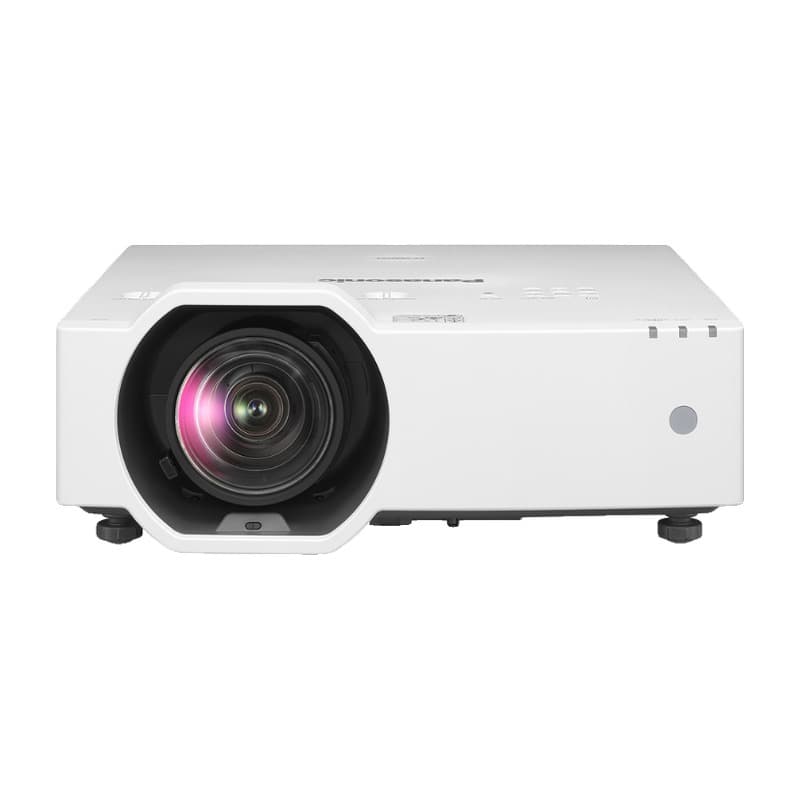

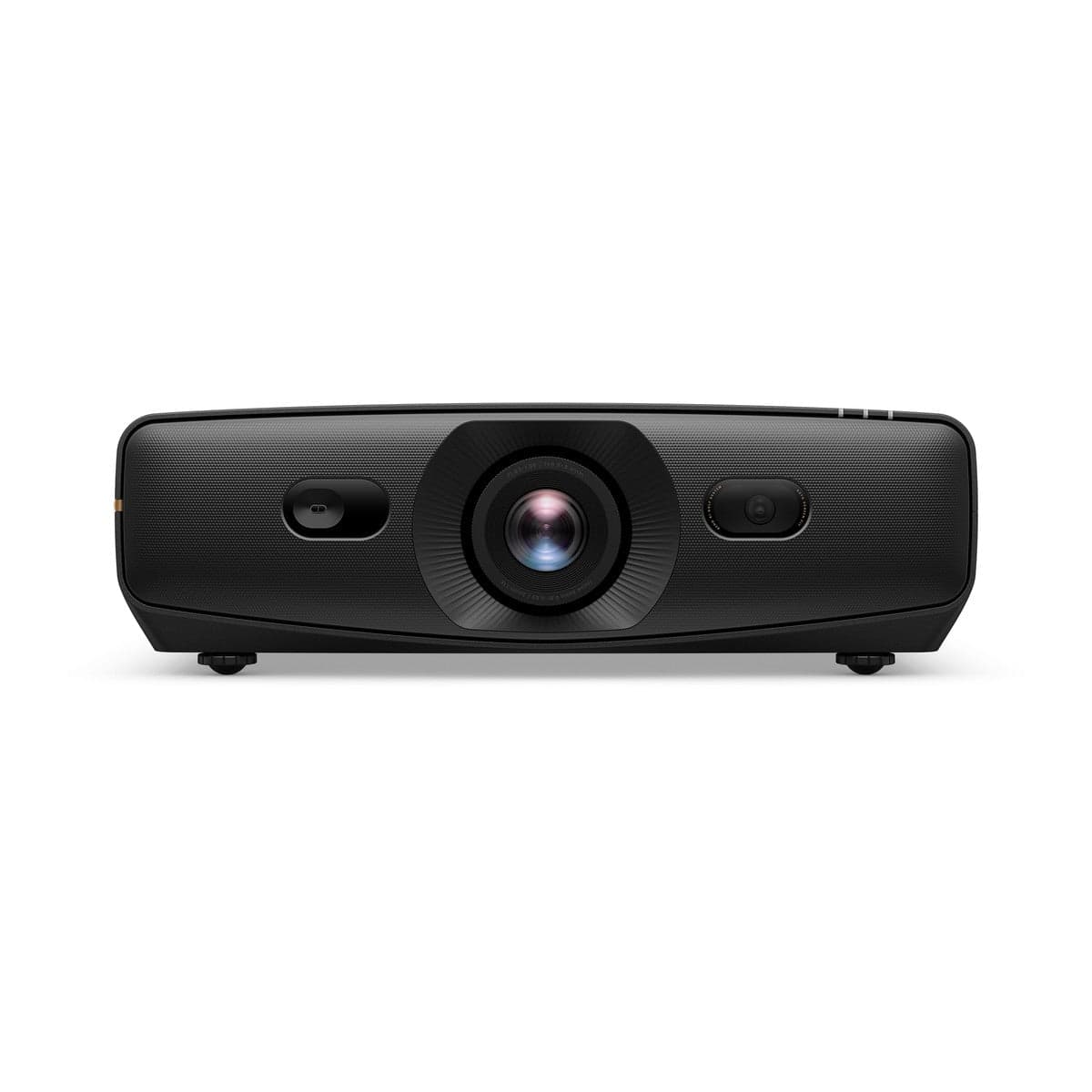
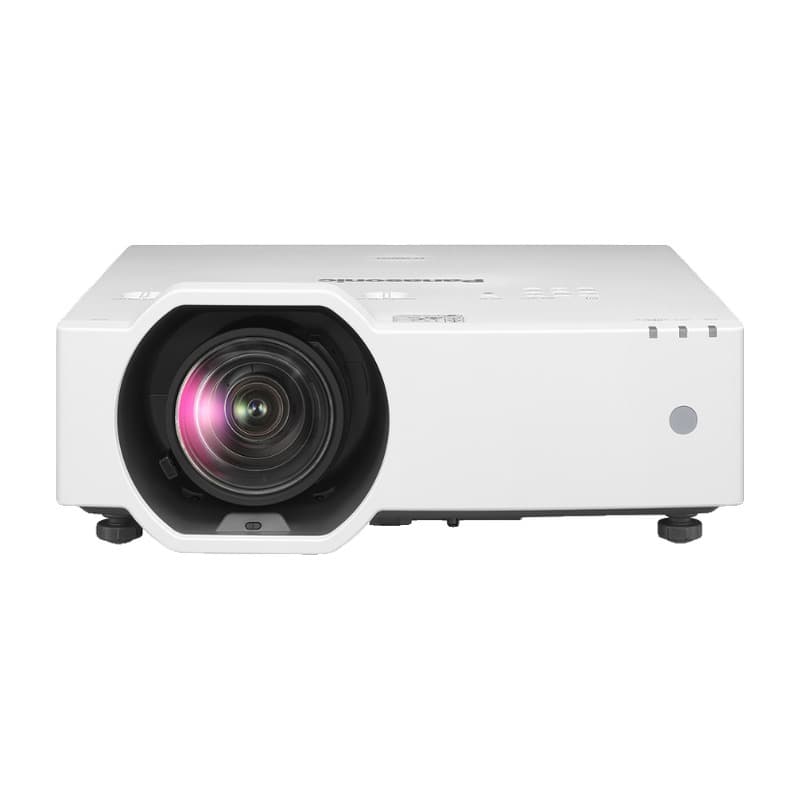
Buy ZU820TST
Prices confirmed Nov 10, 2026 · we check every retailer daily
Buy PT-VMZ6ST
Prices confirmed Nov 10, 2026 · we check every retailer daily
When you buy through links on Northcourse, we may earn a commission at no additional cost to you. Read the full affiliate disclosure
Full specificationsEvery spec for both, line by line
Specifications
The numbers, lined up.
Image
| Spec | ZU820TST | PT-VMZ6ST |
|---|---|---|
| Resolution | WUXGA (1920×1200), 16:10 | WUXGA (1920×1200), 16:10; 3LCD (three 0.64-in panels); 4K input shown at 1920×1200 |
| Lumens | 8,100 (6,900 ANSI) to plan on; Optoma's US page and US datasheet say 8,200, its Australian page and 2023 datasheet 8,100 | 6,200 (ISO 21118 and ANSI; 6,600 center) |
- ResolutionZU820TSTWUXGA (1920×1200), 16:10PT-VMZ6STWUXGA (1920×1200), 16:10; 3LCD (three 0.64-in panels); 4K input shown at 1920×1200
- LumensZU820TST8,100 (6,900 ANSI) to plan on; Optoma's US page and US datasheet say 8,200, its Australian page and 2023 datasheet 8,100PT-VMZ6ST6,200 (ISO 21118 and ANSI; 6,600 center)
Hardware
| Spec | ZU820TST | PT-VMZ6ST |
|---|---|---|
| Light Source | DuraCore laser (30,000 hours) | Laser (20,000 hours to half brightness; 24,000 in Eco) |
| Throw Ratio | 0.75–0.95 (1.26× motorized zoom) | 0.797–1.01 (1.2× manual zoom, powered focus) |
| Lens Shift | Motorized; vertical ±50%, horizontal ±15% | Vertical +50% (one direction), horizontal ±20% |
| Dimensions | 19.13 × 15.53 × 7.3 in (W × D × H) | 16.3 × 16.69 × 6.57 in (W × D × H, with feet) |
| Models | — | PT-VMZ6STU7 (white) and PT-VMZ6STBU7 (black), identical specs |
- Light SourceZU820TSTDuraCore laser (30,000 hours)PT-VMZ6STLaser (20,000 hours to half brightness; 24,000 in Eco)
- Throw RatioZU820TST0.75–0.95 (1.26× motorized zoom)PT-VMZ6ST0.797–1.01 (1.2× manual zoom, powered focus)
- Lens ShiftZU820TSTMotorized; vertical ±50%, horizontal ±15%PT-VMZ6STVertical +50% (one direction), horizontal ±20%
- DimensionsZU820TST19.13 × 15.53 × 7.3 in (W × D × H)PT-VMZ6ST16.3 × 16.69 × 6.57 in (W × D × H, with feet)
- ModelsZU820TST—PT-VMZ6STPT-VMZ6STU7 (white) and PT-VMZ6STBU7 (black), identical specs
Requirements
| Spec | ZU820TST | PT-VMZ6ST |
|---|---|---|
| Throw Distance | 100 in (16:10) at about 5.3–6.7 ft (Optoma's manual) | 100 in (16:10) at about 5.6–7.1 ft (Panasonic's throw table: 1.72–2.18 m) |
- Throw DistanceZU820TST100 in (16:10) at about 5.3–6.7 ft (Optoma's manual)PT-VMZ6ST100 in (16:10) at about 5.6–7.1 ft (Panasonic's throw table: 1.72–2.18 m)
Room planner
See each one in your sim room.
The planner draws each unit to scale with your room and your swing: where it mounts, the throw it needs, and whether your shadow crosses the light. Put in your room once, then switch units in the planner to compare.
Build your simulator in two minutes
Five questions. One tailored build with retailer links.
We ask about your budget, your room, and how you’ll use it. We return a complete build — launch monitor, mat, enclosure, projector, software, PC — with the reasoning behind every pick and the alternatives we considered.