Comparison
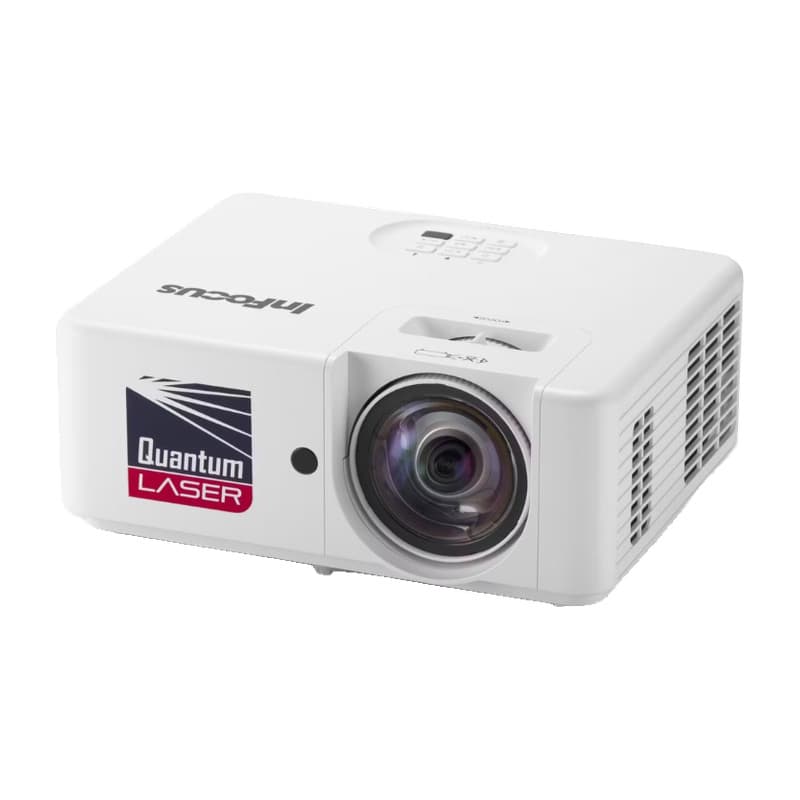
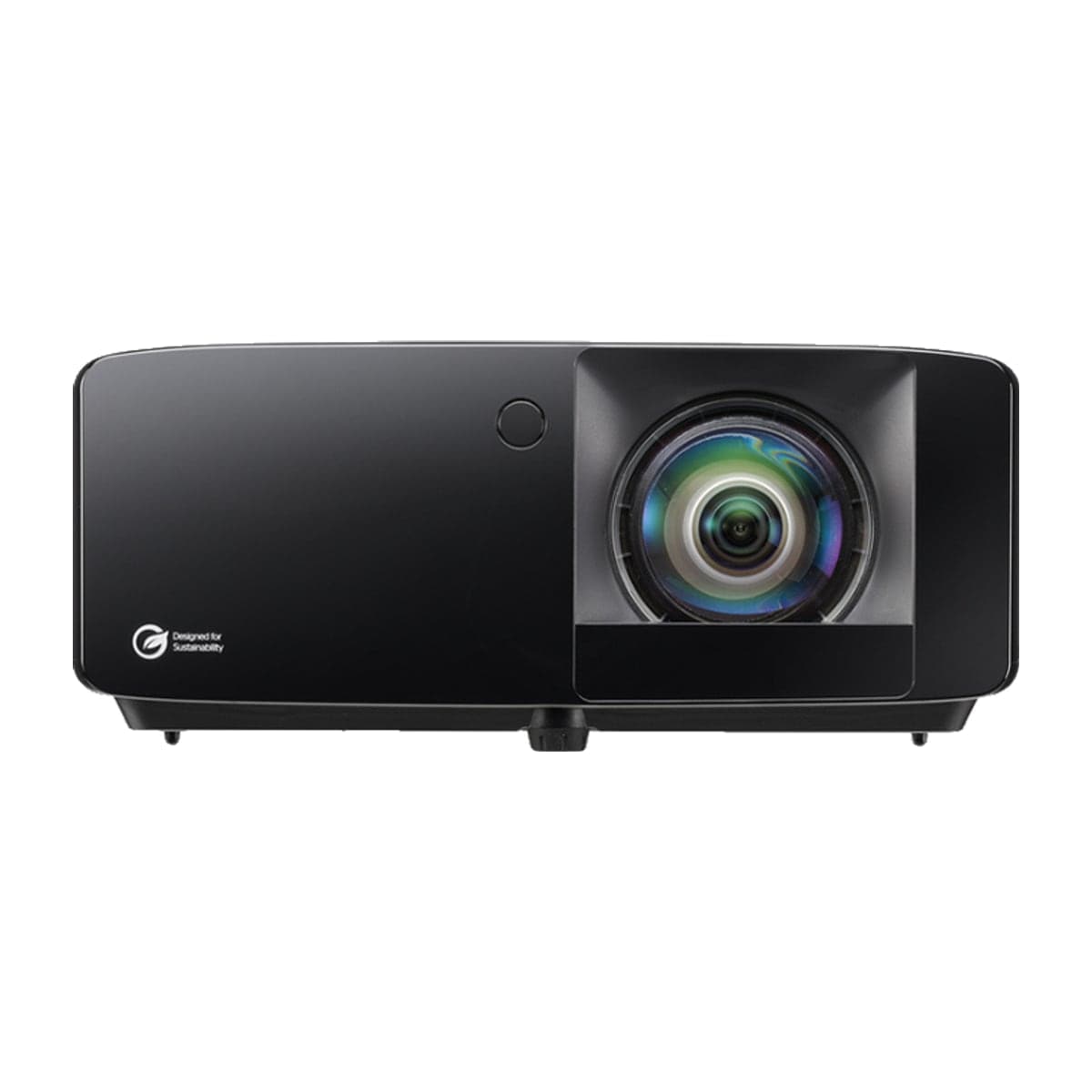
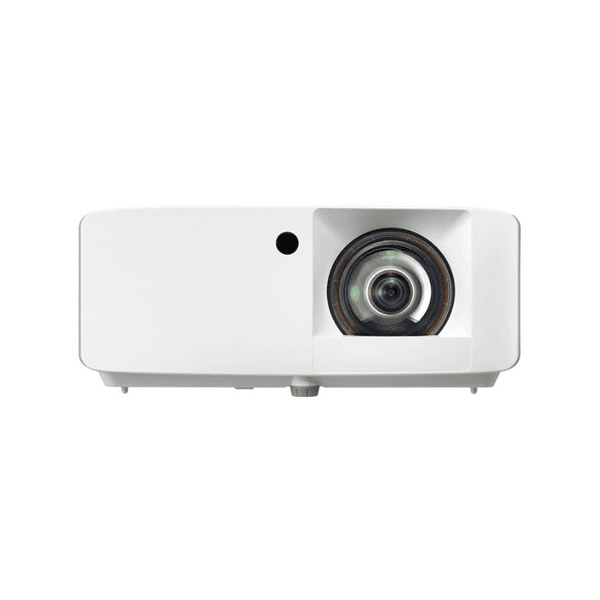
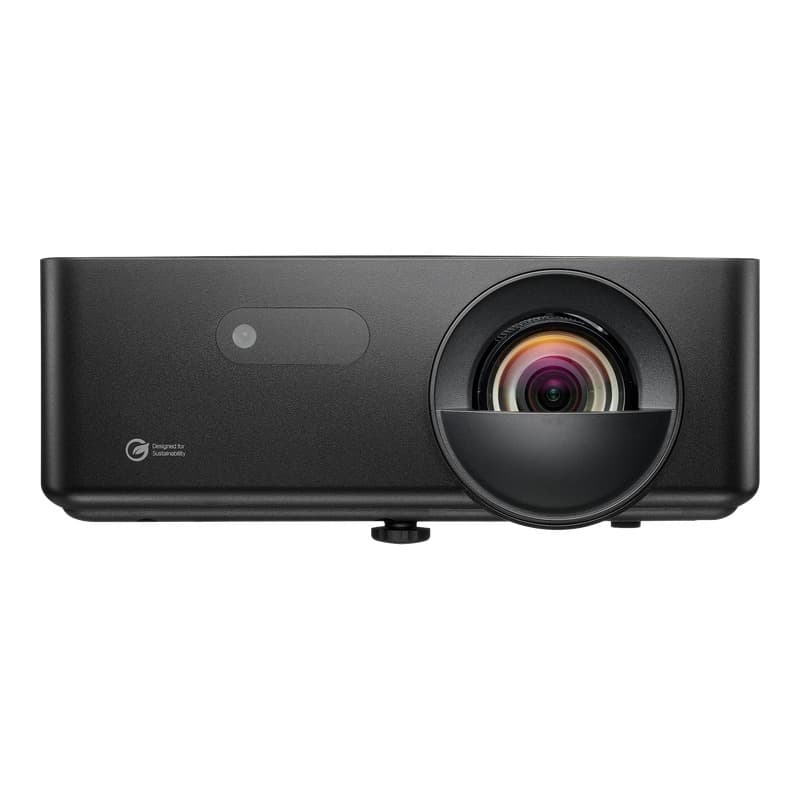
IN1026ST vs GT2400HDR
When you buy through links on Northcourse, we may earn a commission at no additional cost to you. Read the full affiliate disclosure
A side-by-side look at how the InFocus IN1026ST and Optoma GT2400HDR compare on specs, accuracy, room requirements, and price. No hype — just the parts of the decision a buyer actually weighs.
Also worth a look
More comparisons with the IN1026ST and GT2400HDR

Buy IN1026ST
Prices confirmed Nov 10, 2026 · we check every retailer daily
Buy GT2400HDR
Show all 3 retailersShow fewer retailers
Prices confirmed Nov 10, 2026 · we check every retailer daily
When you buy through links on Northcourse, we may earn a commission at no additional cost to you. Read the full affiliate disclosure
Full specificationsEvery spec for both, line by line
Specifications
The numbers, lined up.
Image
| Spec | IN1026ST | GT2400HDR |
|---|---|---|
| Resolution | WXGA (1280×800), 16:10, 0.65-in DMD | 1080p (1920 × 1080) |
| Lumens | 4,000 (standard not stated) | 4,200 (ISO 21118) |
| HDR | — | HDR10 + Hybrid Log Gamma |
| Projection Size | — | 30–300 inches |
- ResolutionIN1026STWXGA (1280×800), 16:10, 0.65-in DMDGT2400HDR1080p (1920 × 1080)
- LumensIN1026ST4,000 (standard not stated)GT2400HDR4,200 (ISO 21118)
- HDRIN1026ST—GT2400HDRHDR10 + Hybrid Log Gamma
- Projection SizeIN1026ST—GT2400HDR30–300 inches
Hardware
| Spec | IN1026ST | GT2400HDR |
|---|---|---|
| Light Source | Laser (up to 30,000 hours) | DuraCore laser (30,000 hours, eco) |
| Throw Ratio | 0.521:1 (fixed) | 0.496:1 (100" @ 3.6 ft) |
| Offset | 112%; no lens shift | — |
| Dimensions | 10.94 × 8.5 × 4.6 in (W × D × H) | — |
| Inputs | — | HDMI, VGA, 3.5 mm audio |
- Light SourceIN1026STLaser (up to 30,000 hours)GT2400HDRDuraCore laser (30,000 hours, eco)
- Throw RatioIN1026ST0.521:1 (fixed)GT2400HDR0.496:1 (100" @ 3.6 ft)
- OffsetIN1026ST112%; no lens shiftGT2400HDR—
- DimensionsIN1026ST10.94 × 8.5 × 4.6 in (W × D × H)GT2400HDR—
- InputsIN1026ST—GT2400HDRHDMI, VGA, 3.5 mm audio
Requirements
| Spec | IN1026ST | GT2400HDR |
|---|---|---|
| Throw Distance | 100 in (16:10) at about 3.7 ft (InFocus's user guide) | — |
- Throw DistanceIN1026ST100 in (16:10) at about 3.7 ft (InFocus's user guide)GT2400HDR—
Performance
| Spec | IN1026ST | GT2400HDR |
|---|---|---|
| Input Lag | — | 8.6 ms at 1080p/120Hz (Optoma's manual; its page and datasheet say 8.4 ms; the higher is used); 16.7 ms at 1080p/60Hz |
- Input LagIN1026ST—GT2400HDR8.6 ms at 1080p/120Hz (Optoma's manual; its page and datasheet say 8.4 ms; the higher is used); 16.7 ms at 1080p/60Hz
Room planner
See each one in your sim room.
The planner draws each unit to scale with your room and your swing: where it mounts, the throw it needs, and whether your shadow crosses the light. Put in your room once, then switch units in the planner to compare.
Persona fitWho each one is better for
Who each one is better for
Honest persona fit, side by side.
Better for GT2400HDR
- Cost-Effective Buyer
Best brightness-per-dollar in the budget tier now that GT2100HDR is being phased out — same 4,200-lumen laser short-throw at $1,299, with current-model retailer availability and warranty.
- Space-Constrained
0.496:1 fixed throw fills a 100" screen from 3.6 ft. Same tight-room geometry as the GT2100HDR with the assurance the model will stay carried by retailers for the next few years.
- Recreational Player
1080p but bright enough for daytime garage play; laser life makes it set-and-forget. The budget Optoma to buy today; the GT2100HDR it replaced is no longer sold new.
Build your simulator in two minutes
Five questions. One tailored build with retailer links.
We ask about your budget, your room, and how you’ll use it. We return a complete build — launch monitor, mat, enclosure, projector, software, PC — with the reasoning behind every pick and the alternatives we considered.