Comparison
Premium Blackout Impact Screen vs SIGPRO Golf Net
When you buy through links on Northcourse, we may earn a commission at no additional cost to you. Read the full affiliate disclosure
A side-by-side look at how the Impact Sports Premium Blackout Impact Screen and Shop Indoor Golf SIGPRO Golf Net compare on specs, accuracy, room requirements, and price. No hype — just the parts of the decision a buyer actually weighs.
Also worth a look
More comparisons with the Premium Blackout Impact Screen and SIGPRO Golf Net
 Preferred Impact Screen vs SIGPRO Golf Net$299 · $300

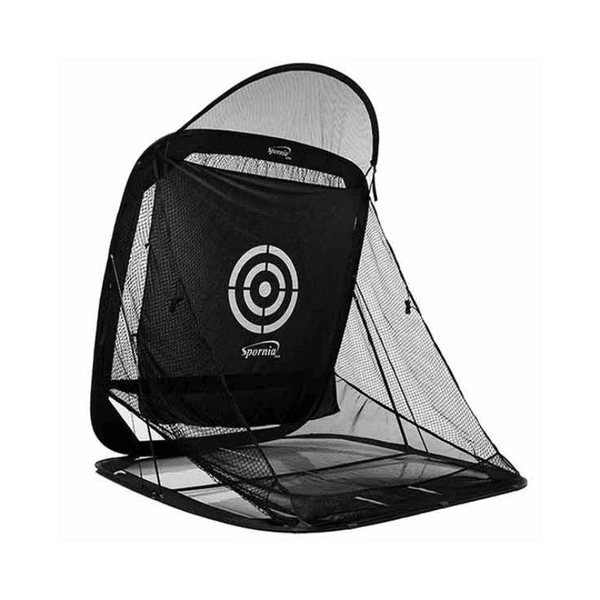 Premium Blackout Impact Screen vs SPG-7 Pop-Up Net$235 · $240
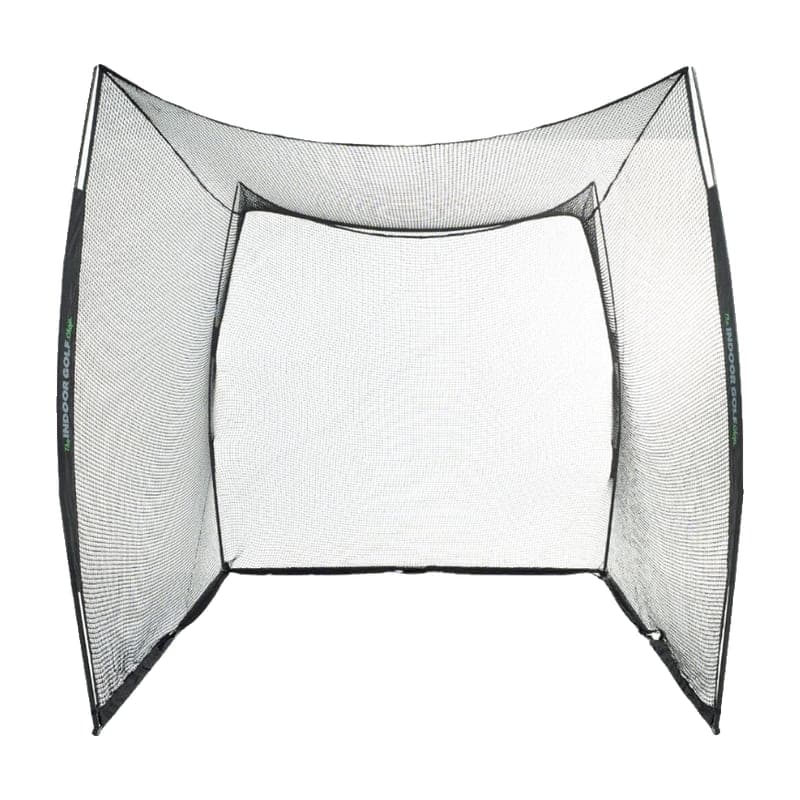 Premium Blackout Impact Screen vs 10' x 10' x 10' Square Golf Net$235 · $240
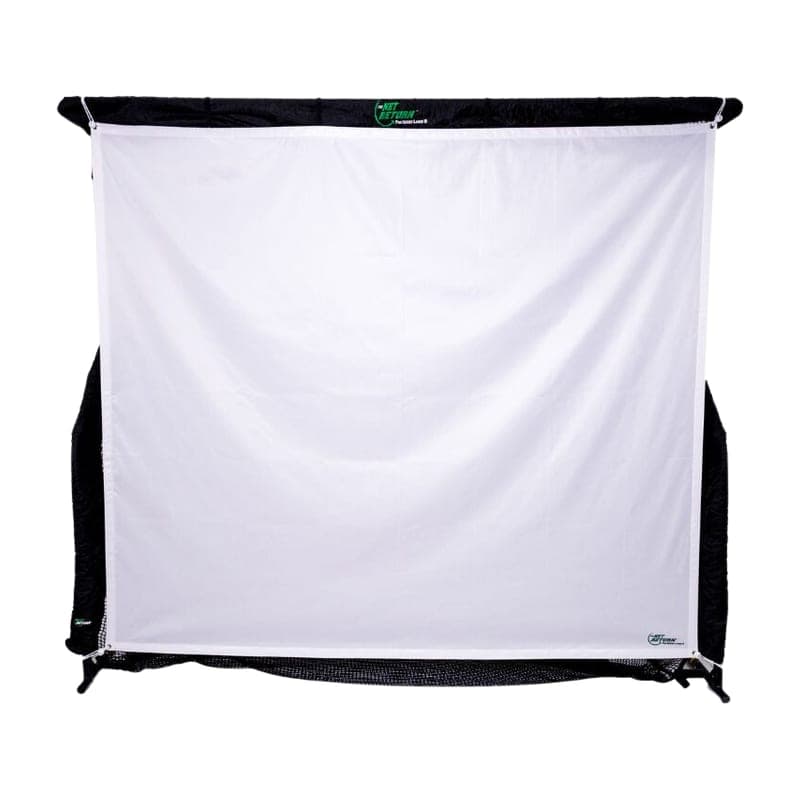 Premium Blackout Impact Screen vs Flex Simulator Screen (Pro)$235 · $249
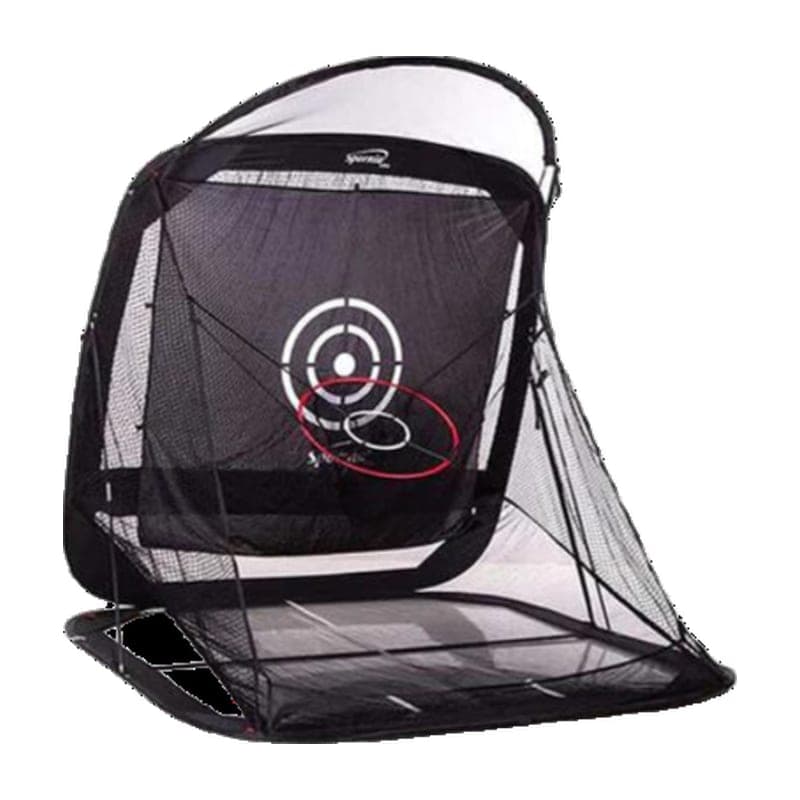 Premium Blackout Impact Screen vs SPG-5 Compact Edition Net$235 · $250
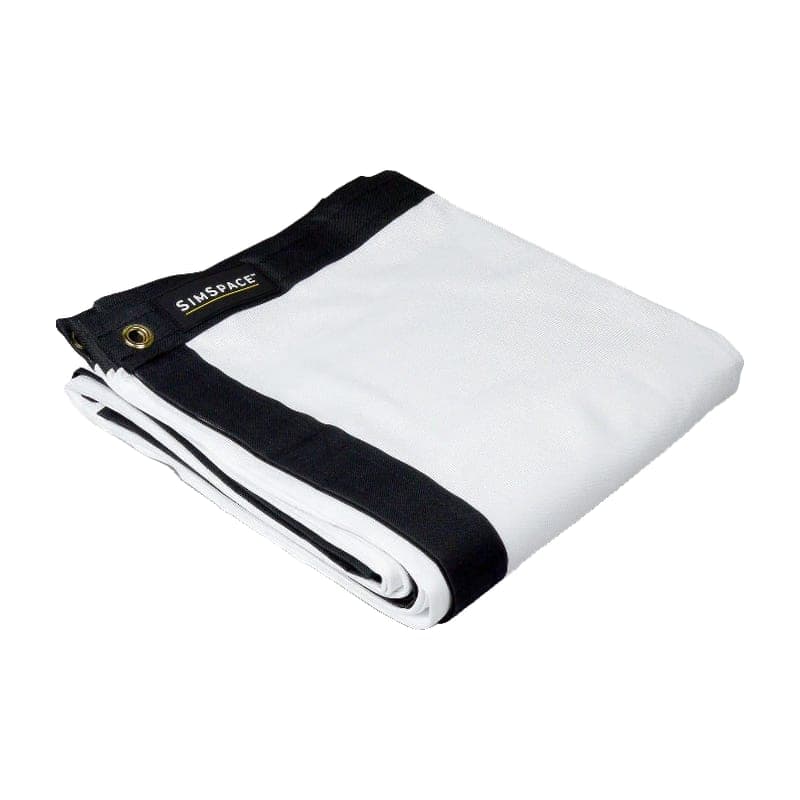 Premium Blackout Impact Screen vs Elite Impact Screen$235 · $250
Buy Premium Blackout Impact Screen
Prices confirmed Nov 10, 2026 · we check every retailer daily
Buy SIGPRO Golf Net
Prices confirmed Nov 10, 2026 · we check every retailer daily
When you buy through links on Northcourse, we may earn a commission at no additional cost to you. Read the full affiliate disclosure
Full specificationsEvery spec for both, line by line
Specifications
The numbers, lined up.
Hardware
| Spec | Premium Blackout Impact Screen | SIGPRO Golf Net |
|---|---|---|
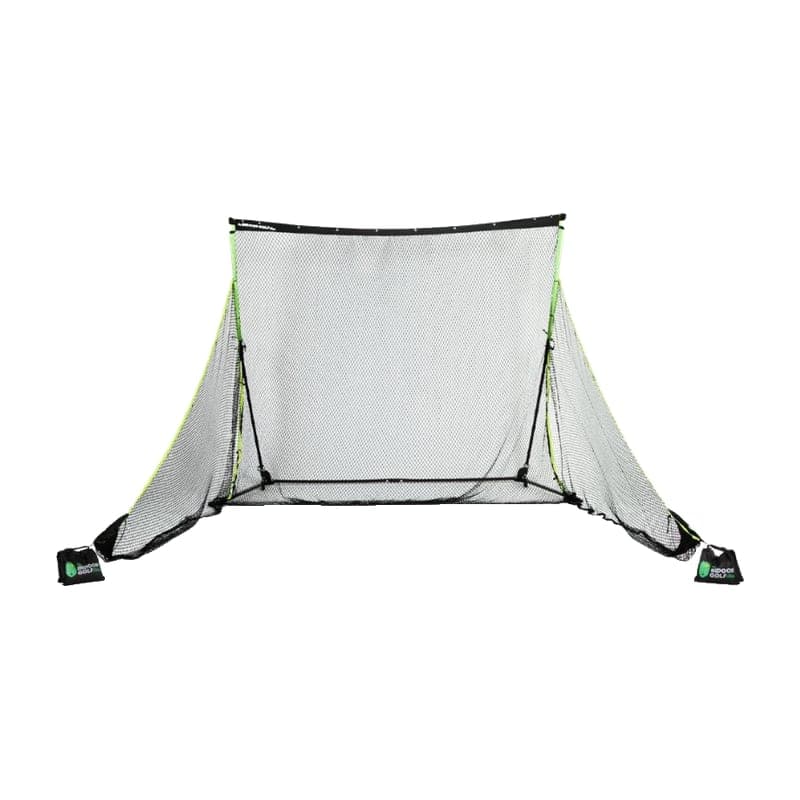
| Type | Impact screen only (no frame) | Snap-button frame practice net with two side barrier nets |
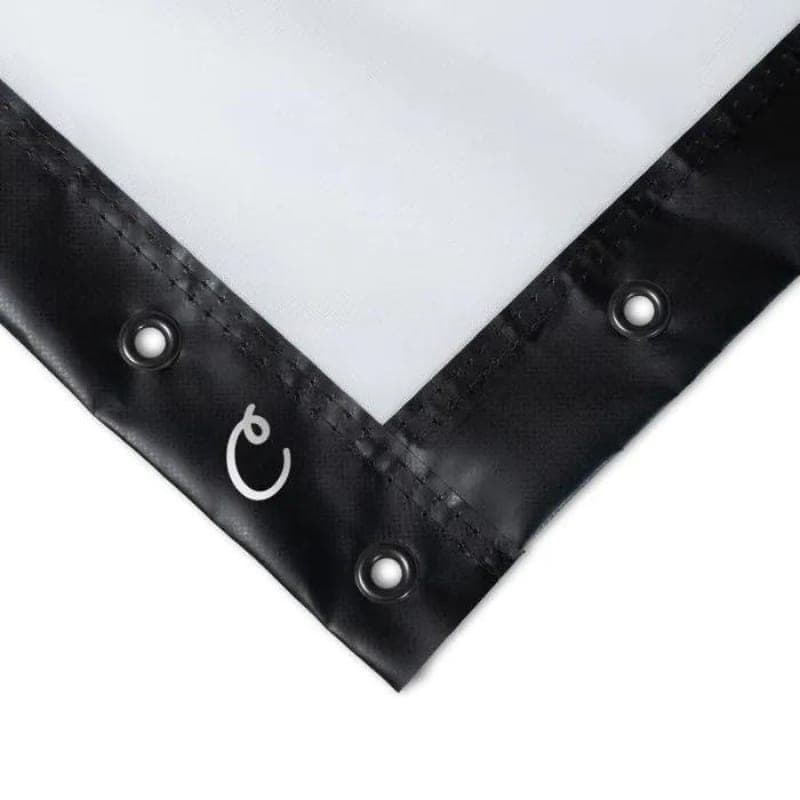
| Construction | White face with black air-mesh blackout backing; grommets on 3 sides | — |
| Takes Projection | — | With the Preferred (+$250) or Premium (+$350) screen add-on |
- TypePremium Blackout Impact ScreenImpact screen only (no frame)SIGPRO Golf NetSnap-button frame practice net with two side barrier nets
- ConstructionPremium Blackout Impact ScreenWhite face with black air-mesh blackout backing; grommets on 3 sidesSIGPRO Golf Net—
- Takes ProjectionPremium Blackout Impact Screen—SIGPRO Golf NetWith the Preferred (+$250) or Premium (+$350) screen add-on
Dimensions
| Spec | Premium Blackout Impact Screen | SIGPRO Golf Net |
|---|---|---|
| Size We Link | 9'10" W × 9'10" H (3 × 3 m), $235 | — |
| Other Size | 11'6" W × 9'10" H (3.5 × 3 m), $320 | — |
| Size | — | Net 9' W × 7'7" H × 10' D (spec table); the description says 7' H × 8½' W, 9' deep with side barriers |
- Size We LinkPremium Blackout Impact Screen9'10" W × 9'10" H (3 × 3 m), $235SIGPRO Golf Net—
- Other SizePremium Blackout Impact Screen11'6" W × 9'10" H (3.5 × 3 m), $320SIGPRO Golf Net—
- SizePremium Blackout Impact Screen—SIGPRO Golf NetNet 9' W × 7'7" H × 10' D (spec table); the description says 7' H × 8½' W, 9' deep with side barriers
Requirements
| Spec | Premium Blackout Impact Screen | SIGPRO Golf Net |
|---|---|---|
| Not Included | Frame, ball bungees | — |
| Room Requirement | — | 10' W × 8' H × 12' D (SIG) |
- Not IncludedPremium Blackout Impact ScreenFrame, ball bungeesSIGPRO Golf Net—
- Room RequirementPremium Blackout Impact Screen—SIGPRO Golf Net10' W × 8' H × 12' D (SIG)
Persona fitWho each one is better for
Who each one is better for
Honest persona fit, side by side.
Better for SIGPRO Golf Net
- Cost-Effective Buyer
A practice net now and a projection setup later: the screen hangs from the crossbar, so the upgrade path is $250 rather than a new enclosure.
- Space-Constrained
Snap-button frame that collapses, with a room requirement of 10 × 12 ft.
Build your simulator in two minutes
Five questions. One tailored build with retailer links.
We ask about your budget, your room, and how you’ll use it. We return a complete build — launch monitor, mat, enclosure, projector, software, PC — with the reasoning behind every pick and the alternatives we considered.