Comparison
ProScreen 180 Retractable vs Simulator Bay (Sim 8)
When you buy through links on Northcourse, we may earn a commission at no additional cost to you. Read the full affiliate disclosure
A side-by-side look at how the HomeCourse ProScreen 180 Retractable and Net Return Simulator Bay (Sim 8) compare on specs, accuracy, room requirements, and price. No hype — just the parts of the decision a buyer actually weighs.
Also worth a look
More comparisons with the ProScreen 180 Retractable and Simulator Bay (Sim 8)
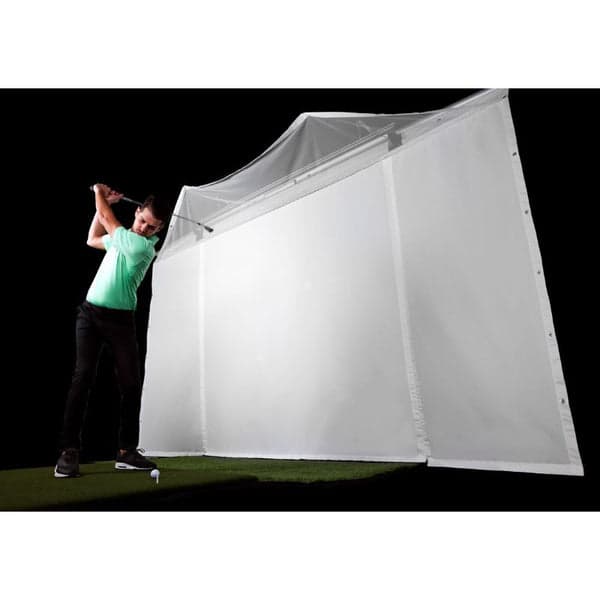
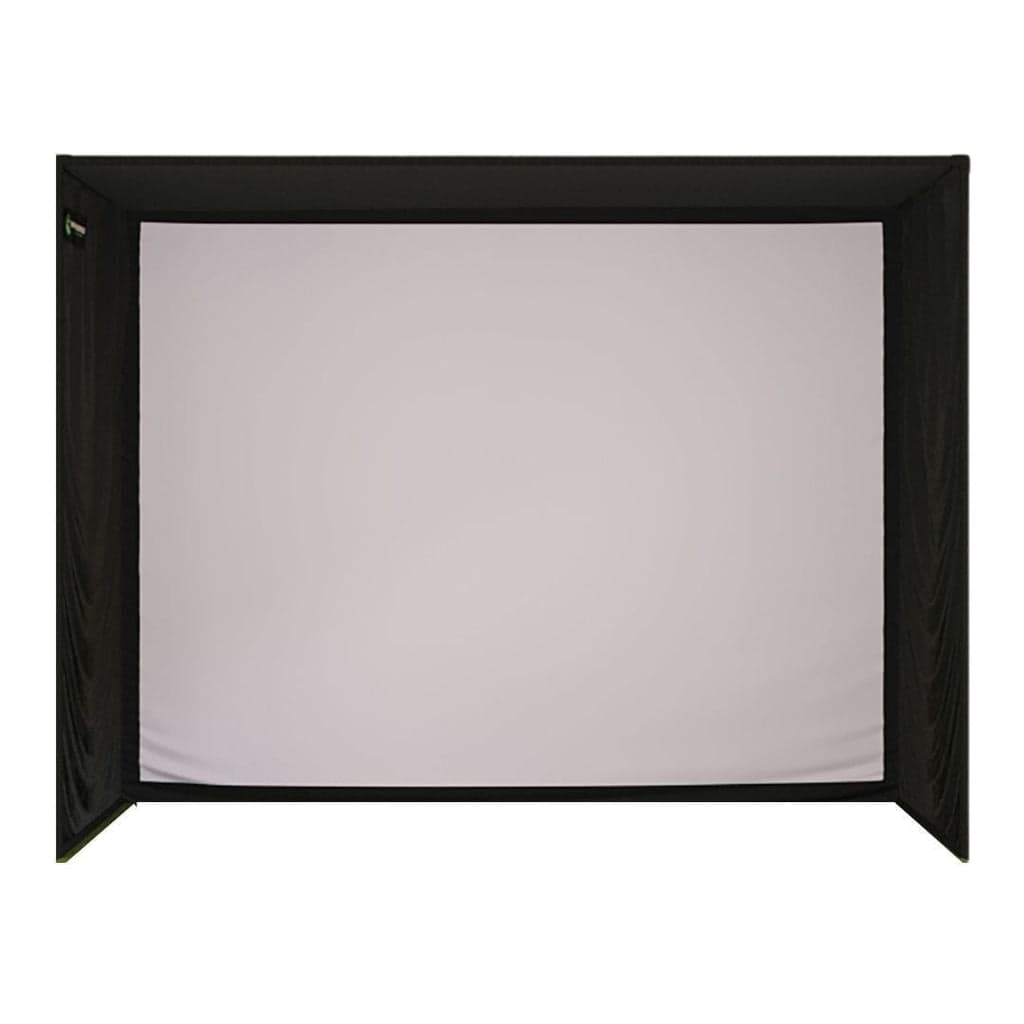 ProScreen 180 Retractable vs SIG10 Enclosure$1,999 · $2,000
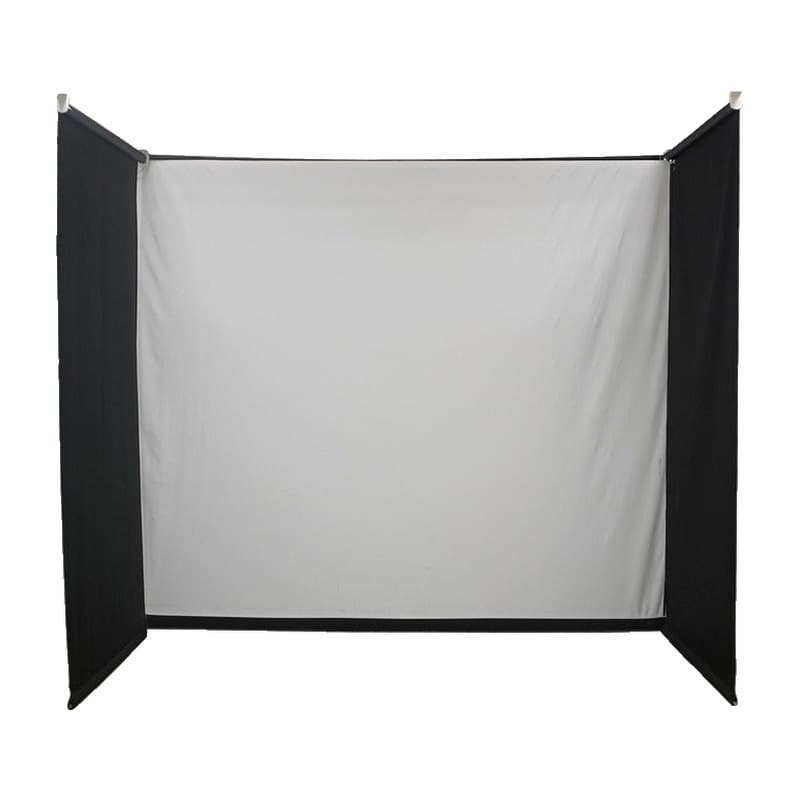 ProScreen 180 Retractable vs Motorized Drop-Down Golf Simulator Enclosure$1,999 · $1,963
 C-Series DIY Enclosure (9x12, Premium screen) vs ProScreen 180 Retractable$1,750 · $1,999
 ProScreen 180 Retractable vs Foldable Golf Simulator Enclosure$1,999 · $2,338
 ProScreen 180 Retractable vs SIG12 Enclosure$1,999 · $2,500
 ProScreen 180 Retractable vs Motorized Retractable Impact Screen$1,999 · $1,257
Buy ProScreen 180 Retractable
- Buy at Shop Indoor Golf $1,999Free ship, ProScreen 180 Retractable
- Buy at Rain or Shine Golf $1,999Free ship, ProScreen 180 Retractable
Prices confirmed Nov 10, 2026 · we check every retailer daily
Buy Simulator Bay (Sim 8)
Show all 2 retailersShow fewer retailers
Prices confirmed Nov 10, 2026 · we check every retailer daily
When you buy through links on Northcourse, we may earn a commission at no additional cost to you. Read the full affiliate disclosure
Full specificationsEvery spec for both, line by line
Specifications
The numbers, lined up.
Hardware
| Spec | ProScreen 180 Retractable | Simulator Bay (Sim 8) |
|---|---|---|
| Mounting | Ceiling, wall, or freestanding Pro Rack | — |
| Projectable Area | 7.5' × up to 7' (HomeCourse spec graphic); HomeCourse calls it a 14 ft projectable area with the Pro Arm side nets out | — |
| Pro Arms | 3' side nets that fold out on one or both sides; 10'6" wide with both extended | — |
| Screen Material | Ballistic-grade | — |
| Minimum Mount Height | 8'6" | — |
| Type | — | Freestanding aluminum-frame bay with netting, side barriers and floating screen |
| Screen | — | Floating HD screen with valance; size not published |
- MountingProScreen 180 RetractableCeiling, wall, or freestanding Pro RackSimulator Bay (Sim 8)—
- Projectable AreaProScreen 180 Retractable7.5' × up to 7' (HomeCourse spec graphic); HomeCourse calls it a 14 ft projectable area with the Pro Arm side nets outSimulator Bay (Sim 8)—
- Pro ArmsProScreen 180 Retractable3' side nets that fold out on one or both sides; 10'6" wide with both extendedSimulator Bay (Sim 8)—
- Screen MaterialProScreen 180 RetractableBallistic-gradeSimulator Bay (Sim 8)—
- Minimum Mount HeightProScreen 180 Retractable8'6"Simulator Bay (Sim 8)—
- TypeProScreen 180 Retractable—Simulator Bay (Sim 8)Freestanding aluminum-frame bay with netting, side barriers and floating screen
- ScreenProScreen 180 Retractable—Simulator Bay (Sim 8)Floating HD screen with valance; size not published
Practical
| Spec | ProScreen 180 Retractable | Simulator Bay (Sim 8) |
|---|---|---|
| Retraction Time | Under 30 seconds | — |
| Power | Lithium-ion battery (months between charges) | — |
| Setup Time | 60–90 minutes (mostly mounting) | — |
| Made In | USA | — |
| Warranty | — | Net 3 years / 250,000 shots; screen 1 year (Net Return) |
- Retraction TimeProScreen 180 RetractableUnder 30 secondsSimulator Bay (Sim 8)—
- PowerProScreen 180 RetractableLithium-ion battery (months between charges)Simulator Bay (Sim 8)—
- Setup TimeProScreen 180 Retractable60–90 minutes (mostly mounting)Simulator Bay (Sim 8)—
- Made InProScreen 180 RetractableUSASimulator Bay (Sim 8)—
- WarrantyProScreen 180 Retractable—Simulator Bay (Sim 8)Net 3 years / 250,000 shots; screen 1 year (Net Return)
Requirements
| Spec | ProScreen 180 Retractable | Simulator Bay (Sim 8) |
|---|---|---|
| Room Needed | 9' ceiling and 10'6" of width: the 8'6" mount plus HomeCourse's 6" ceiling gap, and the width with both Pro Arms out. HomeCourse's own headline figure is an 8'6" × 10' space | — |
| Mounting Clearance | 6" minimum from the ceiling, 18" from the wall behind (HomeCourse) | — |
| Room Minimum | — | 10' W × 9' H × 14' L for the Sim 8 (Net Return); 6" behind the bay |
- Room NeededProScreen 180 Retractable9' ceiling and 10'6" of width: the 8'6" mount plus HomeCourse's 6" ceiling gap, and the width with both Pro Arms out. HomeCourse's own headline figure is an 8'6" × 10' spaceSimulator Bay (Sim 8)—
- Mounting ClearanceProScreen 180 Retractable6" minimum from the ceiling, 18" from the wall behind (HomeCourse)Simulator Bay (Sim 8)—
- Room MinimumProScreen 180 Retractable—Simulator Bay (Sim 8)10' W × 9' H × 14' L for the Sim 8 (Net Return); 6" behind the bay
Dimensions
| Spec | ProScreen 180 Retractable | Simulator Bay (Sim 8) |
|---|---|---|
| Size We Link | — | Sim 8: 8' W × 8'6" H × 3'6" D (Net Return); Indoor Golf Outlet lists 8'10" H ($1,995) |
| Other Sizes | — | Sim 10 (10' wide, $2,495); Sim 12 (12' wide, $2,995) |
- Size We LinkProScreen 180 Retractable—Simulator Bay (Sim 8)Sim 8: 8' W × 8'6" H × 3'6" D (Net Return); Indoor Golf Outlet lists 8'10" H ($1,995)
- Other SizesProScreen 180 Retractable—Simulator Bay (Sim 8)Sim 10 (10' wide, $2,495); Sim 12 (12' wide, $2,995)
Performance
| Spec | ProScreen 180 Retractable | Simulator Bay (Sim 8) |
|---|---|---|
| Ball Speed Rating | — | 225 mph (Net Return; Indoor Golf Outlet says 250) |
- Ball Speed RatingProScreen 180 Retractable—Simulator Bay (Sim 8)225 mph (Net Return; Indoor Golf Outlet says 250)
Persona fitWho each one is better for
Who each one is better for
Honest persona fit, side by side.
Better for ProScreen 180 Retractable
- Space-Constrained
The space-constrained secondary. The room reverts to non-golf use between sessions — the only enclosure on this list that does this. Pro Rack option avoids drilling for renters.
Better for Simulator Bay (Sim 8)
- Recreational Player
Tool-free color-coded connectors and a 3'6" deep frame, from the brand most people already know for practice nets.
Both fit
- Family Setup
Build your simulator in two minutes
Five questions. One tailored build with retailer links.
We ask about your budget, your room, and how you’ll use it. We return a complete build — launch monitor, mat, enclosure, projector, software, PC — with the reasoning behind every pick and the alternatives we considered.