Comparison
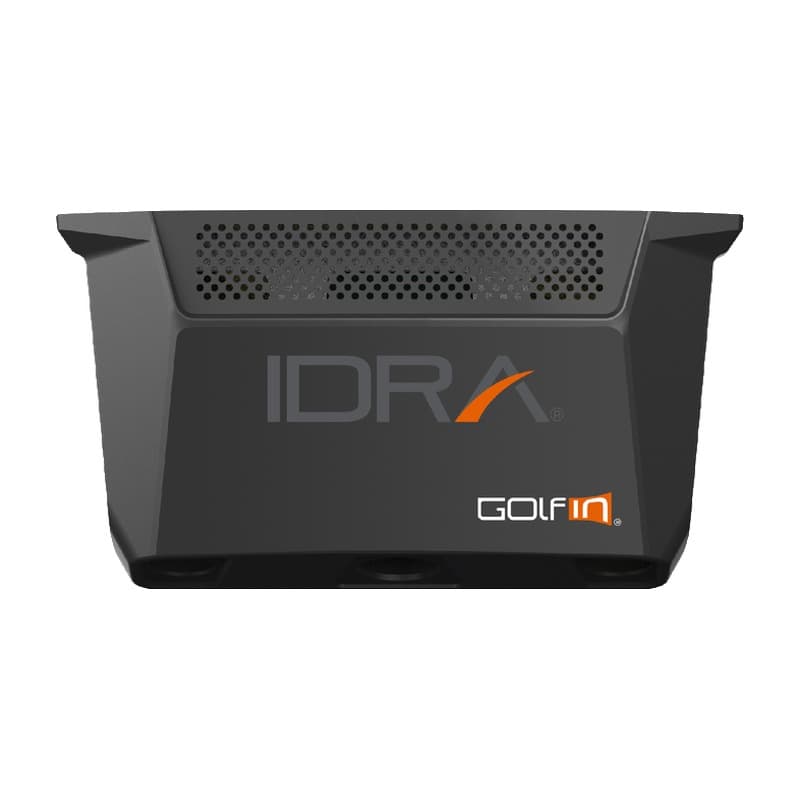
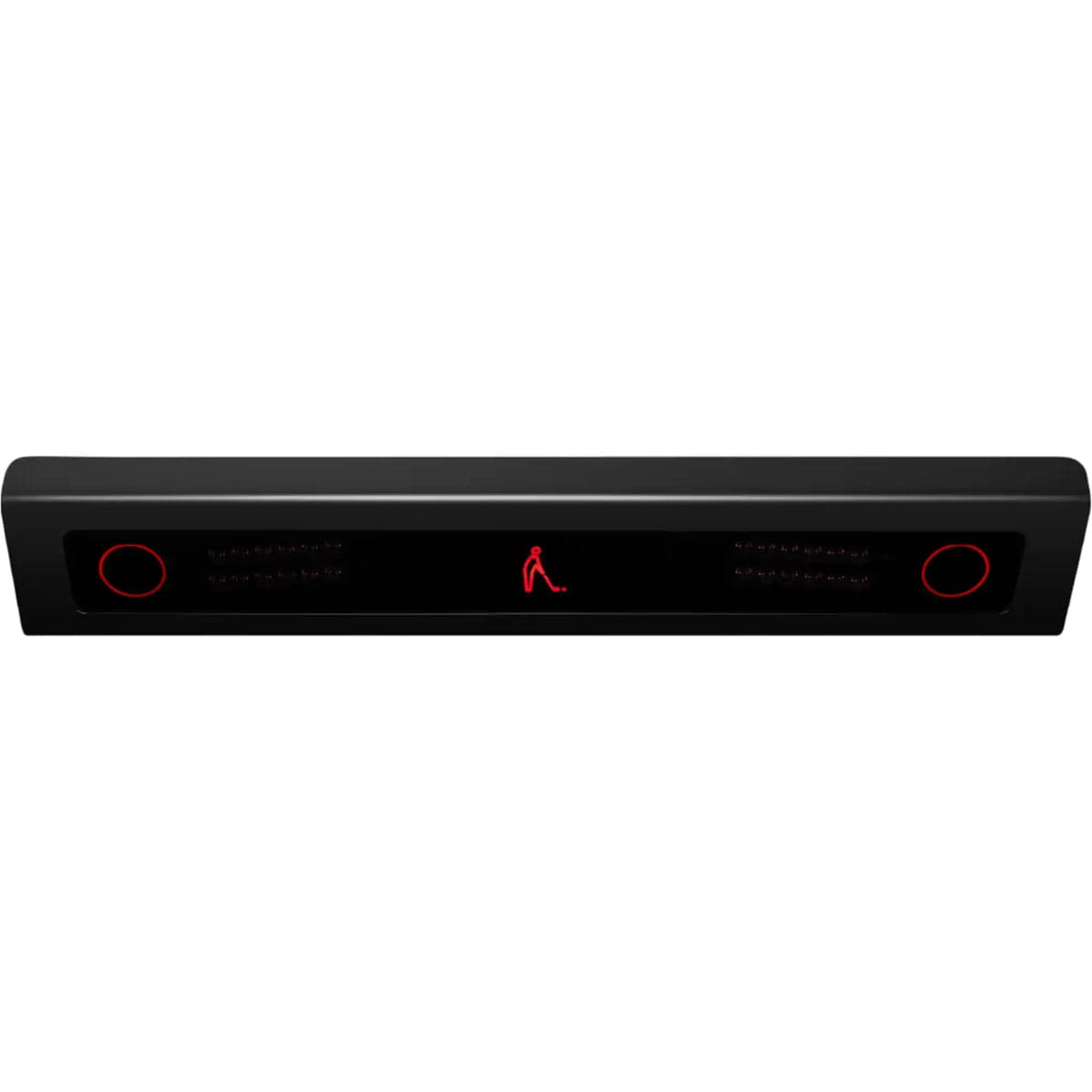
IDRA II vs Launch Monitor
When you buy through links on Northcourse, we may earn a commission at no additional cost to you. Read the full affiliate disclosure
A side-by-side look at how the GolfIn IDRA II and VTrack Launch Monitor compare on specs, accuracy, room requirements, and price. No hype — just the parts of the decision a buyer actually weighs.
Also worth a look
More comparisons with the IDRA II and Launch Monitor

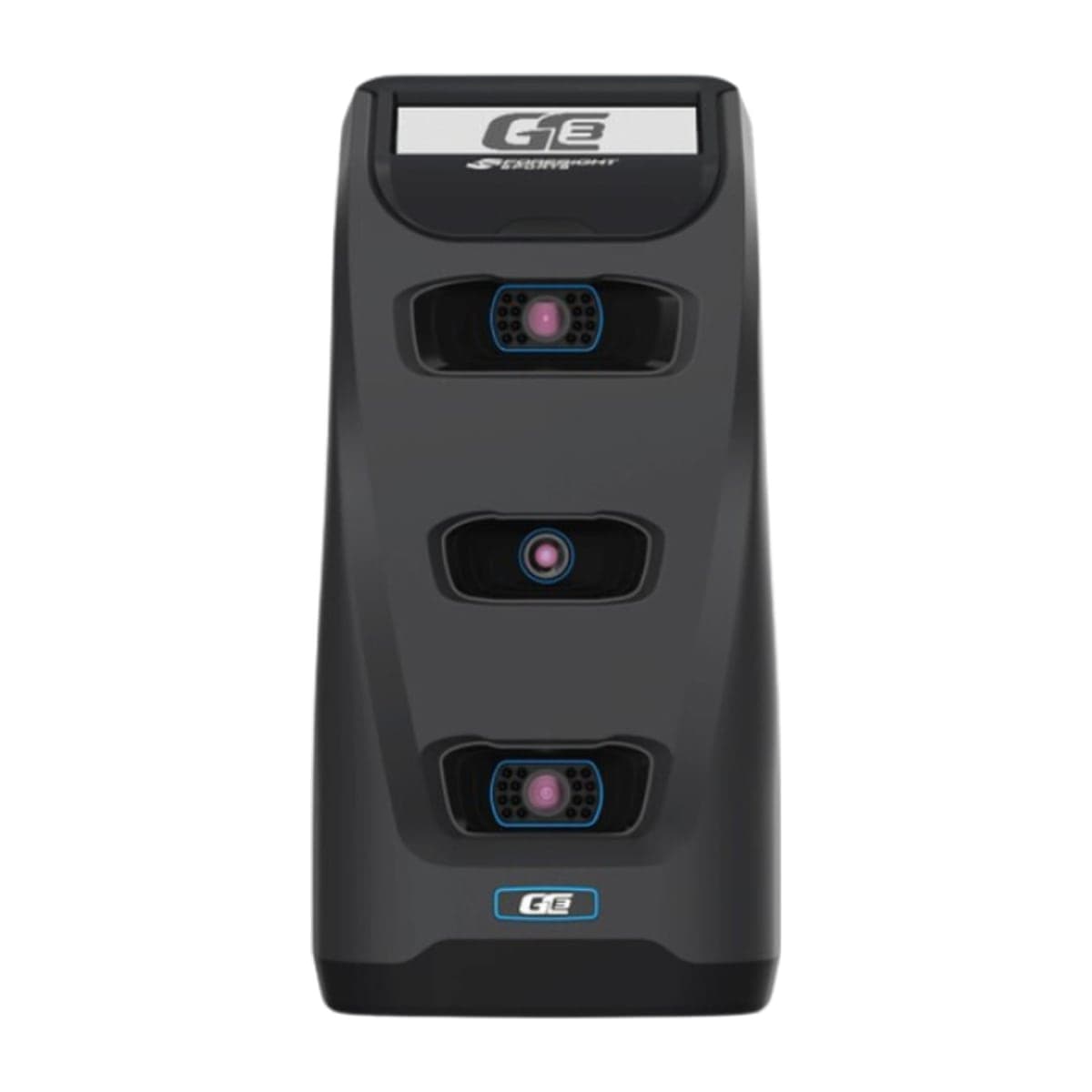
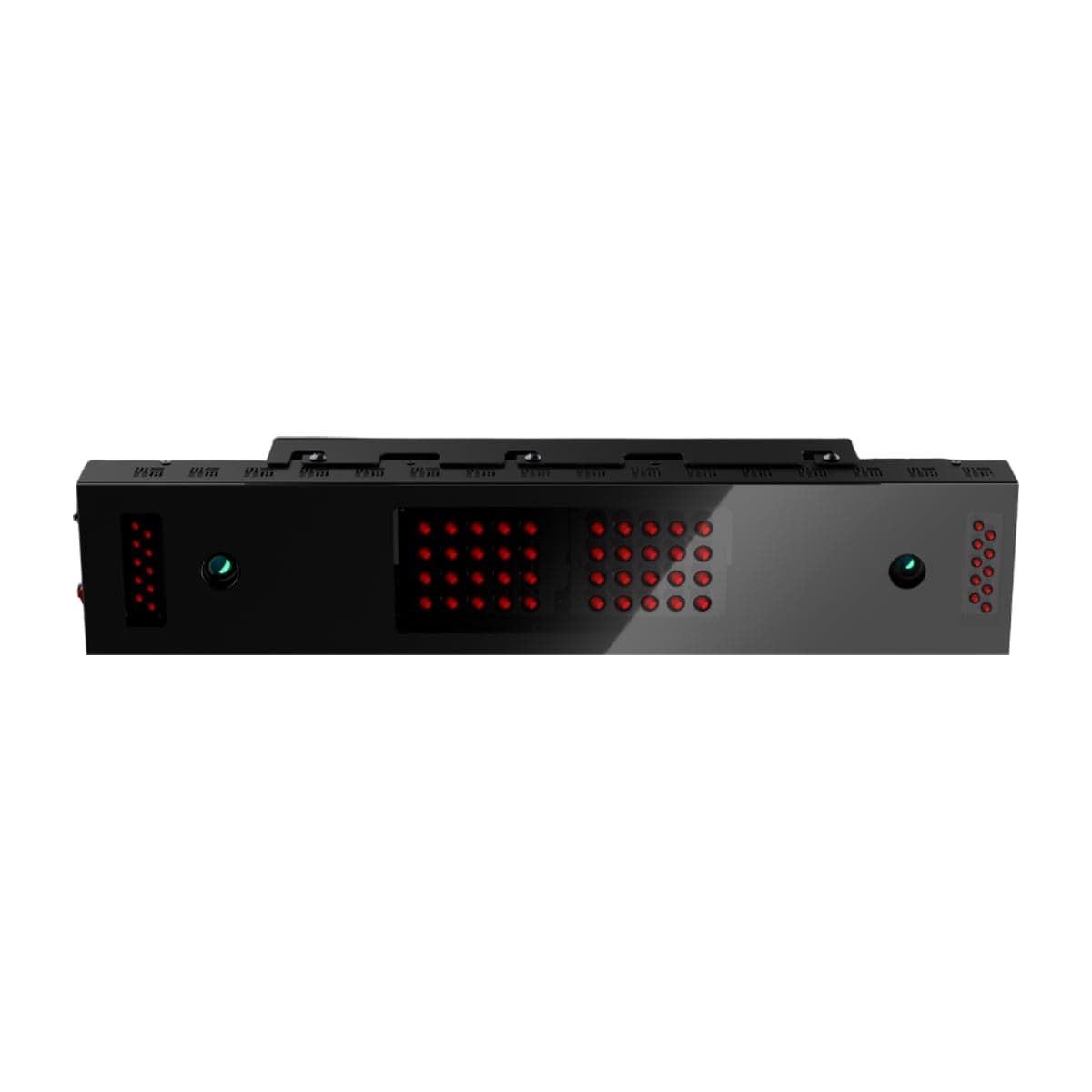
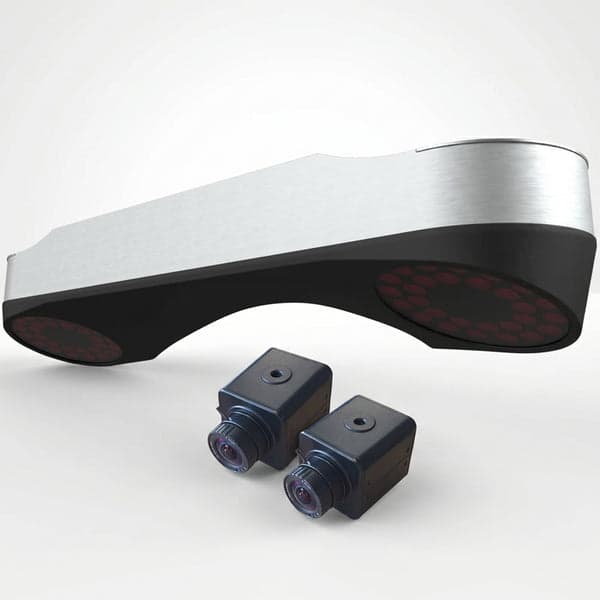
Buy IDRA II
Prices confirmed Nov 10, 2026 · we check every retailer daily
Buy Launch Monitor
Prices confirmed Nov 10, 2026 · we check every retailer daily
When you buy through links on Northcourse, we may earn a commission at no additional cost to you. Read the full affiliate disclosure
Full specificationsEvery spec for both, line by line
Specifications
The numbers, lined up.
Hardware
| Spec | IDRA II | Launch Monitor |
|---|---|---|
| Tracking Method | Photometric, two high-speed cameras (stereoscopic), ceiling-mounted; no marked balls | Photometric overhead (dual 1,800 fps cameras) |
| Indoor/Outdoor | Indoor only | Indoor only |
| Hitting Zone | 32 in wide × 18 in deep | 31 × 21 in (Laon's page also says up to 31 × 24 in; the smaller is used) |
| Handedness | Right or left set in the software; the zone covers both | — |
| Min Ceiling | — | 8 ft 10 in (Laon: 106–122 in floor to ceiling) |
| Ambidextrous | — | Yes — one install serves left- and right-handed players |
- Tracking MethodIDRA IIPhotometric, two high-speed cameras (stereoscopic), ceiling-mounted; no marked ballsLaunch MonitorPhotometric overhead (dual 1,800 fps cameras)
- Indoor/OutdoorIDRA IIIndoor onlyLaunch MonitorIndoor only
- Hitting ZoneIDRA II32 in wide × 18 in deepLaunch Monitor31 × 21 in (Laon's page also says up to 31 × 24 in; the smaller is used)
- HandednessIDRA IIRight or left set in the software; the zone covers bothLaunch Monitor—
- Min CeilingIDRA II—Launch Monitor8 ft 10 in (Laon: 106–122 in floor to ceiling)
- AmbidextrousIDRA II—Launch MonitorYes — one install serves left- and right-handed players
Requirements
| Spec | IDRA II | Launch Monitor |
|---|---|---|
| Mounting | Camera 99–120 in above the turf; ball 52–61.5 in behind it, by height (GolfIn's table) | Ceiling; sensor 8 ft 6 in–9 ft 10 in above the floor |
| PC | Intel i7 10th gen, NVIDIA RTX 20-series minimum, RTX 40-series recommended; no AMD processors | — |
| Room | GolfIn publishes no ball-to-screen distance or room size for the IDRA II | Laon recommends a 213 in (about 17 ft 9 in) wide room and at least 118 in from hitting zone to screen |
- MountingIDRA IICamera 99–120 in above the turf; ball 52–61.5 in behind it, by height (GolfIn's table)Launch MonitorCeiling; sensor 8 ft 6 in–9 ft 10 in above the floor
- PCIDRA IIIntel i7 10th gen, NVIDIA RTX 20-series minimum, RTX 40-series recommended; no AMD processorsLaunch Monitor—
- RoomIDRA IIGolfIn publishes no ball-to-screen distance or room size for the IDRA IILaunch MonitorLaon recommends a 213 in (about 17 ft 9 in) wide room and at least 118 in from hitting zone to screen
Data
| Spec | IDRA II | Launch Monitor |
|---|---|---|
| Club Data | Club speed, club path, face to target, face to path, vertical impact, smash factor; automatic club detection | — |
| Ball Data | Ball speed, launch angle, direction, back spin, side spin, spin axis, carry, total, peak height, descent angle | — |
| Data | — | 23 data points: 8 club, 7 ball, 8 ball-flight (Laon's breakdown) |
- Club DataIDRA IIClub speed, club path, face to target, face to path, vertical impact, smash factor; automatic club detectionLaunch Monitor—
- Ball DataIDRA IIBall speed, launch angle, direction, back spin, side spin, spin axis, carry, total, peak height, descent angleLaunch Monitor—
- DataIDRA II—Launch Monitor23 data points: 8 club, 7 ball, 8 ball-flight (Laon's breakdown)
Software
| Spec | IDRA II | Launch Monitor |
|---|---|---|
| Native Software | None for course play; GolfIn's launcher calibrates and starts GSPro or E6 Connect | — |
| Third-Party | E6 Connect (licenses through GolfIn); GSPro through GolfIn's bridge ("GolfIn Idra (OpenAPI)" license), not on GSPro's official list | — |
| Included Software | — | VTrack ToolKit + Practice Range — lifetime license |
| Course Play | — | GSPro ($250/yr); E6 Connect (VTrack Home licence, $1,000 one-time with 27 courses, or $300–$600/yr); E6 (2026) $220–$450/yr |
- Native SoftwareIDRA IINone for course play; GolfIn's launcher calibrates and starts GSPro or E6 ConnectLaunch Monitor—
- Third-PartyIDRA IIE6 Connect (licenses through GolfIn); GSPro through GolfIn's bridge ("GolfIn Idra (OpenAPI)" license), not on GSPro's official listLaunch Monitor—
- Included SoftwareIDRA II—Launch MonitorVTrack ToolKit + Practice Range — lifetime license
- Course PlayIDRA II—Launch MonitorGSPro ($250/yr); E6 Connect (VTrack Home licence, $1,000 one-time with 27 courses, or $300–$600/yr); E6 (2026) $220–$450/yr
Practical
| Spec | IDRA II | Launch Monitor |
|---|---|---|
| Warranty | 2 years (Indoor Golf Outlet) | — |
- WarrantyIDRA II2 years (Indoor Golf Outlet)Launch Monitor—
Room planner
See each one in your sim room.
The planner draws each unit to scale with your room and your swing: where it sits, and whether your swing clears the ceiling, walls and screen. Put in your room once, then switch units in the planner to compare.
Persona fitWho each one is better for
Who each one is better for
Honest persona fit, side by side.
Better for Launch Monitor
- Performance Seeker
Dual 1,800 fps overhead cameras with a fixed, calibrated install — no re-aligning a floor unit between sessions — and impact video for practice work. The data depth sits below GCQuad-class units, but so does the price, by a lot.
- Showroom
The overhead look for less than any established ceiling-mount name — about $1,000 under Uneekor's EYE XR and less than half an EYE XO2. Floor stays clear, install reads intentional, no subscription running in the background.
Build your simulator in two minutes
Five questions. One tailored build with retailer links.
We ask about your budget, your room, and how you’ll use it. We return a complete build — launch monitor, mat, enclosure, projector, software, PC — with the reasoning behind every pick and the alternatives we considered.