Comparison
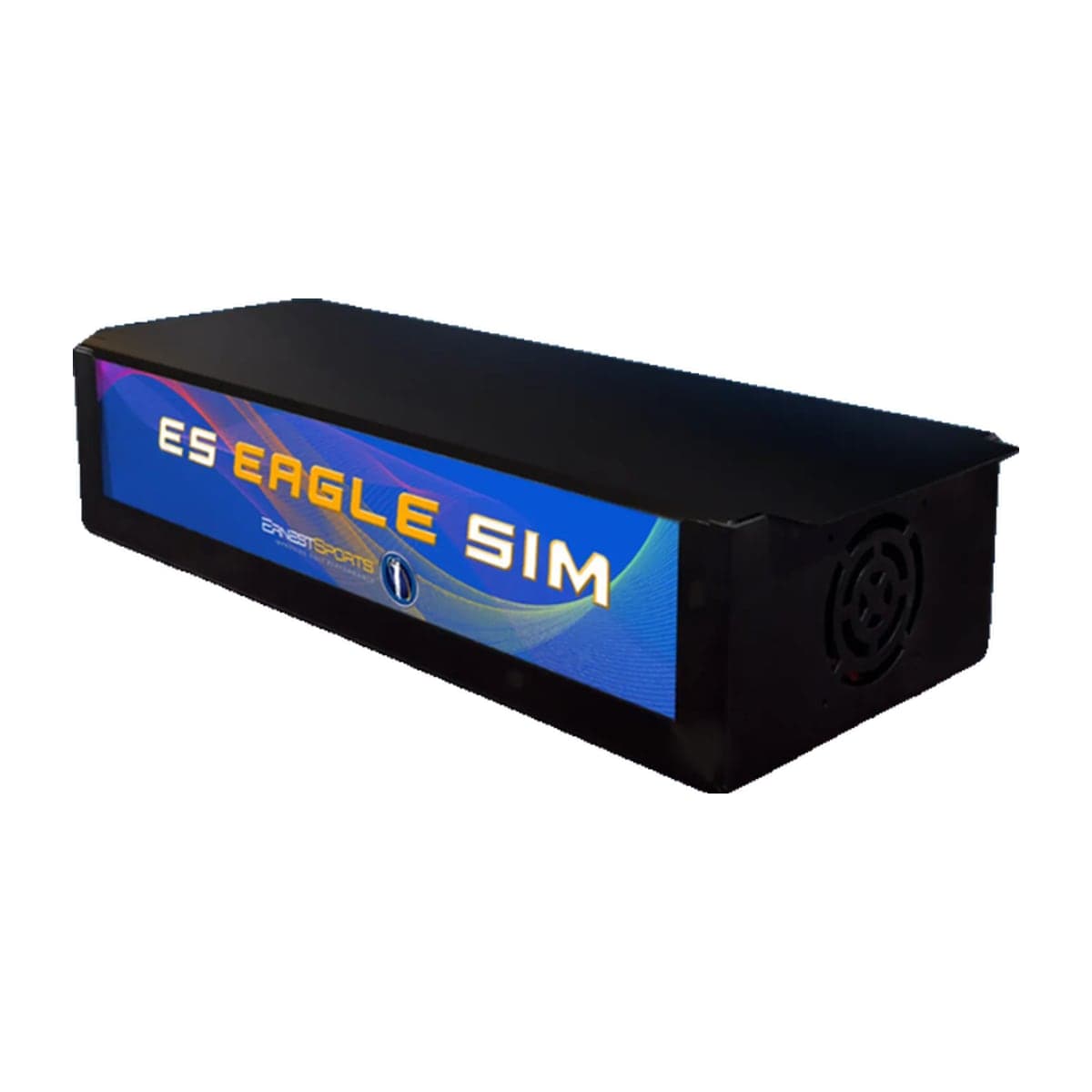
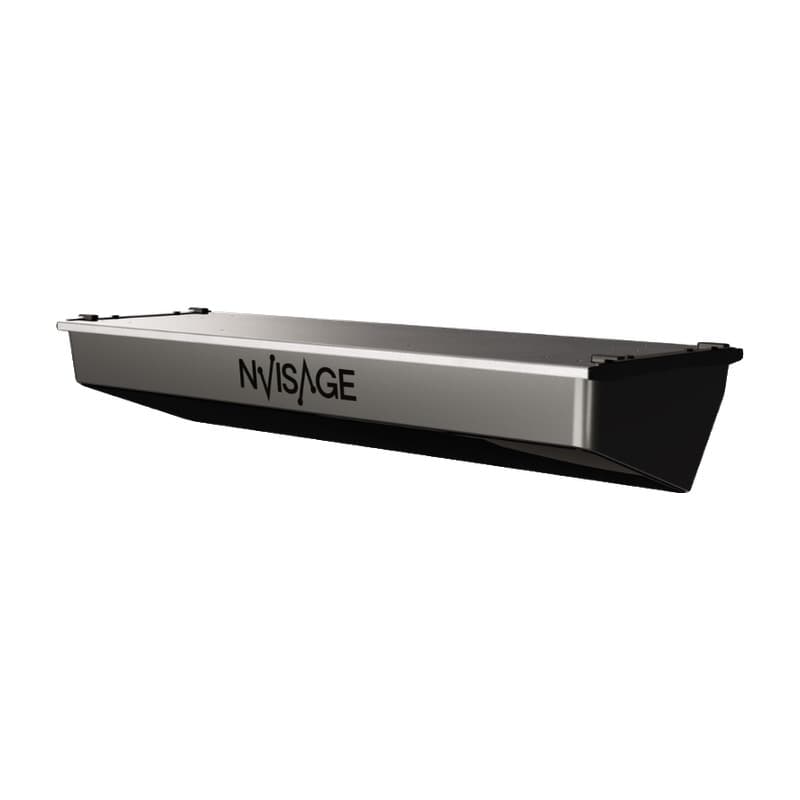
ES Eagle Sim vs N1
When you buy through links on Northcourse, we may earn a commission at no additional cost to you. Read the full affiliate disclosure
A side-by-side look at how the Ernest Sports ES Eagle Sim and NVISAGE N1 compare on specs, accuracy, room requirements, and price. No hype — just the parts of the decision a buyer actually weighs.
Also worth a look
More comparisons with the ES Eagle Sim and N1
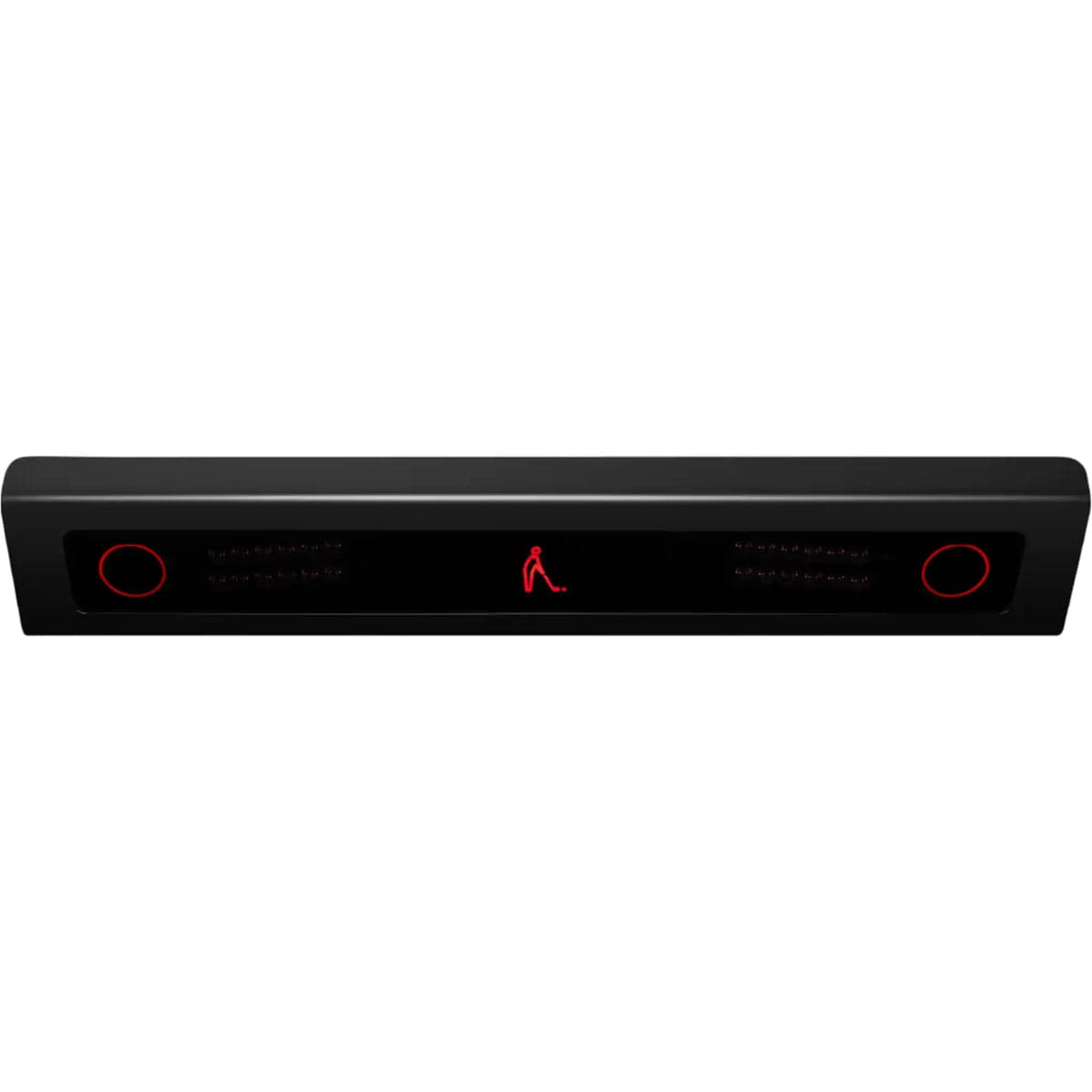

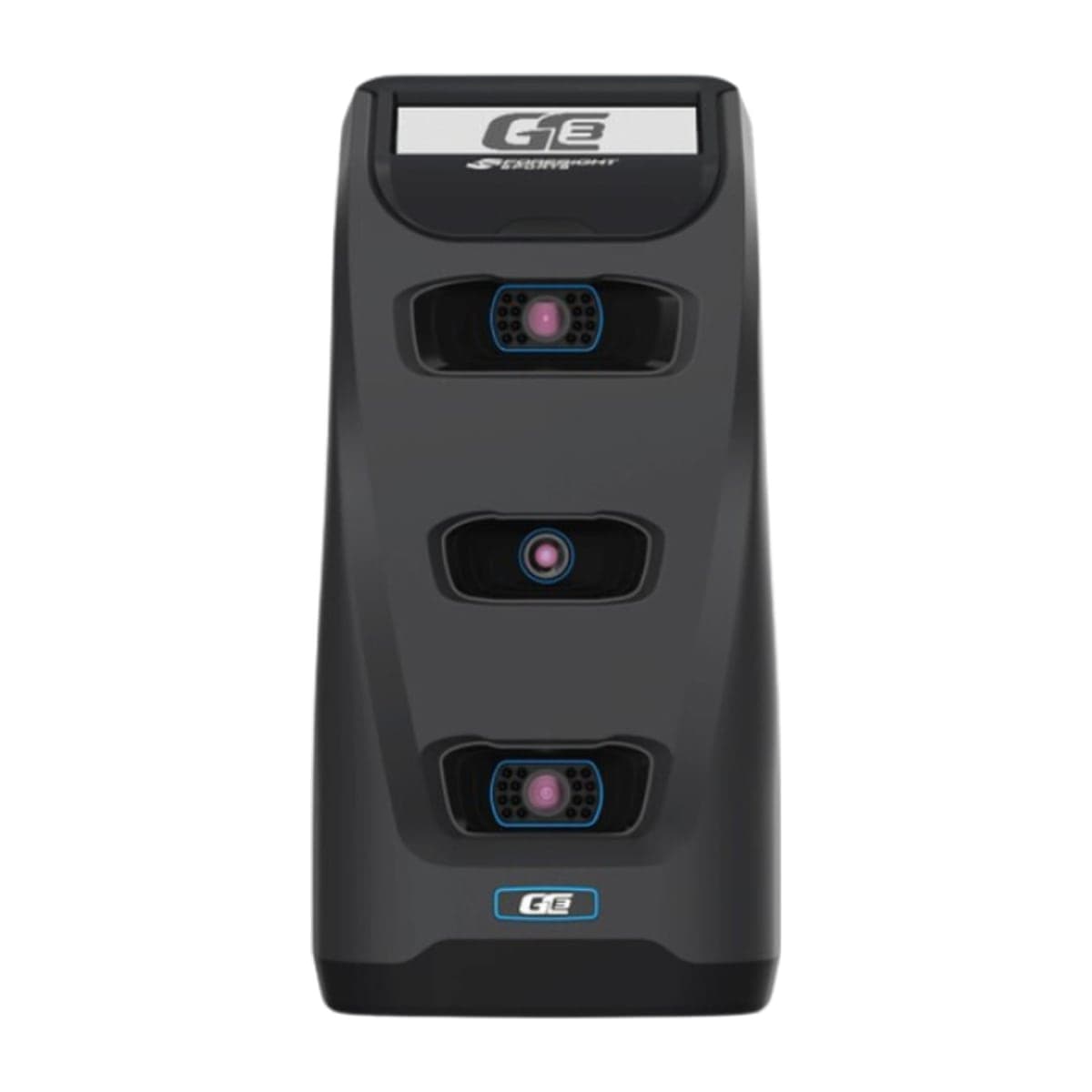
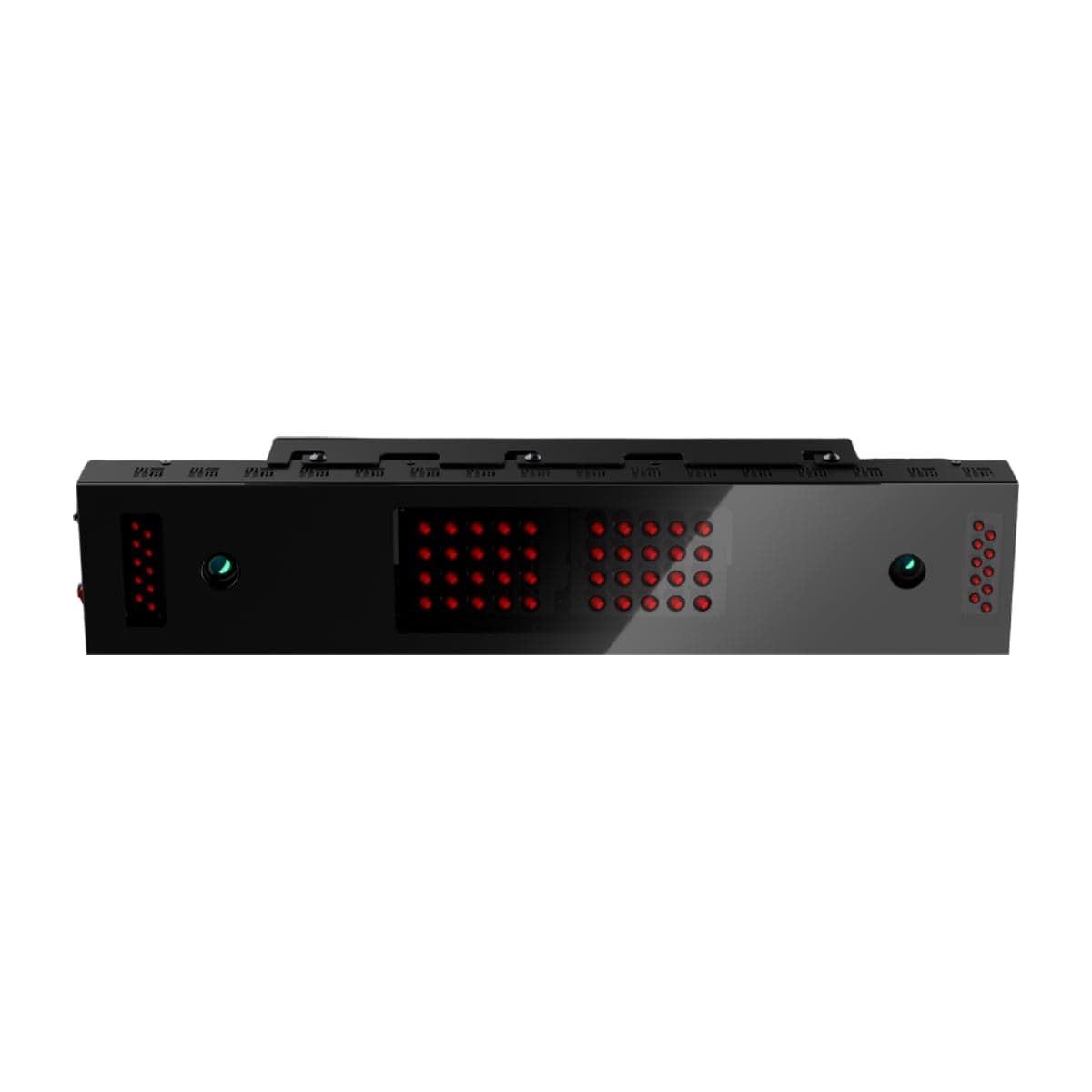
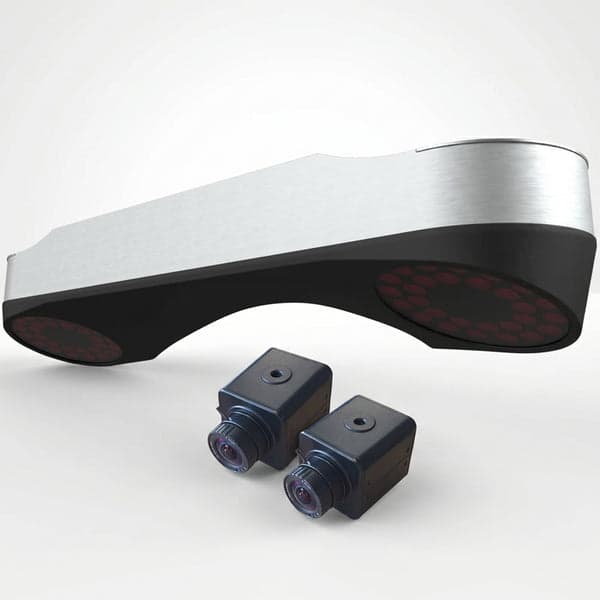
Buy ES Eagle Sim
Prices confirmed Nov 10, 2026 · we check every retailer daily
Buy N1
Prices confirmed Nov 10, 2026 · we check every retailer daily
When you buy through links on Northcourse, we may earn a commission at no additional cost to you. Read the full affiliate disclosure
Full specificationsEvery spec for both, line by line
Specifications
The numbers, lined up.
Hardware
| Spec | ES Eagle Sim | N1 |
|---|---|---|
| Tracking Method | Photometric overhead (one high-speed camera, 700 fps) | Photometric, two 2,000 fps cameras, ceiling-mounted |
| Mounting | Ceiling, overhead; installed by the customer | 110–118 in above the floor (NVISAGE manual; its website says 9–10 ft above the hitting surface), about 2 ft in front of the tee |
| Indoor/Outdoor | Indoor only | — |
| Warranty | 1 year | — |
| Hitting Zone | — | 16 × 20 in in NVISAGE's manual; its website says 24 in deep by 20 in wide |
| Handedness | — | Software setting; the unit stays put |
- Tracking MethodES Eagle SimPhotometric overhead (one high-speed camera, 700 fps)N1Photometric, two 2,000 fps cameras, ceiling-mounted
- MountingES Eagle SimCeiling, overhead; installed by the customerN1110–118 in above the floor (NVISAGE manual; its website says 9–10 ft above the hitting surface), about 2 ft in front of the tee
- Indoor/OutdoorES Eagle SimIndoor onlyN1—
- WarrantyES Eagle Sim1 yearN1—
- Hitting ZoneES Eagle Sim—N116 × 20 in in NVISAGE's manual; its website says 24 in deep by 20 in wide
- HandednessES Eagle Sim—N1Software setting; the unit stays put
Data
| Spec | ES Eagle Sim | N1 |
|---|---|---|
| Markings | None — no marked balls or club stickers (per Indoor Golf Outlet) | — |
| Ball Data | Speed, launch angle and direction, spin rate, spin axis, carry, total, apex, hang time, shot direction, side total | — |
| Club Data | Club speed, angle of attack, club path, face angle, face to path, smash factor, shaft lean | — |
| Data | — | Ball speed, launch angle, horizontal launch, back spin, side spin, spin axis, total spin (calculated), club speed |
- MarkingsES Eagle SimNone — no marked balls or club stickers (per Indoor Golf Outlet)N1—
- Ball DataES Eagle SimSpeed, launch angle and direction, spin rate, spin axis, carry, total, apex, hang time, shot direction, side totalN1—
- Club DataES Eagle SimClub speed, angle of attack, club path, face angle, face to path, smash factor, shaft leanN1—
- DataES Eagle Sim—N1Ball speed, launch angle, horizontal launch, back spin, side spin, spin axis, total spin (calculated), club speed
Software
| Spec | ES Eagle Sim | N1 |
|---|---|---|
| Software | ES Golf practice app (free, no course play); runs E6 Connect and TGC 2019, sold separately — E6 Connect 5 Course Pack $250 once, Basic $300/yr, Expanded $600/yr | — |
| Native Software | — | MURLIE (range) and MURLIE-X (course play, 20 courses per Indoor Golf Outlet), free |
| Third-Party | — | E6 Connect and Creative Golf list NVISAGE; GSPro through NVISAGE's bridge ("NVisage (OpenAPI)" license), not on GSPro's official list |
- SoftwareES Eagle SimES Golf practice app (free, no course play); runs E6 Connect and TGC 2019, sold separately — E6 Connect 5 Course Pack $250 once, Basic $300/yr, Expanded $600/yrN1—
- Native SoftwareES Eagle Sim—N1MURLIE (range) and MURLIE-X (course play, 20 courses per Indoor Golf Outlet), free
- Third-PartyES Eagle Sim—N1E6 Connect and Creative Golf list NVISAGE; GSPro through NVISAGE's bridge ("NVisage (OpenAPI)" license), not on GSPro's official list
Requirements
| Spec | ES Eagle Sim | N1 |
|---|---|---|
| Min Ceiling | About 9.5 ft — Ernest mounts the top of the unit roughly 9.5 ft above the hitting surface (Indoor Golf Outlet lists 9 ft) | — |
| Balls | — | NVISAGE marked balls required (12 included) |
| Connection | — | Ethernet to a Windows PC; no Mac or iOS |
| Room | — | NVISAGE publishes no ball-to-screen distance or room size; Indoor Golf Outlet suggests at least 10 ft from ball to screen |
- Min CeilingES Eagle SimAbout 9.5 ft — Ernest mounts the top of the unit roughly 9.5 ft above the hitting surface (Indoor Golf Outlet lists 9 ft)N1—
- BallsES Eagle Sim—N1NVISAGE marked balls required (12 included)
- ConnectionES Eagle Sim—N1Ethernet to a Windows PC; no Mac or iOS
- RoomES Eagle Sim—N1NVISAGE publishes no ball-to-screen distance or room size; Indoor Golf Outlet suggests at least 10 ft from ball to screen
Room planner
See each one in your sim room.
The planner draws each unit to scale with your room and your swing: where it sits, and whether your swing clears the ceiling, walls and screen. Put in your room once, then switch units in the planner to compare.
Persona fitWho each one is better for
Who each one is better for
Honest persona fit, side by side.
Better for ES Eagle Sim
- Performance Seeker
Full club delivery data from overhead, with no stickers to apply and no membership on the data. Against a Uneekor EYE XR at $5,999 plus $199/yr it is cheaper up front, and it stays cheaper each year unless you take E6 Connect's $300/yr library over the $250 one-time course pack.
- Family Setup
Overhead mount means nothing on the floor to reposition between players. Course play is the add-on to budget: E6 Connect's five-course pack is a one-time $250, while the larger library is an annual subscription.
- Showroom
Ceiling install with the sensor out of sight and no membership on the hardware; course play is an E6 Connect purchase on top. The shorter one-year warranty and the smaller name are the trade against Foresight and Uneekor at this height of the market.
Build your simulator in two minutes
Five questions. One tailored build with retailer links.
We ask about your budget, your room, and how you’ll use it. We return a complete build — launch monitor, mat, enclosure, projector, software, PC — with the reasoning behind every pick and the alternatives we considered.